



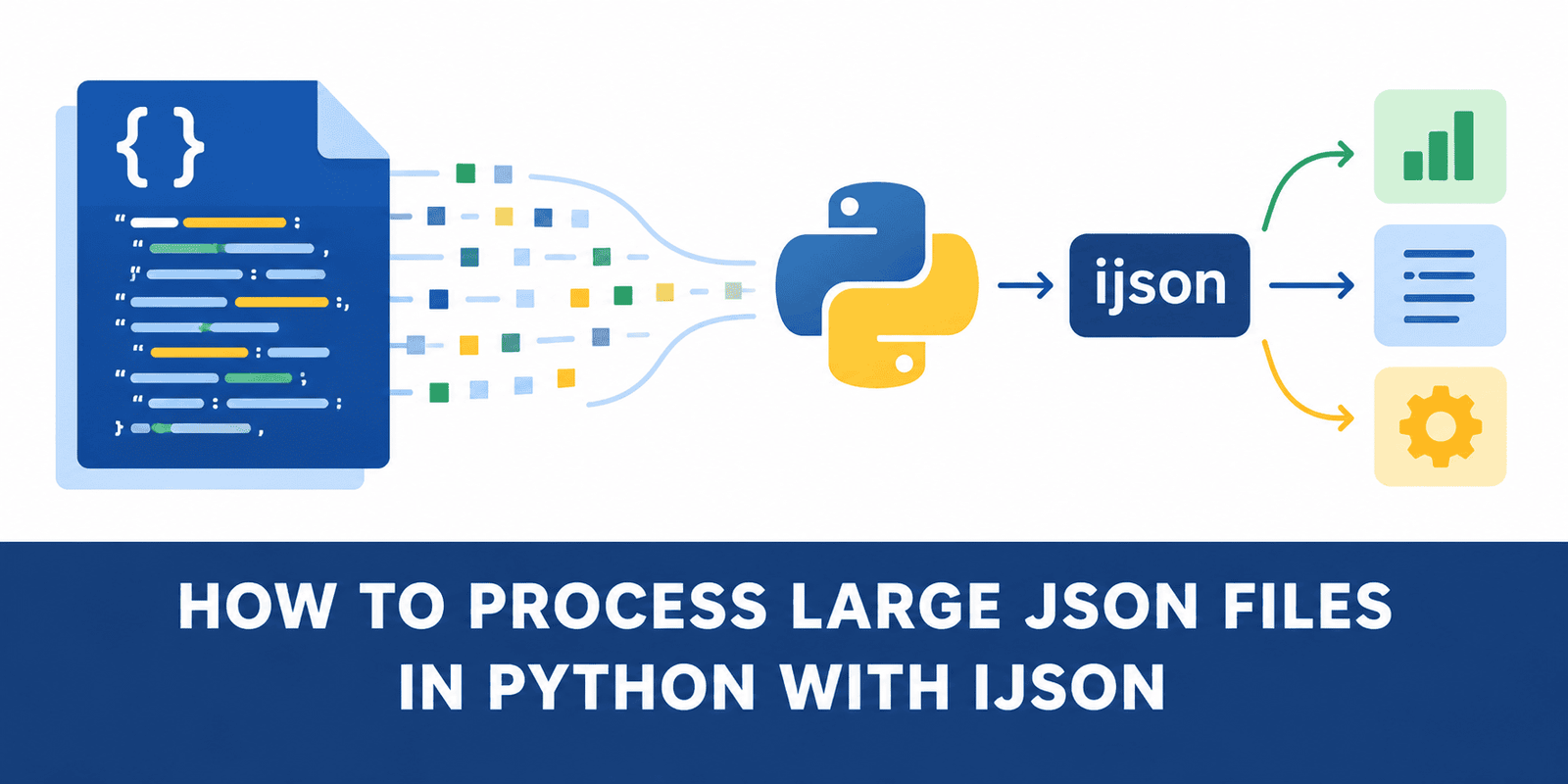
# Handling Massive JSON Files in Python Without Running Out of Memory
JSON is the go-to format for storing and exchanging data in Python applications. For small files, the built-in tools work perfectly fine. However, when you move to large datasets, the standard approach can cause serious memory problems.
This guide explores how to process massive JSON files efficiently, using a real-world example of geographic land data, and shows you how to avoid memory crashes.
## The Hidden Danger of Standard JSON Loading
When you use Python’s standard method to read a JSON file, the entire document is parsed and converted into Python objects—dictionaries, lists, strings, and numbers—all at once.
This means that before your code can even look at a single piece of data, Python has to:
1. Read the complete file from the disk.
2. Parse every single piece of text.
3. Build a massive web of Python objects in your RAM.
For a file that takes up 180 megabytes on your hard drive, this can easily consume over 800 megabytes of memory. The file size on disk is not the same as its memory footprint once parsed. Even if your final task only requires a couple of specific values, the standard method forces you to load everything else along with it—including massive nested coordinate arrays that you don’t even need.
## The Streaming Alternative
A smarter approach for large files is to use a streaming parser. Instead of loading the entire document into RAM, a streaming parser reads the file incrementally.
Conceptually, it works like a assembly line:
1. Read the first record.
2. Process the record and extract what you need.
3. Discard the record from memory.
4. Move to the next record.
By handling data one piece at a time, you only need enough memory to hold the current record and a few temporary variables. In our example, this approach dropped memory usage from over 800 megabytes down to less than 50 megabytes—a reduction of roughly 760 megabytes.
## Performance vs. Memory
It is important to note that streaming parsers do not always guarantee faster execution times. If your computer has abundant RAM, the standard method might actually parse the file slightly faster because it can process data in bulk.
However, the true strength of the streaming approach is its stable memory footprint. As the size of your JSON file grows, the memory usage of a streaming parser remains almost flat, whereas the standard method will continue to balloon until it potentially crashes your program.
## Summary
Large JSON files do not necessarily require massive amounts of memory. The problem is rarely the format itself; it is usually how we choose to process it. By shifting our mindset from “load everything, then analyze” to “analyze as you read,” we can handle enormous datasets on machines with limited resources.
—
## Frequently Asked Questions (FAQ)
**Q: Why does the standard JSON parser consume so much memory?**
A: The standard parser translates the entire text-based JSON file into complex Python objects (like dictionaries and lists) all at once before your code can start working. This translation process requires significantly more RAM than the original text file.
**Q: Is a streaming parser always quicker than the standard parser?**
A: Not necessarily. If your system has plenty of available RAM, loading the whole file at once might be faster. Streaming parsers trade a small amount of speed for massively reduced memory consumption. Their primary benefit is stability and scalability for large files.
**Q: What types of projects benefit most from streaming JSON?**
A: Projects dealing with geographic data, server logs, massive API exports, or any scenario where you only need to extract or calculate a small subset of data from each record in a very large file.
**Q: Can I use the standard parser if I only need a tiny piece of information from a large file?**
A: Technically, yes—but you will still pay the memory penalty. The standard parser does not know which pieces of data you actually care about until it has already built the entire object tree in RAM. A streaming parser allows you to grab exactly what you need and immediately free up that memory.
—
## Conclusion
When working with large JSON files in Python, the key to efficiency isn’t always about having a more powerful computer; it is about choosing the right tool for the job. By understanding how memory is used during the parsing process, you can switch to a streaming approach and process files of any size without worrying about running out of RAM.
Thank you for reading
