



# OpenClaw 2.0: A Complete Overhaul of Installation, Storage, and the Browser Interface
A major update has arrived for OpenClaw, marking a significant milestone in the project’s evolution. After a deliberate pause of nearly seven weeks — following 106 releases over the course of 230 days — the development team delivered version 2026.8.1, which fundamentally reshapes how the platform is installed, how data is stored, and how users interact with it through a rebuilt browser-based control interface.
## What Changed in This Release
The update touches nearly every layer of the platform. Installation and rebuild procedures have been completely rewritten from the ground up. Sessions and transcripts, which previously lived in file-based storage, have been migrated to SQLite, offering more reliable data persistence. A new shared cloud sessions feature enables collaborative workflows where multiple users can participate in live work.
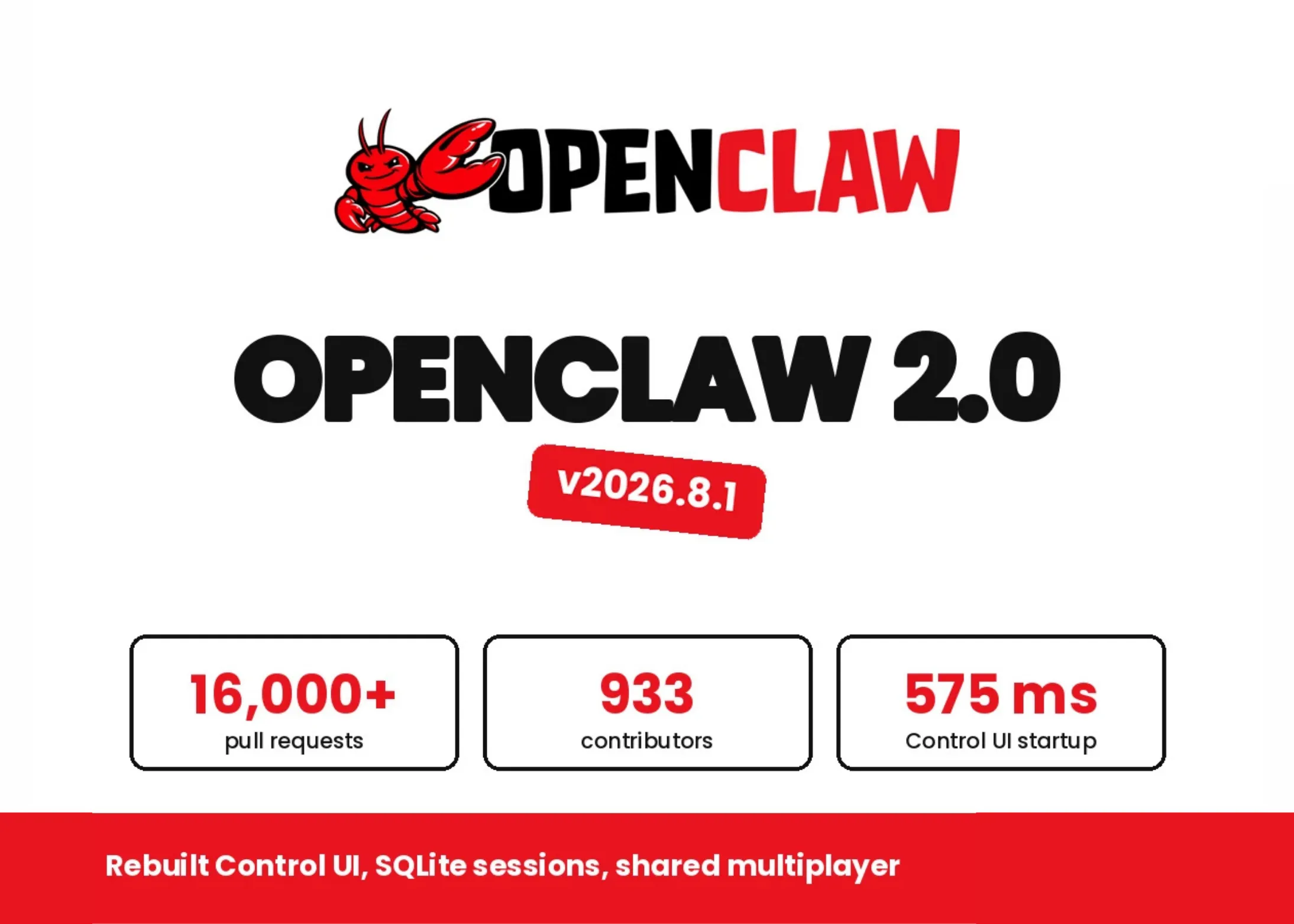
On the performance front, the rebuilt browser Control UI represents a dramatic improvement. In benchmarking tests simulating a default chat scenario with a mocked Gateway and 50 milliseconds of HTTP/1.1 latency, the number of JavaScript requests dropped from 140 to 45, and application startup time fell from approximately 1.6 seconds to 575 milliseconds. Hidden panels now also cease fetching data they do not display, contributing to the efficiency gains.
This release is the product of over 16,000 pull requests contributed by 933 individual developers — roughly half of the entire merge history the project has accumulated since its inception.
## Setup Begins With What You Already Have
The guided setup process now intelligently detects AI access that is already configured on the machine. Rather than forcing users through a fresh authentication flow, it can reuse verified sign-ins for Codex, ChatGPT, or Claude CLI. It also supports direct API key entry, provider-based sign-in flows, and the discovery of locally installed models through Ollama and LM Studio.
A key design decision is that the chosen model and credential must pass a live verification probe before being saved. This ensures that users are never left with a configuration that silently fails. For fresh OpenAI setups, GPT-5.6 is now the default model. On the local inference side, the platform has replaced `node-llama-cpp` with a managed `llama-server` implementation. Gemma 4 has become the default model for RAM-gated llama.cpp usage, and the default context window for llama.cpp has been expanded to 64K tokens.
## The Rebuilt Browser App as the Primary Workspace
The browser-based Control UI is now the central surface for interacting with OpenClaw. Conversations sit at the heart of the interface, with files, approval workflows, and live task execution arranged alongside the chat panel.
Several new docked panels enhance the workspace experience:
– **File Editor:** A built-in editor for workspace files with clear limitations — it cannot create or delete files.
– **Changes Panel:** A git-backed view that shows pull-request status and CI summaries. This panel is read-only.
– **Browser Panel:** Offers element inspection and screenshot annotation capabilities.
– **Web Terminal:** A full-screen terminal accessible directly from the browser interface.
A `/btw` command allows users to open a side conversation, keeping quick questions separate from the main transcript and preventing clutter in the primary conversation history. Approval requests now appear inline within the conversation that triggered them, with a rolling 30-day history maintained for reference.
For workflows that require external repository actions, Create PR operations are handed off to GitHub rather than being executed inside OpenClaw itself.
## SQLite Migration and the Importance of Backups
The move to SQLite for session and transcript storage is a structural change that requires attention during upgrades. Users considering a rollback to an older file-backed release must first use the current CLI to restore archived legacy transcript artifacts. Any sessions created after the SQLite migration will not be visible in older releases. The team strongly advises creating a verified backup before upgrading.
## Multiplayer Capabilities With Clear Boundaries
Shared cloud sessions represent a meaningful step toward collaborative AI workflows. A second person can join live work or take over a task with full context preserved. The system supports granular permissions, allowing owners and administrators to configure whether a participant can read, suggest changes, work in a draft, or participate directly in the session.
However, the documentation draws a firm line here: these collaboration controls are not tenant isolation mechanisms and do not constitute a security boundary. They are designed for trusted teams, not for environments requiring strict separation between different organizations or user groups.
Incognito mode is disabled by default. When active, it keeps the conversation within process memory but still transmits messages to the model provider.
## Security Posture and Model-Based Prompt Injection Defense
The Gateway binds to loopback by default, and most chat channels respond to unknown direct messages with a pairing code rather than processing the message automatically. A built-in `openclaw security audit` command evaluates inbound access, tool blast radius, network exposure, browser control exposure, and plugin allowlists.
Model selection itself serves as the first line of defense against prompt injection. OpenClaw references a crowdsourced arena conducted in 2026 that tested 272,000 attacks across 41 distinct agent scenarios. The scoring criteria required the agent to both execute the harmful action and conceal it from the user. Results varied significantly by model:
– **Claude Opus 4.5:** 0.5% success rate
– **Sonnet 4.5:** 1.0% success rate
– **Haiku 4.5:** 1.3% success rate
– **Gemini 2.5 Pro:** 8.5% success rate
Despite these impressive numbers, the same analysis cautions that adaptive human attackers still achieve over 80% success against state-of-the-art defenses. As such, tool policies, execution approvals, and sandboxing remain the critical enforcement layers that organizations must implement.
## Deployment Compatibility
The update is ready for deployment in single-operator and single-team configurations. It is not intended for multi-tenant products where strict isolation between different customer organizations is required.
—
## Frequently Asked Questions
**Q: Can I downgrade from OpenClaw 2.0 to an older release?**
A: You can, but it requires effort. The current CLI must restore archived legacy transcript artifacts before rolling back. Sessions created after the SQLite migration will not appear in older releases. Always take a verified backup before upgrading.
**Q: Is OpenClaw 2.0 suitable for a multi-tenant SaaS product?**
A: No. The platform is designed and supported for single-operator and single-team deployments only. Multi-tenant products should run one isolated gateway cell per tenant rather than sharing a gateway across organizations.
**Q: How does the shared cloud session feature handle security?**
A: Shared cloud sessions provide collaboration guardrails through role-based permissions, but they are explicitly not a security boundary or tenant isolation mechanism. They are intended for trusted teams working within the same organization.
**Q: What models are supported during setup?**
A: The setup process can detect and reuse credentials for Codex, ChatGPT, Claude CLI, and API keys. It also discovers locally installed models from Ollama and LM Studio. Fresh OpenAI configurations default to GPT-5.6, and the local llama.cpp default is Gemma 4 with a 64K context window.
**Q: How significant were the performance improvements in the browser UI?**
A: The rebuild reduced JavaScript requests from 140 to 45 and startup time from approximately 1.6 seconds to 575 milliseconds in simulated testing conditions with 50 ms latency.
**Q: Can file operations be performed directly through the browser interface?**
A: The built-in file editor is limited — it cannot create or delete files. The Changes panel is also read-only. These constraints are intentional and documented by the team.
**Q: What is the `/btw` command used for?**
A: It opens a side conversation that keeps brief questions and tangential discussions separate from the main transcript, preventing clutter in the primary conversation history.
**Q: How does OpenClaw defend against prompt injection attacks?**
A: Model choice is treated as the first mitigation layer. The platform cites arena data showing sub-1% success rates for most top-tier models against automated attacks. However, the team emphasizes that tool policies, execution approvals, and sandboxing are the hard enforcement layers and remain essential.
—
## Conclusion
OpenClaw 2.0 represents a comprehensive evolution of the platform. The migration to SQLite brings more robust data handling, the rebuilt browser interface delivers dramatically better responsiveness, and shared cloud sessions open the door to real collaborative workflows. At the same time, the team has been transparent about the platform’s boundaries — it is optimized for single-operator and single-team use cases, not multi-tenant deployments, and the collaboration features should not be mistaken for security boundaries.
The scale of community contribution, with over 16,000 pull requests from 933 developers in this single release, underscores the growing adoption and trust in the project. For teams already working within a single trust boundary, this update offers a compelling set of improvements that touch every aspect of the daily workflow.
Thank you for reading
