



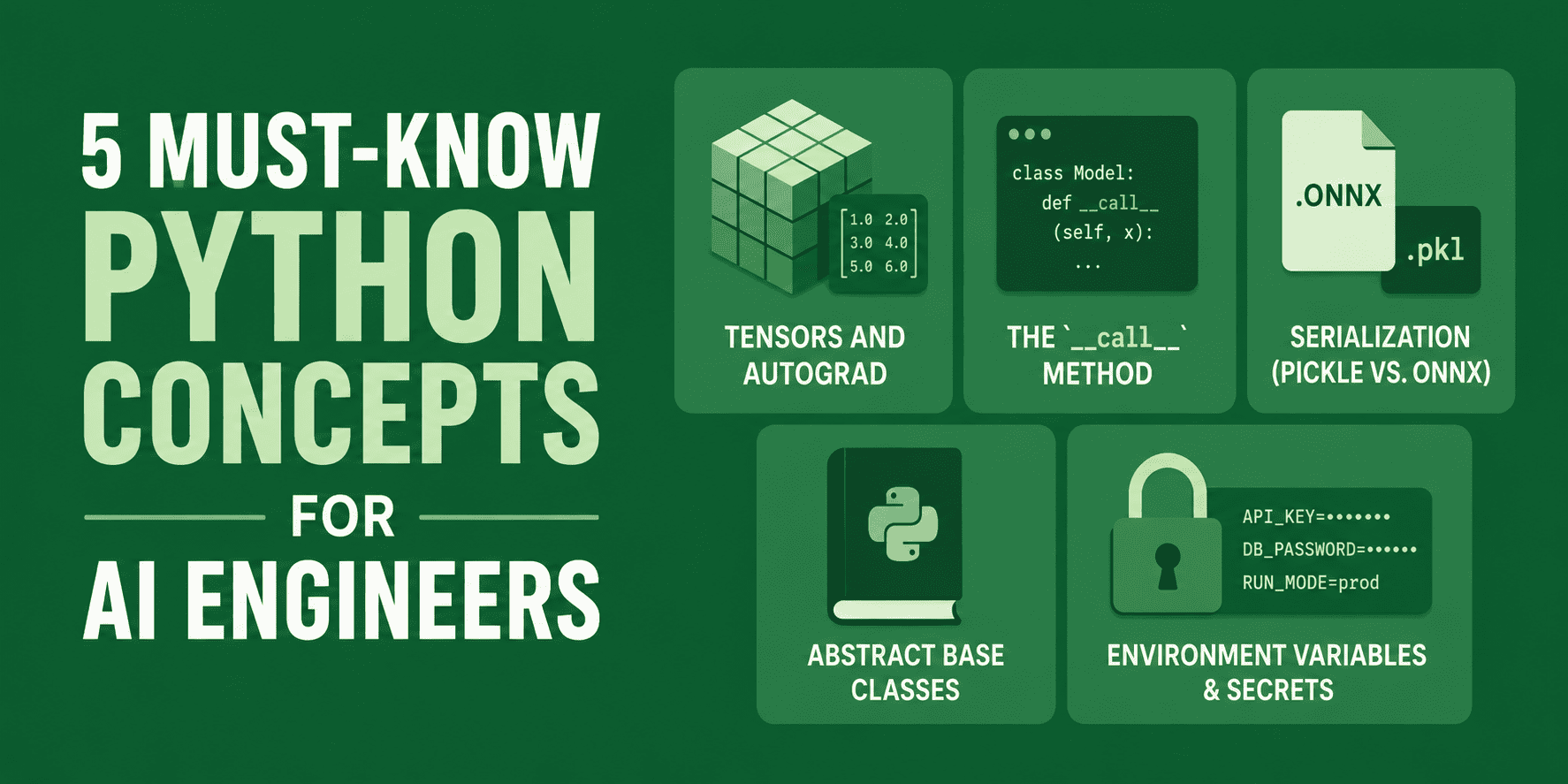
# Introduction
The responsibilities of an AI engineer have clearly separated from those of a traditional data scientist. If this career path catches your interest, expertise in model training alone won’t cut it. You’re expected to understand the inner workings of deep learning frameworks, create flexible and resilient pipelines, and handle the secure serialization and large-scale deployment of models. And here’s the thing — Python remains just as essential in AI engineering as it has always been in data science.
To develop production-quality AI systems and deep learning architectures, you need a solid grasp of the core Python principles that drive modern development. In this piece, we’ll walk through five essential Python concepts — from PyTorch’s computational graph mechanics to secure environment configuration — that every AI engineer should master to build systems that are scalable, secure, and dependable.
# 1. Tensors and Autograd
At its core, deep learning revolves around optimizing weights through gradient descent, which means computing partial derivatives — gradients — across complex computational graphs. While manually writing out backpropagation formulas for a basic network is doable, tackling architectures with millions of parameters this way is both mathematically and computationally impossible to sustain.
Contemporary deep learning frameworks such as PyTorch and TensorFlow handle this complexity through autograd, or automatic differentiation. When you create a tensor with requires_grad=True, PyTorch keeps a dynamic record of every operation performed on it, building a directed acyclic graph (DAG) that represents the computation. Calling .backward() on a scalar loss value walks this DAG in reverse, automatically applying the chain rule to calculate gradients.
// The Clunky Way
Imagine we want to compute the gradient of a simple loss function $L = (wx + b – y)^2$ relative to weight $w$ and bias $b$. Working this out by hand ends up being tedious, inflexible, and leaves plenty of room for algebraic errors:
# Inputs and target
x, y = 2.0, 5.0

# Initial weights and bias
w, b = 0.5, 0.1

# 1. Forward pass
pred = w * x + b
loss = (pred - y) ** 2

# 2. Manual backpropagation (calculating partial derivatives analytically)
# dLoss/dpred = 2 * (pred - y)
# dpred/dw = x
# dpred/db = 1
dloss_dpred = 2 * (pred - y)
dw = dloss_dpred * x
db = dloss_dpred * 1

print(f"Manual Gradients -> dw: {dw:.4f}, db: {db:.4f}")
// The Pythonic Way
Here’s the approach used in real-world production code. By setting up tensors with requires_grad=True, we delegate the construction of the computational graph to PyTorch, and it computes the precise mathematical derivatives for us:
import torch

# Inputs and target
x = torch.tensor(2.0)
y = torch.tensor(5.0)

# PyTorch tracks operations on these weights to compute derivatives
w = torch.tensor(0.5, requires_grad=True)
b = torch.tensor(0.1, requires_grad=True)

# 1. Forward pass
pred = w * x + b
loss = (pred - y) ** 2

# 2. Automated backpropagation
loss.backward()

# Access computed gradients directly from the tensor attributes
print(f"Autograd Gradients -> dw: {w.grad.item():.4f}, db: {b.grad.item():.4f}")
Output:
Manual Gradients -> dw: -15.6000, db: -7.8000
Autograd Gradients -> dw: -15.6000, db: -7.8000
Autograd keeps track of every mathematical operation (such as addition or exponentiation) as a C++ object in real time. This dynamic graph construction enables PyTorch to handle complex architectural features — including dynamic loops, conditional branches, and recursive networks — with ease, removing the mathematical burden of backpropagation from the developer.
# 2. The __call__ Method
When you examine PyTorch model architectures, you’ll notice that layers and models are never called by explicitly invoking a .forward() or .compute() method. Instead, model and layer instances are treated like ordinary Python functions and invoked directly — for example, model(inputs).
This elegant syntax comes from Python’s __call__ dunder method. Defining __call__ within a class allows its instances to act as callable functions. Notably, PyTorch’s foundational nn.Module class implements __call__ to handle system-level setup tasks — such as registering and executing pre-forward and post-forward hooks — before it runs the user-defined forward() logic.
// The Clunky Way
Setting up custom layer configurations where users are forced to call specific method names directly makes composition harder and clashes with standard deep learning pipeline conventions.
class CustomLinearLayer:
    def __init__(self, weight: float, bias: float):
        self.weight = weight
        self.bias = bias

    def compute_forward_pass(self, x: float) -> float:
        # Rigid, explicitly named execution method
        return x * self.weight + self.bias

# Instantiation and execution
layer = CustomLinearLayer(weight=0.5, bias=0.1)
output = layer.compute_forward_pass(2.0)
print(f"Output: {output}")
// The Pythonic Way
By defining the __call__ method, we make our class instances directly callable. We can also mirror how frameworks like PyTorch seamlessly execute auxiliary pipeline hooks.
class PythonicLinearLayer:
    def __init__(self, weight: float, bias: float):
        self.weight = weight
        self.bias = bias
        self._hooks = []

    def register_hook(self, hook_func):
        self._hooks.append(hook_func)

    def __call__(self, x: float) -> float:
        # Run registered pre-processing or logging hooks
        for hook in self._hooks:
            hook(x)
        # Run the actual forward calculations
        return self.forward(x)

    def forward(self, x: float) -> float:
        return x * self.weight + self.bias

# Instantiation
layer = PythonicLinearLayer(weight=0.5, bias=0.1)

# Register a dynamic telemetry hook
layer.register_hook(lambda x: print(f"[Telemetry] Input value passed: {x}"))

# Execute the layer
Here is a standard function:
output = layer(2.0)
print(f"Result: {output}")
Example output:
[Telemetry] Input value: 2.0
Result: 1.1
In production AI systems, always call the instance directly (model(inputs)) rather than model.forward(inputs). Bypassing the __call__ wrapper means skipping essential hooks—such as activation tracking, gradient clipping, or device synchronization—which can introduce hard-to-detect bugs.
# 3. Serialization: Pickle vs. ONNX
Training an AI model is expensive, so saving it for deployment must be fast and reliable. Python developers have traditionally relied on the pickle module for object serialization. However, in production AI, pickle is widely regarded as an anti-pattern. It is language-locked (Python only), tightly coupled to the training code’s file and class structure, and poses serious security risks (loading a pickle file can execute arbitrary code, opening the door to remote exploits).
The standard for cross-platform model deployment is Open Neural Network Exchange (ONNX). ONNX compiles a neural network into a static, language-agnostic computation graph that runs at native C++ speed via runtimes like ONNX Runtime, entirely independent of Python.
// The Clunky Way
Saving a PyTorch model with pickle locks deployment to Python servers and exposes environments to security vulnerabilities.
import torch
import torch.nn as nn
import pickle

class SimpleMLP(nn.Module):
    def __init__(self):
        super().__init__()
        self.fc = nn.Linear(10, 2)
    def forward(self, x):
        return self.fc(x)

model = SimpleMLP()

# Serializing the entire object with pickle
with open("model.pkl", "wb") as f:
    pickle.dump(model, f)
&⚠; WARNING: Loading untrusted pickle files can execute malicious OS commands!
// The Production Way
A better approach is to trace the model’s graph using a sample input, compile it into an ONNX representation, and save it as a highly portable, platform-independent binary.
import torch
import torch.nn as nn

class SimpleMLP(nn.Module):
    def __init__(self):
        super().__init__()
        self.fc = nn.Linear(10, 2)
    def forward(self, x):
        return self.fc(x)

model = SimpleMLP()

# Switch to eval mode before exporting
model.eval()

# ONNX needs a dummy input to trace the computation paths
dummy_input = torch.randn(1, 10)

# Convert the dynamic model to a portable ONNX graph
torch.onnx.export(
    model,
    dummy_input,
    "model.onnx",
    export_params=True,        # Embed trained weights in the file
    opset_version=15,          # Choose the ONNX opset version
    input_names=["input"],     # Name the input node
    output_names=["output"],   # Name the output node
    dynamic_axes={"input": {0: "batch_size"}, "output": {0: "batch_size"}}  # Support variable batch sizes
)

print("Model exported to 'model.onnx' successfully!")
Sample output:
Model exported to 'model.onnx' successfully!Exporting to ONNX decouples the model from your Python training code. The resulting model.onnx file can be loaded natively in C++, Rust, Java, or JavaScript environments. Additionally, high-performance inference engines like NVIDIA’s TensorRT or Apple’s CoreML can directly consume ONNX models to optimize execution speed on target hardware.
# 4. Abstract Base Classes
Modern AI systems rely on modular infrastructure. You may need to swap an OpenAI LLM for a local Hugging Face model or transition from a CSV data loader to a live database stream. When team members write custom classes without conforming to a shared interface, pipelines fail at runtime because of missing or mismatched methods.
To enforce reliable interfaces, Python offers abstract base classes (ABCs) through the abc module. An ABC serves as an explicit contract. By decorating methods with @abstractmethod, you guarantee that every subclass must provide implementations. If one is missing, Python raises an error at instantiation—catching design flaws at startup rather than mid-execution.
// The Clunky Way
Relying on informal duck typing can result in naive parent classes that simply raise NotImplementedError. Subclasses may be instantiated even when incomplete, pushing failures to runtime when the system is already under load.
class BrittlePredictor:
    def predict(self, x):
        # Fragile runtime check
        raise NotImplementedError("Subclasses must implement this!")

class IncompletePredictor(BrittlePredictor):
    # Developer forgot to override predict
    pass

# Instantiation succeeds silently
predictor = IncompletePredictor()

# Failure surfaces late, during actual processing
try:
    predictor.predict([1, 2, 3])
except NotImplementedError as e:
    print(f"Production Crash: {e}")
// The Pythonic Way
A stronger approach is to formalize interfaces with Python’s abc module. This forces interface compliance the moment a subclass is instantiated, ensuring structural safety across all pipeline components.
from abc import ABC, abstractmethod

class ModelInterface(ABC):
    @abstractmethod
    def predict(self, x: list) -> list:
        """Require a standard prediction signature."""
        pass

    @abstractmethod
    def get_model_metadata(self) -> dict:
        """Require a metadata schema."""
        pass

class PartialPredictor(ModelInterface):
    # Developer implements predict but omits get_model_metadata
    def predict(self, x: list) -> list:
        return [val * 2 for val in x]

# Attempting to instantiate the incomplete subclass triggers an error immediately
try:
    predictor = PartialPredictor()
except TypeError as e:
    print(f"Design-Time Error: {e}")
Sample output:
Design-Time Error: Can't instantiate abstract class PartialPredictor with abstract method get_model_metadataBy catching the missing implementation at instantiation rather than mid-inference, entire categories of production bugs are eliminated—before they ever reach your users.
You are a paraphrasing software that takes an article in HTML format and rewrite it in a way that is easy to read and understand, Keep HTML as-is, change the text as far as you can. Do not change the content language:
