



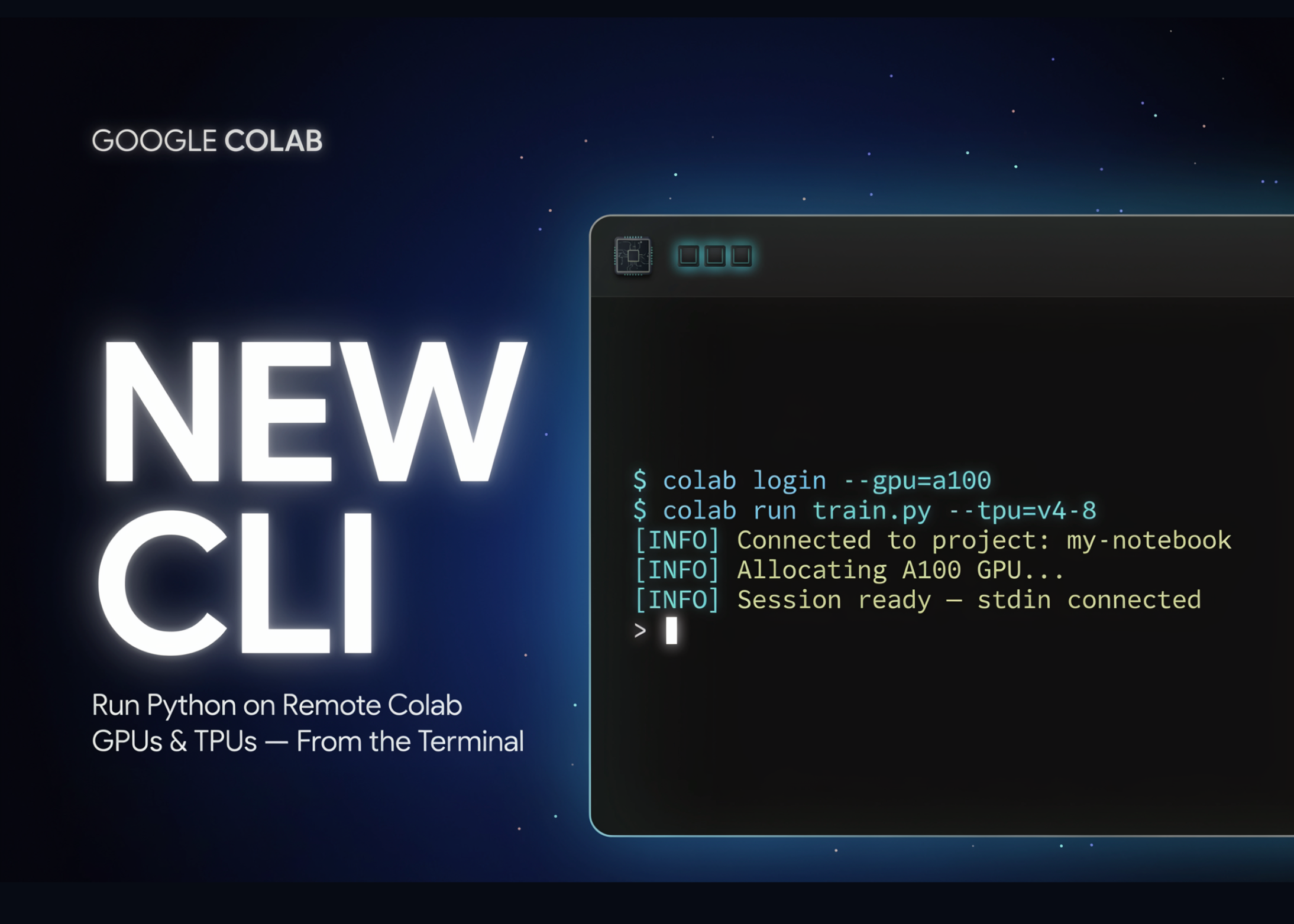
Google’s AI team rolled out the Colab CLI this week. This tool links your local terminal directly to remote Colab runtimes, enabling developers and AI agents to execute code on cloud GPUs and TPU hardware without ever leaving the terminal. The entire project is open source, licensed under Apache 2.0.
Introducing Google Colab CLI
Colab CLI is a command-line utility designed for Google Colab. It allows you to spin up sessions, execute code, and handle file management all from your terminal.
Any AI agent that can interact with a terminal — such as Claude Code, Codex, or Google’s own Antigravity — can leverage this tool. To make integration seamless, Google includes a pre-built instruction file called COLAB_SKILL.md, which provides agents with clear guidance on using the CLI.
Getting started is quick — just run a single uv tool install command from the GitHub repo.
uv tool install git+Here is how a basic session looks:
colab new                              # spin up a CPU session
echo "print('hello')" | colab exec     # execute some code
colab stop                             # shut down the VM
Understanding the Commands
The CLI organizes its functionality into categories: sessions, execution, files, and automation. colab new spins up a new session, defaulting to a CPU runtime. To get a GPU, specify one with the --gpu flag — choose from T4, L4, A100, or H100. For TPUs, the available options are v5e1 and v6e1.
colab exec executes Python code fed through stdin, a .py file, or a notebook file. It reads your local files and sends their contents over automatically, so there is no need for a separate upload step every time you make a change locally. colab exec shuts down the session and frees up the VM resources when you are done.
Other useful commands handle file transfers and account access. colab upload and colab download transfer files between your local machine and the remote environment. colab drivemount connects Google Drive at the default path /content/drive. colab auth handles authentication so the VM can access various Google Cloud services.
The Core Workflow: colab exec and Recovering Artifacts
The fundamental workflow is straightforward: set up a runtime, run your script, and retrieve the results. Use colab download to pull back models, datasets, and other generated files. The colab log command saves the session history in formats like .ipynb, .md, .txt, or .jsonl.
This means every remote run can be saved as a replayable notebook right on your own machine. For hands-on debugging, colab repl and colab console offer direct interactive access to the remote VM. Need to install packages? colab install handles that with uv, falling back to pip if needed. Session data is tracked in ~/.config/colab-cli/sessions.json.
Example: Fine-Tuning Gemma 3 1B
Google’s official demo walks through an agent-driven fine-tuning process. The goal is to fine-tune the google/gemma-3-1b-it model using QLoRA on a Text-to-SQL dataset to enhance SQL generation. The Antigravity agent executes the entire pipeline with just five commands.
colab new --gpu T4
colab install transformers datasets peft trl bitsandbytes accelerate
colab exec -f finetune_run.py
colab log --output gemma_finetune_log.ipynb
colab stop
From there, the agent downloads the adapter model, adapter configuration, tokenizer configuration, and the tokenizer itself. You can load and deploy the fine-tuned model on your local machine — no manual cloud setup commands required from you.
Use Cases
- Shift training workloads from your laptop to a remote GPU or TPU, all from the terminal.
- Empower agents like Claude Code, Codex, or Antigravity to run complete ML pipelines end to end.
- Fine-tune compact models like Gemma 3 1B remotely using QLoRA.
- Automate notebook execution and export
.ipynblogs for reproducible results. - Debug interactively on the remote VM using
colab replorcolab console.
Colab CLI vs. Browser-Based Colab
The CLI is not a replacement for the notebook UI — it is built for scripted, automated, and agent-driven workflows instead. Here is a side-by-side look at how the two approaches stack up.
| Dimension | Browser-Based Colab | Colab CLI |
|---|---|---|
| Interface | Web notebook UI | Local terminal |
| Accelerator selection | Runtime menu in the browser | --gpu / --tpu flags on colab new |
| Agent use | Manual, UI-driven | Any terminal agent via commands |
| Run local scripts | Paste or upload into cells | colab exec -f script.py |
| Artifact retrieval | Manual download or Drive | colab download, colab log |
| Package install | !pip inside a cell | colab install (uv, then pip) |
| Session control | Browser-managed runtime | colab new, colab stop, colab status |
| Agent skill file | None | Bundled COLAB_SKILL.md |
Strengths and Considerations
Strengths:
- Terminal-native design fits naturally into scripts, CI pipelines, and agent workflows.
- T4, L4, A100, and H100 GPU provisioning with just one command.
execautomatically sends local file contents, eliminating a separate upload step.- Logs export to replayable notebook formats for easy reproducibility.
- Open source under Apache 2.0, with a built-in agent skill file included.
- Compatible with multiple AI agents, not locked to a single vendor.
Considerations:
- Authentication is required to access the service — the default method is
oauth2. replandconsoleinteractive mode requires a TTY.- Pipe
You are a paraphrasing software that takes an article in HTML format and rewrite it in a way that is easy to read and understand, Keep HTML as-is, change the text as far as you can. Do not change the content language: stdin to use those two commands inside scripts.
Key Takeaways
- The Google Colab CLI lets you execute code on remote Colab GPUs and TPUs directly from your local terminal.
- A single command sets up accelerators:
colab new --gpu T4throughA100andH100, as well as TPUs. colab exectransfers local.pyand.ipynbfiles straight to the runtime — no manual upload required.- Every terminal-based agent — Claude Code, Codex, Antigravity — can operate it via the included
COLAB_SKILL.md. - It is open source under Apache 2.0, and
colab logexports replay-friendly notebook logs.
Marktechpost Visual Explainer
Google Colab CLI — Terminal Guide
1 / 8
Marktechpost — practitioner AI & ML coverage, no hype.
Source: Marktechpost.com
Check out the Technical details and GitHub Repo here. Also, feel free to follow us on Twitter and don’t forget to join our 150k+ ML SubReddit and subscribe to our Newsletter. Hang out on Telegram? We’re active there too.
Need to partner with us to showcase your GitHub repo, Hugging Face page, product launch, or webinar? Get in touch with us
