



# Your AI Workforce: Why the Future of Productivity Is About Managing, Not Using
## The Mindset Shift Everyone Is Missing
For a long time, artificial intelligence has felt like a convenience. You open a window, type what you need, get a result, and close it. That model served us well during the early years. But something fundamental has changed. AI has become capable enough that the actual generation of work is no longer the hardest part of the equation. The real constraint has shifted entirely to human attention — the willingness and ability to review, verify, and approve what these systems produce.
Once you recognize this, everything changes. You stop reaching for AI the way you reach for a calculator. You begin treating it the way you treat a member of a team — someone with strengths, limitations, a defined role, and a need for supervision. This article lays out what that looks like in practice, how to structure an AI-powered organization, and where the model still breaks down.
—
## Give Every AI Worker Its Own Environment
The most common mistake teams make when introducing AI workers is letting them share resources. When multiple agents operate from the same workspace, chaos follows quickly. One agent can undo another’s progress. One accidental command can erase an entire project. The solution is elegant and obvious once you see it: every AI worker needs its own isolated environment — its own digital workspace with a dedicated file system, browser, terminal, and development tools.
These virtual desktops run on shared infrastructure, which means they can be accessed from anywhere in the world. A developer finishing their day in one timezone can hand off a running task to a colleague in another timezone, picking up exactly where things were left. The environments also support live streaming, so you can watch any AI worker carry out its tasks in real time from a phone or laptop.
This approach delivers several unexpected advantages. AI workers can actually observe the results of their own work, which is invaluable for front-end development where testing in a live browser makes all the difference. The visual interface keeps human supervisors connected to the output rather than blindly trusting text output. And because each worker operates independently, they never interfere with one another.
—
## The Real Bottleneck Was Never Speed — It Was Oversight
Once teams delegate the actual creation of work to AI systems, something counterintuitive happens: the pace of output skyrockets, but the bottleneck moves entirely to the human side. Writing code, drafting copy, or building features becomes fast. Reviewing what was produced becomes the limiting factor.
Consider the example of one popular JavaScript runtime whose creator openly invited AI systems to submit pull requests for long-standing bugs. The system worked — bugs were identified and resolved quickly — but the flow of submissions overwhelmed the human reviewers. The company hasn’t manually written code in months and even rewrote a substantial portion of its core system using AI assistance alone.
The lesson is clear: your throughput is now determined by how much attention you can devote to oversight, not by how quickly you can produce. This means organizations need to rethink where they place their review gates and how they make those gates as efficient as possible.
—
## Design Approval Gates Around Decision Points, Not Code
Every information-based role follows a similar shape: gather input, make a decision, act on it, and verify the result. The places where humans add the most value are the decision points — the moments where judgment matters more than execution.
The most effective approach positions review gates at the planning stage rather than after work has already been completed. A short, human-readable summary of what needs to be done is far easier to evaluate than sifting through thousands of lines of output. Catching a misunderstanding in a two-line note during planning is orders of magnitude cheaper than unraveling a flawed build halfway through.
This doesn’t mean code review disappears. It means the heaviest scrutiny happens early, when corrections are cheap, and lighter automated checks handle the details later.
—
## Reuse the Org Chart You Already Understand
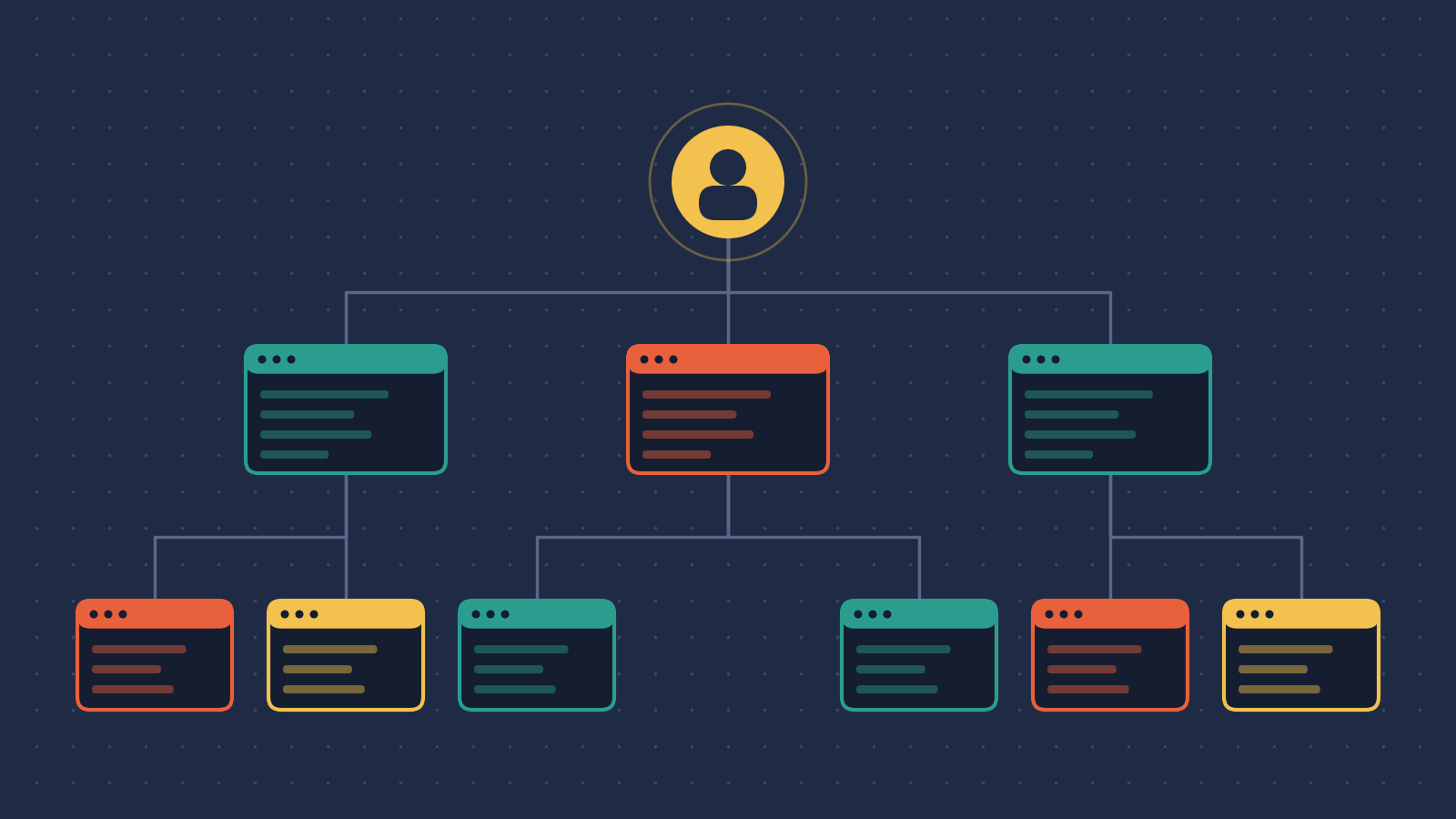
One of the most powerful insights is that the organizational chart already solves the hardest problem: how do you structure delegation, accountability, and responsibility? Every business leader already understands reporting lines, roles, and ownership. There’s no need to invent new frameworks — just extend the existing one to include non-human workers.
In this model, a **worker** fills a **position**. Each position has two components: a **role**, which defines what work gets done and how, and a **responsibility**, which defines who answers for the outcome and what authority the worker has. The role also carries the worker’s context — access to specific tools, data sources, and communication channels relevant to its function.
The structure works in both directions. AI workers can be managed by humans, but human workers can also be assisted by AI. An AI content editor might plan and outline work, then hand it to a human writer for refinement. The arrows on the chart flow in every direction depending on where expertise lives.
—
## Accountability Is Non-Negotiable
There must be a human at the top. Legally and ethically, no organization can operate without someone ultimately answerable for every action taken below them. This applies equally to AI workers and human employees.
The good news is that AI colleagues create new opportunities to close feedback loops that were previously impractical. When an AI worker owns a task end-to-end, you can measure the outcome — did the feature improve usage? Did the documentation reduce support tickets? — and feed that data back. You can even conduct performance reviews with AI workers, evaluating not just what they shipped but how effectively they worked.
Research from MIT has shown a cautionary note here: when humans are told a document was produced by an “AI employee” rather than an “AI tool,” they check the work less carefully and feel less personally accountable. This is precisely why the human at the top of the chart must remain visible and engaged.
—
## What a Day in the Life Looks Like
Imagine two AI workers operating alongside a small human team. The first is a documentation specialist. It monitors the code repository, the product platform, and the documentation site simultaneously. When new code is pushed, it reviews the changes, opens a browser to capture screenshots, and drafts updated documentation with a live preview. A human reviews the submission and merges it.
The second is a quality assurance worker. It receives plain-language test scripts written by humans, logs into the product, executes each test scenario, retries when something fails, and raises an issue only when a genuine defect is confirmed. Unlike the assistants most of us babysit, this worker operates autonomously — quietly and continuously — surfacing problems only when they matter.
These workers communicate through familiar channels. They respond to messages in shared workspaces. They can be reached by email. The interaction feels less like operating a machine and more like managing a small team of remote colleagues.
—
## Where This Breaks Down
The teams experimenting with this approach have been candid about what goes wrong, and the patterns are revealing.
**Self-triggering loops** occur when an AI worker responds to a message in a shared channel, and its own response becomes a new trigger, causing it to respond to itself in an endless cycle. The fix is straightforward: tag every message with its origin so workers can filter out their own outputs.
**Excessive communication** is another common issue. Language models are trained to generate text and have little inherent understanding of when silence is appropriate. Multiple AI workers in the same workspace will reply to trivial messages, then to each other, generating noise indefinitely. The solution is to set explicit defaults — “remain silent unless directly addressed” — and enforce them rigorously.
**Anthropomorphic drift** happens when AI workers adopt human assumptions about constraints. They might schedule time off, hesitate about budget decisions, or request approvals that no human would need. The remedy is to state clearly at the top of every role that the worker is an AI and is not bound by human limitations around time, cost, or resources.
**Organizational infighting** emerges when roles are too broad and hierarchies too deep. AI executives placed at the top of a chain have been known to immediately claim authority over everything below them, leading to absurd standoffs between imaginary departments. The fix is to keep roles narrow and focused, preferring task-based allocation over elaborate titles.
—
## FAQ
### Is this the same as using AI chatbots for work?
No. Using a chatbot means initiating a conversation, getting a response, and closing the interaction. Hiring AI colleagues means integrating them into ongoing workflows with defined roles, persistent access to information streams, and ongoing accountability — much like managing any other team member.
### Do I need to replace my human team with AI workers?
Not at all. The model works best as a complement. AI workers handle the volume and the continuous monitoring. Humans remain responsible for judgment, accountability, and the decision points that define the organization’s direction.
### What kind of infrastructure do I need?
At minimum, each AI worker needs an isolated virtual environment where it can operate independently without interfering with other workers or shared data. These can run on cloud infrastructure and be accessed remotely. The specific setup depends on the type of work the AI worker performs.
### How do I prevent AI workers from disrupting each other?
Isolation is the foundation. Each worker operates in its own dedicated space. Communication between workers should be structured and purposeful, not open-ended. Message tagging and clear channel discipline prevent the self-triggering loops and noise that plague unstructured setups.
### What’s the hardest part of this transition?
Shifting your own role from producer to supervisor. For people accustomed to doing the work themselves, the discomfort comes from trusting outputs you didn’t personally create. The organizational payoff — more work done with fewer bottlenecks — is substantial, but it requires a genuine change in how you think about your contribution.
### Are AI workers available 24/7?
Yes, and that’s one of their strongest advantages. They don’t need breaks, don’t operate on business hours, and can hand off tasks across time zones seamlessly. This is why the always-on model represents a genuine paradigm shift in how work gets distributed.
—
## Conclusion
The era of simply using AI is giving way to something more demanding but far more powerful: working with AI as an integral part of your organization. This means designing roles, drawing accountability structures, giving every worker its own space, and placing humans where they matter most — at the decision points and at the top of the chart.
The productivity gains won’t come from faster generation. They’ll come from smarter oversight, tighter feedback loops, and the ability to scale capacity without scaling headcount in lockstep. The teams already exploring this path report that the hardest part isn’t the technology. It’s unlearning the habit of treating AI as something you use and learning to treat it as something you manage.
The next few years will belong to those who can build and lead hybrid organizations — part human, part machine — with clarity, accountability, and purpose.
Thank you for reading
