



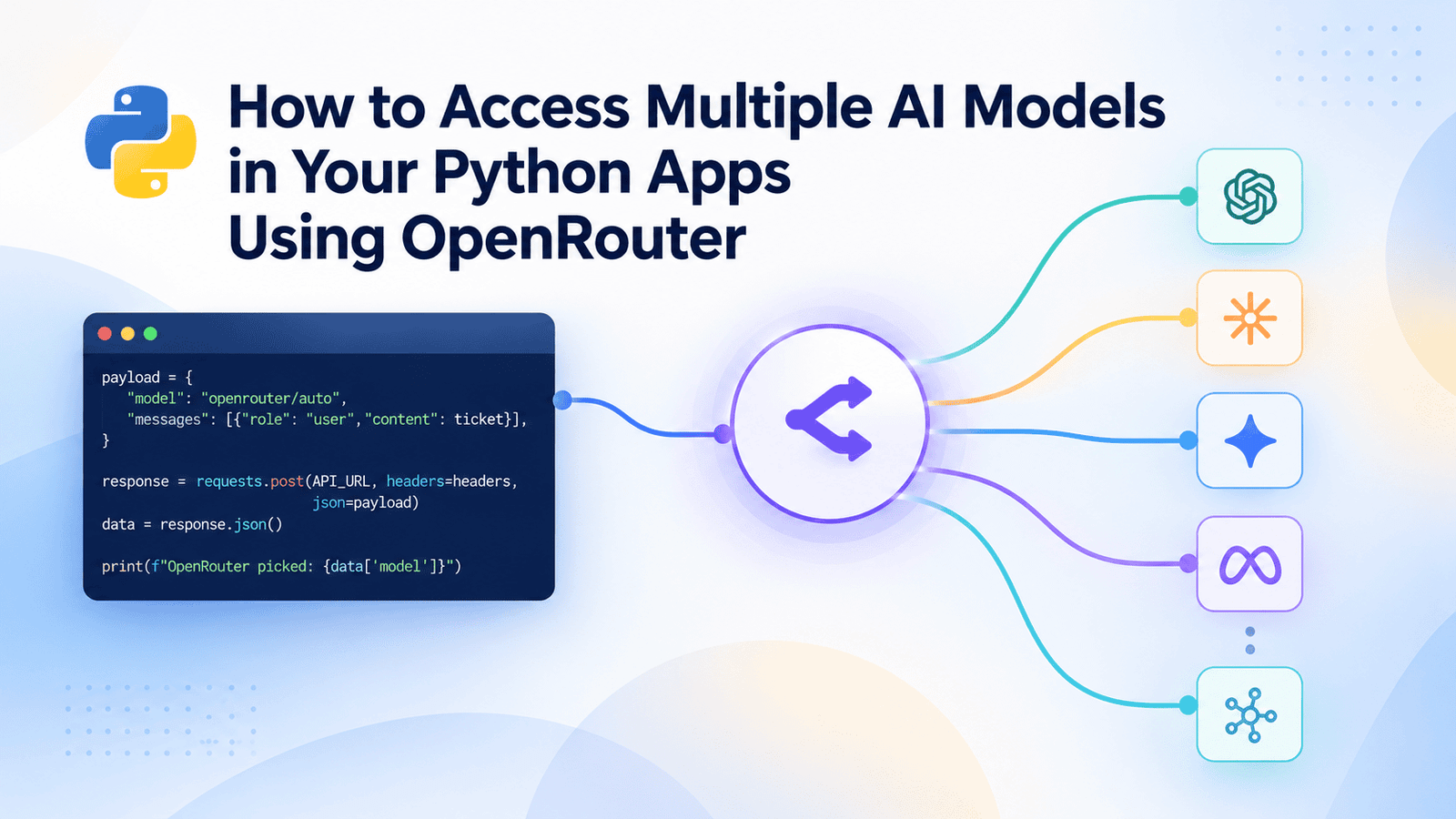
# How to Use a Unified API to Access Multiple AI Models in Python
Imagine you are building a customer support bot and want to compare how different AI providers handle the exact same user complaint. Traditionally, this means signing up for multiple services, learning three different authentication methods, and rewriting your request code three times just to run a single comparison.
A unified AI gateway eliminates this repetition. It sits in front of dozens of providers and exposes them through a single interface, so switching from one model to another is a one-line change instead of a new integration. Your Python code stays exactly the same regardless of which provider is actually answering the request.
This guide will walk you through setting up your environment, sending your first request, and taking advantage of features like automatic model selection and fallback routing for reliability.
## Prerequisites
You do not need any background in artificial intelligence or machine learning to follow along. You simply need to be comfortable with basic Python, installing packages with `pip`, and setting an environment variable in your terminal. The gateway handles all the model integration, so your code only needs to send text and read the response.
## Setting Up Your Account and API Key
First, navigate to the gateway’s website and create a free account. Once you are signed in, locate the Keys section in your profile menu and generate a new API credential. Give it a recognizable name, like `learning-key`, and leave the other settings on their defaults.
Copy the key somewhere safe, and store it as an environment variable in your terminal so it never accidentally ends up committed to a code repository.
On macOS or Linux, run:
“`bash
export UNIFIED_API_KEY=”your-key-here”
“`
**Note:** Many models on this platform are completely free to try, meaning you can follow this entire tutorial without adding a payment method.
## Preparing Your Project
Create a new folder for your project and set up an isolated Python environment:
“`bash
mkdir support-bot-demo
cd support-bot-demo
python -m venv .venv
source .venv/bin/activate
“`
With your virtual environment active, install the `requests` library. It is the only dependency you need. The gateway operates as a standard HTTP API, so there is no special software development kit required to get started:
“`bash
pip install requests
“`
We will use the basic `requests` library here so every request stays visible as plain JSON. This makes it easier to understand exactly what is being sent and received while you are learning the API’s structure. You can always switch to an official SDK later, which is a small adjustment once you understand the basics.
## Sending Your First Request
Every request to the gateway follows the same structure: a `POST` call to one endpoint, with your API key in the headers and a list of messages in the body. Here is a script that sends a customer support message to an AI model and prints its reply:
“`python
import os
import requests
ENDPOINT = “https://gateway.example.com/v1/chat/completions”
ACCESS_TOKEN = os.getenv(“UNIFIED_API_KEY”)
user_input = (
“My order #48213 arrived with the wrong charger. ”
“I need the correct one before Friday, can you help?”
)
request_body = {
“model”: “meta-llama/llama-3.2-3b-instruct:free”,
“messages”: [
{“role”: “system”, “content”: “You are a concise, polite customer support agent.”},
{“role”: “user”, “content”: user_input},
],
}
headers = {
“Authorization”: f”Bearer {ACCESS_TOKEN}”,
“Content-Type”: “application/json”,
}
response = requests.post(ENDPOINT, headers=headers, json=request_body)
data = response.json()
print(f”Model used: {data[‘model’]}”)
print(f”Reply: {data[‘choices’][0][‘message’][‘content’]}”)
“`
The `request_body` dictionary contains the entire request. The `model` field tells the gateway which engine to use, written as `provider/model-name`. The `messages` list follows the standard role/content format used by most chat-style models. The system message sets the tone once, and the user message contains the actual text to process. The response comes back as JSON, with the AI’s text located in the standard `choices` structure.
## Switching Models Without Changing Your Code
Because the selected engine is just a string in the request body, comparing different providers means changing only one line. Here is a reusable function that takes the model name as an argument, allowing you to test multiple engines back to back:
“`python
def query_model(model_name, message):
request_body = {
“model”: model_name,
“messages”: [
{“role”: “system”, “content”: “You are a concise, polite customer support agent.”},
{“role”: “user”, “content”: message},
],
}
response = requests.post(ENDPOINT, headers=headers, json=request_body)
return response.json()
ticket = “My order #48213 arrived with the wrong charger. I need the correct one before Friday.”
for model in [“meta-llama/llama-3.2-3b-instruct:free”, “qwen/qwen3-4b:free”, “mistralai/mistral-7b-instruct:free”]:
result = query_model(model, ticket)
reply = result[“choices”][0][“message”][“content”]
print(f”— {model} —“)
print(reply, “n”)
“`
This is the core benefit of using a unified gateway in practice: you are calling one function three times instead of working with three different APIs and integrations.
## Letting the System Pick a Free Model for You
Sometimes you do not care which specific engine answers; you just want a working reply without picking one yourself, and without any risk of a paid model slipping in. Setting the `model` value to `openrouter/free` hands that decision to the platform’s automatic free-tier router, which always selects from currently available no-cost options:
“`python
request_body = {
“model”: “openrouter/free”,
“messages”: [{“role”: “user”, “content”: ticket}],
}
response = requests.post(ENDPOINT, headers=headers, json=request_body)
data = response.json()
print(f”The gateway picked: {data[‘model’]}”)
“`
This is the safest default for prototyping: no matter which free model happens to be available that day, you are never charged.
Additionally, when you do specify a model by name, the gateway often has multiple providers hosting it. You can choose which one to use by adding a `provider` field to your payload. For example, setting `request_body[“provider”] = {“sort”: “price”}` favors the cheapest provider, while `{“sort”: “latency”}` favors the fastest one. This becomes useful when working with paid models at scale.
## Adding Fallback Models for Reliability
A single model can fail due to a provider outage, a rate limit, or a content filter rejecting the request. For anything beyond a small side project, you want a backup ready automatically instead of your app crashing on the first error. The gateway supports this by accepting a list of models instead of just one:
“`python
request_body = {
“models”: [
“qwen/qwen3-4b:free”,
“meta-llama/llama-3.2-3b-instruct:free”,
“mistralai/mistral-7b-instruct:free”,
],
“messages”: [{“role”: “user”, “content”: ticket}],
}
response = requests.post(ENDPOINT, headers=headers, json=request_body)
data = response.json()
print(f”Answered by: {data[‘model’]}”)
print(data[“choices”][0][“message”][“content”])
“`
Notice the key changed from `model` (singular) to `models` (a list). The gateway tries each entry in order and returns the first one that succeeds, so your code does not need any custom retry logic. You can order the list by what best suits your application, such as putting the highest quality model first with cheaper backups, or the fastest model first with more reliable backups further down.
## FAQ
**Do I need to pay to use this service?**
No, many models are marked with a free tier, and you can follow tutorials and build prototypes without entering a payment method.
**What happens if a model I request is temporarily unavailable?**
If you use a single `model` string and it fails, the request will return an error. However, if you use the `models` list feature, the gateway will automatically try the next model in your list.
**Do I need to install a special SDK to get started?**
No. Because the gateway exposes a standard HTTP API, you can use any basic HTTP library, like `requests`, to send and receive JSON data.
**Can I control which provider handles my request when a model has multiple hosts?**
Yes, you can add a `provider` field to your payload to sort by price, latency, or specificity.
**Is the response format different depending on the model I choose?**
No. The gateway normalizes every provider’s response into a single, consistent format, so your parsing logic does not need to change when you swap models.
## Conclusion
Using a unified API gateway completely removes the complexity of managing multiple AI provider integrations. You can effortlessly compare different engines, ensure your application stays online with automatic fallback models, and keep costs at zero during the prototyping phase—all by changing a single string in your code. With these basics in place, you can build anything from a quick one-off script to a robust support bot that stays online even when a single provider goes down.
Thank you for reading
