



**Effective Task Management with Coding Agents: Strategies and Tools**
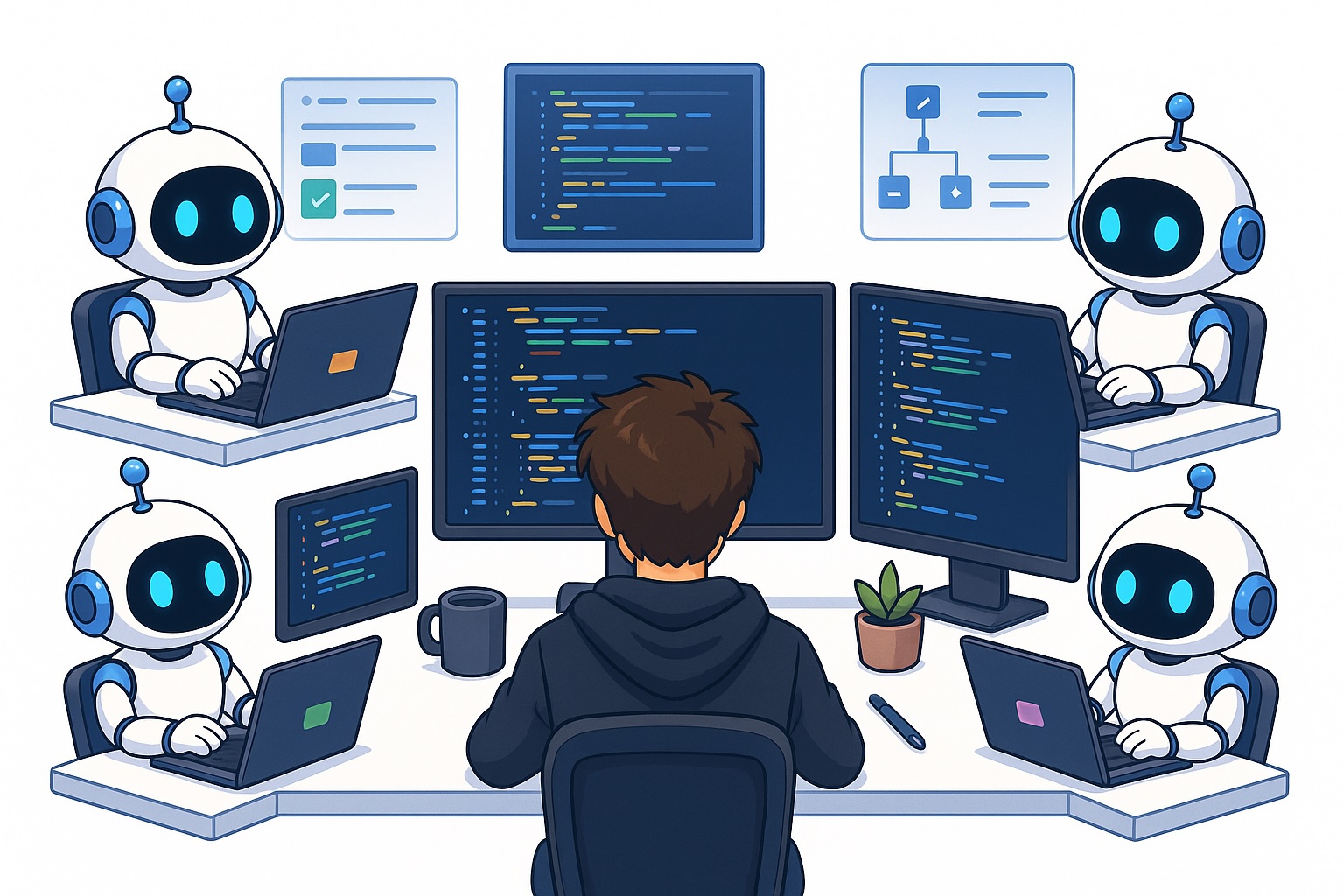
The rapid adoption of coding agents has transformed how developers work, enabling teams to complete in days what once took weeks. However, this surge in productivity introduces a new challenge: task management. As developers, we now juggle multiple parallel tasks, track numerous agents, and coordinate workflows across different tools. Without proper organization, the very efficiency gains from coding agents can become overwhelming. This article explores how to manage this new paradigm effectively, providing strategies and tools to stay in control.
—
### Why Task Organization is Harder Now with Coding Agents
Before coding agents, software development was largely sequential. A developer might spend an entire day researching a framework, debugging an unexpected issue, or rebasing code from a teammate. These tasks were time-consuming but manageable because they were handled one at a time.
With the advent of coding agents, this dynamic has shifted dramatically. What used to take a full day can now be accomplished in minutes. Agents can:
– Implement designs, resolve bugs, and add features in parallel.
– Learn new frameworks instantly by researching online.
– Write and review code, minimizing the introduction of bugs.
As a result, developers are now handling dozens of tasks simultaneously. The bottleneck has moved from *doing the work* to *organizing and tracking it*. This is why having a robust task management system is no longer optional—it’s essential for maintaining productivity and avoiding chaos.
—
### How I Do Task Management with Coding Agents
My approach to task management centers around automation, clarity, and verification. Here’s how I structure my workflow:
#### 1. Automation is Key
I ensure that my task management system integrates seamlessly with my coding agents. Instead of manually updating task statuses or writing progress reports, I configure the agents to handle these tasks automatically through APIs or Model Context Protocol (MCP) connections.
#### 2. Use Separate Worktrees
To prevent overlapping work, I use separate worktrees for each task. Tools like Emdash make this process simple by automatically managing workspaces. I name each worktree clearly to reflect its purpose, making it easy to pick up where I left off.
#### 3. Start Immediately
When a new task arrives—whether from Slack, an email, or a project management tool—I immediately create a new worktree and engage the coding agent. I provide context, such as links to relevant messages or documents, and let the agent handle the research and planning phase.
#### 4. Test in Dev for Simple Tasks
For straightforward tasks, I let the agent deploy directly to development (dev) rather than testing locally. This approach saves time, especially for minor updates. For more complex features, I do verify locally before merging.
#### 5. HTML Reports for Verification
Once a task is ready for testing, the coding agent generates an HTML report. This report includes:
– A summary of the worktree and task.
– Details of each sub-task, including the original request, a summary of actions taken, and steps to verify the outcome.
– Buttons to mark the task as “verified” or “not fixed,” along with a field for additional feedback.
This structured reporting makes it easy to review, test, and approve tasks without unnecessary back-and-forth.
—
### Specific Tools I’ve Tested and My Review
Not all task management tools are created equal. Here’s an overview of the platforms I’ve used and their strengths and weaknesses:
#### 1. Linear
Linear is a developer-centric project management tool that excels in structured environments. I use it to create tickets for every new task, whether it’s a bug report from Slack or a feature request. The agent can automatically:
– Read and understand the task.
– Mark it as “in progress.”
– Update comments and decisions.
– Mark it as complete once verified.
Linear’s activity log and collaboration features make it ideal for larger teams with multiple developers and stakeholders.
#### 2. Slack
Slack is a good option for startups or teams where communication and tasks are centralized in one platform. I use it primarily for product feedback and bug tracking. The coding agent can read and respond to Slack messages, updating tasks and reporting progress.
However, Slack isn’t ideal for managing complex workflows or large developer teams due to its limited project management capabilities.
#### 3. Notion
I use Notion for personal task management, as its clean interface and Markdown support make it versatile. It works well in the early stages of a project or for solo developers. However, as teams grow, Notion struggles to keep up with the need for structured workflows and real-time collaboration.
—
### Frequently Asked Questions (FAQ)
**1. Do I need to manually update task statuses when using coding agents?**
No. By connecting your task management system to the agent via API or MCP, updates can be automated. The agent can mark tasks as in progress, add comments, and complete tickets without manual intervention.
**2. How do I prevent coding agents from overlapping work?**
Use separate worktrees for each task. Tools like Emdash automate this process, ensuring that agents working on different tasks don’t interfere with each other.
**3. What if the coding agent makes a mistake?**
The HTML report system allows for quick identification and correction of issues. If a task isn’t verified, you can mark it as “not fixed” and provide feedback. The agent can then address the problem and resubmit the task.
**4. Are these strategies suitable for small teams?**
Yes. While larger teams may benefit more from tools like Linear, small teams and solo developers can still leverage these strategies to stay organized and efficient.
**5. How much time does it take to set up these systems?**
Initial setup, including integration with tools like Linear or Slack, may take a few hours. However, the long-term time savings from automated task management far outweigh this investment.
—
### Conclusion
In today’s fast-paced development environment, coding agents have elevated productivity to new levels. However, this increase in output requires a corresponding investment in task organization. By automating workflows, using dedicated tools like Linear or Slack, and implementing structured verification processes, developers can manage multiple tasks with ease.
The key is to find a system that aligns with your team’s needs and work style. Whether you’re working solo or as part of a large organization, investing time in optimizing your coding agent task management will pay dividends in efficiency, clarity, and long-term success.
👋 **Get in Touch**
For more insights and resources on maximizing productivity with coding agents, check out my free eBook and webinar:
– 🚀 **10x Your Engineering with LLMs** (Free 3-Day Email Course)
– 📚 **Vision Language Models Ebook**
– 💻 **Webinar on Vision Language Models**
Connect with me on social media:
– 💌 [Substack](https://substack.com)
– 🔗 [LinkedIn](https://linkedin.com)
– 🐦 [X / Twitter](https://x.com)
