



**Mastering Alignment: How to Work Effectively with Coding Agents Like Claude Code and Codex**
The advent of AI-powered coding agents such as Claude Code and GitHub Copilot has revolutionized software development. These tools offer enormous benefits, significantly increasing the speed at which engineers can prototype, build, and ship features. We can now write code at a pace previously unimaginable.
However, this new paradigm comes with its own set of challenges. As coding becomes more commoditized, developers face new bottlenecks. While issues like code review and task prioritization have been discussed widely, a third, increasingly critical bottleneck has emerged: **aligning your intent with the coding agent.** With the ability to spin up numerous coding sessions, ensuring that the AI understands exactly what you want—and implements it correctly—has become paramount. When this alignment breaks down, the time saved by automation is lost as you loop back to provide feedback and corrections. This article will explore why alignment is so crucial and how to master it.
### Why Alignment is So Important
Alignment is the cornerstone of efficiency when working with coding agents. A disconnect between your intent and the agent’s execution leads directly to wasted time. If the model doesn’t implement the design as envisioned, misses a specific logic requirement, or makes an incorrect assumption, you must intervene. This intervention involves reviewing the agent’s work, providing corrective feedback, and re-prompting. This cycle can repeat multiple times, turning a task that should be quick into a multi-step negotiation.
Essentially, misalignment shifts the burden from the agent to the human. You spend more time guiding, correcting, and verifying than you do on the initial creative or technical work. In a world where speed is valued more than ever, protecting your time is essential. To do this, you must proactively optimize how you communicate with your coding agent.
### How to Align with Your Coding Agent
Several techniques can improve your alignment with AI pair programmers. These include using a “Plan mode” for high-level oversight and enriching your prompts with as much detailed context as possible. However, the single most effective technique I have found doesn’t involve complex planning or exhaustive context setting. It is a simple, repeatable interaction that ensures you and your agent are on the same page.
#### Plan Mode and Detailed Prompts: Foundational Techniques
* **Plan Mode:** For larger, more complex tasks, starting in “Plan mode” is highly effective. Here, you instruct the agent to perform a read-only review of the repository and create a plan for implementation. This process often involves the agent asking you clarifying questions, which is a powerful way to expose assumptions and ensure mutual understanding. While not always necessary for small, straightforward tasks, it is invaluable for projects where a wrong turn could lead to significant rework.
* **Detailed Prompts:** Providing rich context is another key strategy. The length of your prompt is not a concern; more context is almost always better. Gently explain the problem you’re solving, the technical constraints, and the desired outcome. Go a step further by pulling in context from different sources—such as relevant Slack messages, Figma designs, or Notion documentation—and instruct the agent to actively use this information. For particularly complex prompts, some engineers even use a preliminary “pre-work” agent to synthesize all this information into a clear, detailed instruction set for the primary coding agent.
#### The Most Effective Technique: Verifying Your Understanding
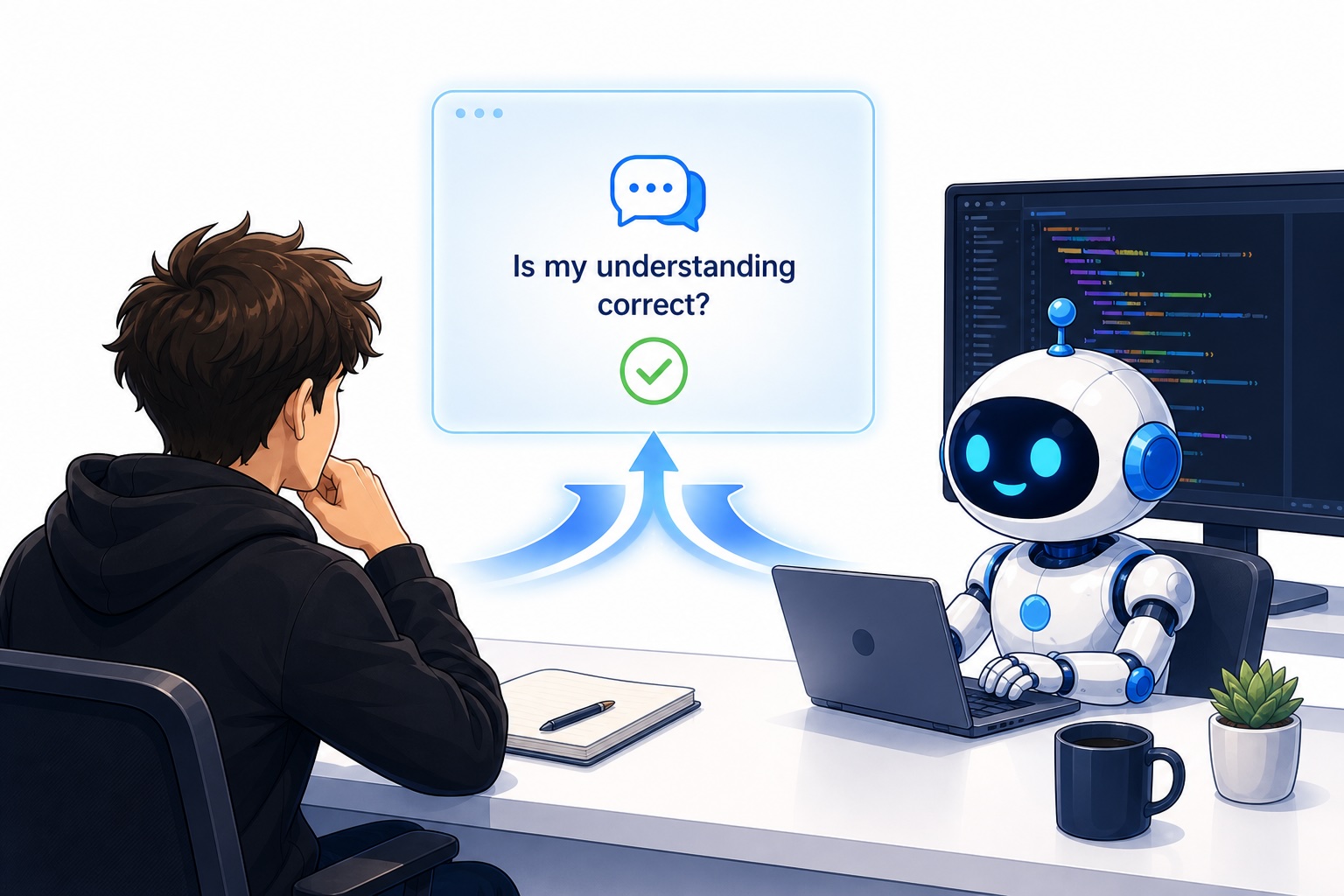
While plan mode and detailed prompts are helpful, they are not foolproof. The most powerful and efficient technique I use is to explicitly state my understanding and ask the agent to verify it. The phrasing is simple: **“Is my understanding correct:
This method is exceptionally effective for two main reasons:
1. It allows you to quickly grasp the core problems the agent is tackling.
2. It gives the agent the opportunity to correct your mental model. The agent can tell you if you are completely right, partially right, or completely wrong, allowing you to build an accurate internal representation of the system you are building.
The alternative—letting the agent finish a task and then manually verifying its output—is less efficient. You can test the functionality, but you often lack the deep, internal understanding of *how* the agent built it. By using the “is my understanding correct” prompt, you co-create the solution in real-time, dramatically reducing the risk of misalignment.
### A Real-World Example
To illustrate this, consider a recent project where I was building a Vercel-hosted application. The goal was to create a unified interface to manage numerous coding agents, providing an overview of their status and enabling swipe-based navigation. I began by presenting my high-level goal to the agent:
> “I want a Vercel application, accessible from phone and Mac, that gives an overview of all my coding agents. It should show which agents are running autonomously and which need my input, using a simplified LLM interface for quick responses.”
The agent then created a plan. Later, to ensure I understood the underlying architecture—specifically, how the system tracked agent threads and generated tasks—I prompted it with my understanding:
> “I wanna understand the LLM system in the application better. Is my understanding correct? That the system works so that we have a cron job running every 10 minutes where a Codex agent goes through all my threads, identifies which are running or stopped, and presents waiting tasks to me in a multiple-choice format. Is that correct?”
The agent’s response was revelatory. It clarified that the system used a webhook architecture rather than a cron job, and it corrected my assumption about the data source. This single interaction provided complete alignment; my understanding was partially correct, and the agent was able to fill in the gaps. This is the power of the technique.
### Conclusion
In the rapidly evolving landscape of AI-assisted development, the ability to align your intent with a coding agent is the ultimate force multiplier. While tools like Claude Code and Copilot can generate code quickly, the true value is realized when your vision for the solution is perfectly translated into a working implementation.
The techniques discussed—from plan mode to detailed prompts—all contribute to a better partnership with your AI. However, the most critical and effective strategy is the simple, daily practice of verifying your understanding. By asking your agent, “Is my understanding correct?” you move from being a passive reviewer to an active, informed collaborator. This not only saves you time but also deepens your understanding of the codebase and the AI’s capabilities, making you a more efficient and effective engineer.
—
### FAQ
**Q: What does “aligning my intent” with a coding agent mean?**
It means ensuring that the AI model (like Claude Code or Codex) has a perfect understanding of the task you want it to perform. It’s about translating your high-level goals and requirements into the exact instructions the AI needs to generate the correct code on the first try.
**Q: Why is alignment more important now that coding is “commoditized”?**
Because AI allows you to generate code so quickly, the primary bottleneck is no longer writing code itself. The bottleneck is now the time spent correcting misunderstandings, reviewing incorrect implementations, and iterating on feedback. Protecting your time through better alignment is the key to productivity gains.
**Q: Is “Plan Mode” always necessary?**
No. For small, well-defined tasks, a clear and detailed prompt might be all you need. Plan mode is most beneficial for larger, more complex projects where the risk of the agent going down a wrong path is high.
**Q: How do detailed prompts help with alignment?**
Detailed prompts reduce the “knowledge gap” between you and the AI. By providing context from Slack, documentation, or other sources, you ensure the agent has all the information it needs to make the right decisions, just as a human teammate would.
**Q: What is the “Is my understanding correct?” technique, and why is it the best?**
It’s a powerful verification method where you stop the coding process and ask the agent to confirm if its interpretation of the task matches yours. It’s the best technique because it proactively uncovers and corrects misunderstandings in real-time, preventing you from wasting time on a path that leads to the wrong solution.
### Conclusion
Mastering the art of alignment is the key to unlocking the true potential of coding agents. By moving beyond simple command execution and into a collaborative partnership built on verification and clear communication, you can ensure that these powerful tools deliver on their promise of unprecedented developer efficiency.
