



If you’ve ever managed a production AI system handling long-running tasks — like overnight prompt processing, running a Deep Research agent, or generating lengthy videos — you’ve likely wrestled with polling. This means your application repeatedly sends GET requests, asking “Is it done yet?” every few seconds. This wastes resources, increases latency, and becomes a significant reliability challenge at scale. Google has now delivered a solution.
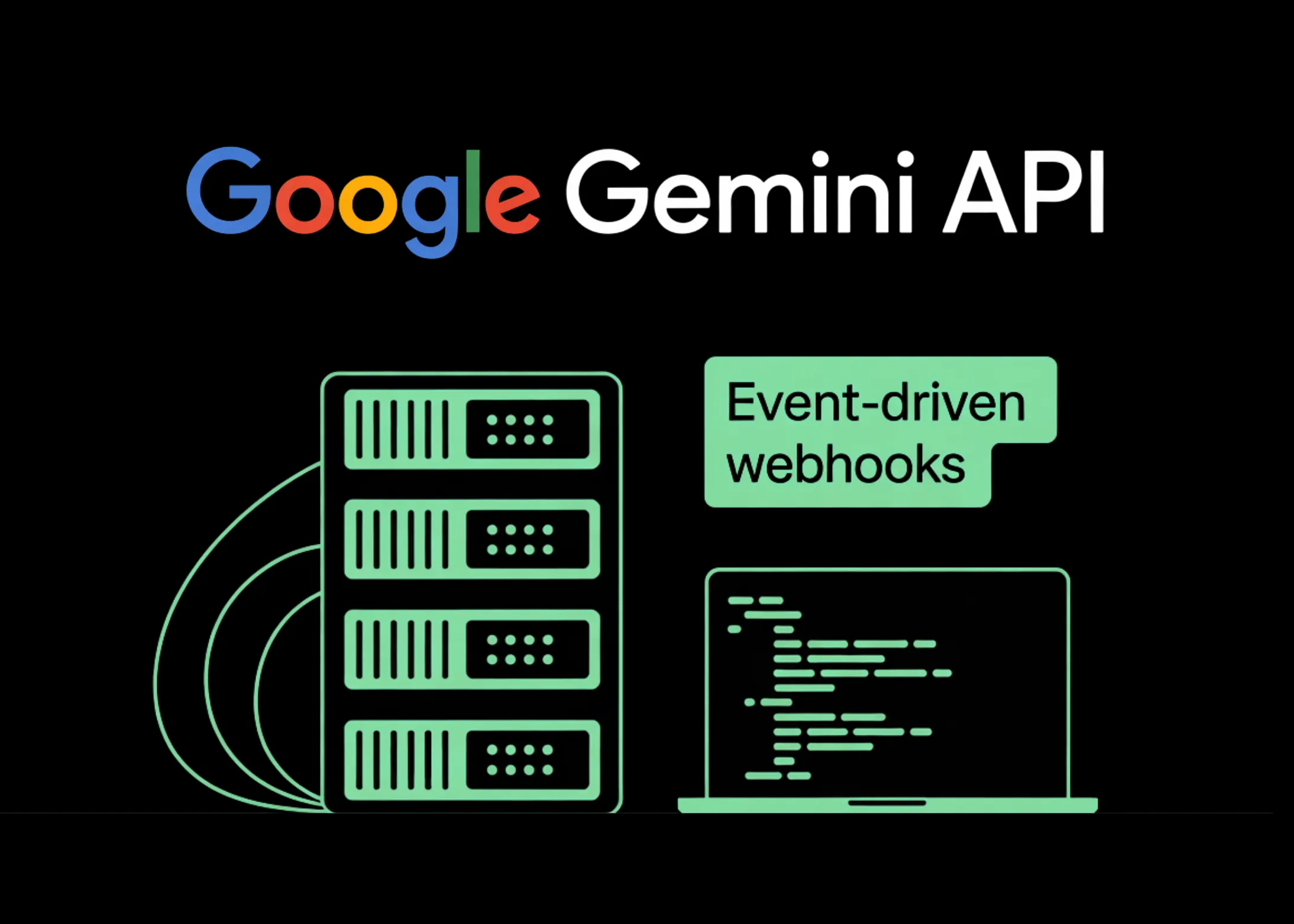
Google has rolled out event-driven Webhooks for the Gemini API. This push-based notification system removes the need for wasteful polling. The feature is currently available for all Gemini API users and addresses a major bottleneck in agentic applications and high-volume AI workflows.
Scaling Issues with Polling
The core issue involves Long-Running Operations (LROs). Webhooks enable the Gemini API to send instant notifications to your server upon completion of these tasks. This eliminates manual status checks, slashing latency and reducing computational overhead.
Past solutions required constant polling — repeatedly calling GET /operations to check job status. With the shift towards complex tasks in Gemini, such as Deep Research, long-form video rendering, or bulk prompt processing via the Batch API, operations can last minutes or hours. Polling over such durations consumes substantial compute and API quota. It also creates a lag between task completion and your app’s awareness of it.
The solution flips the script: instead of your application constantly querying for status, the Gemini API sends a real-time HTTP POST payload to your server the second a task finishes.
Two Setup Methods: Static and Dynamic
The Gemini API offers two webhook configurations. Static webhooks are set up per project via the WebhookService API. They serve global needs like Slack notifications or database updates, registered once per project to handle any applicable event. Dynamic webhooks act as request-level overrides, where you include a specific webhook_config URL in a job’s call payload. These are best for directing individual tasks to specific endpoints, useful in agent-orchestration systems.
Imagine static webhook settings as a standard rule: “Always place deliveries at the front desk.” Dynamic webhooks are more specific: “For this one package, deliver it to my home.” A special feature of dynamic webhooks is the user_metadata field. This lets you attach custom key-value data to a job when it’s initiated, such as {"job_group": "nightly-eval", "priority": "high"}. This metadata comes with the event notification, perfect for routing diverse tasks to different processors without a custom tracking setup.
Security Built In: Standard Webhooks, HMAC, and JWKS
The implementation distinguishes itself through robust security. Google strictly follows the Standard Webhooks specification. Every request includes webhook-signature, webhook-id, and webhook-timestamp headers, ensuring idempotency and preventing replay attacks.
Static webhooks use HMAC (Hash-based Message Authentication Code) with a shared secret established only once during creation. This key must be securely saved in your environment variables; the API reveals it only once, so losing it requires rotation. A revocation_behavior parameter is available, offering options like REVOKE_PREVIOUS_SECRETS_AFTER_H24 for a 24-hour grace period to smoothly transition production systems, or an immediate option for quick incident response.
Dynamic webhooks utilize asymmetric public-key JWKS (JSON Web Key Set) signatures. They send a JWT signature, and your server must verify this using Google’s public certificates at https://generativelanguage.googleapis.com/.well-known/jwks.json. The RS256 algorithm is employed.
This means your server never trusts incoming requests blindly; every notification can be cryptographically verified. The webhook-timestamp header is crucial: best practices dictate always checking this timestamp and rejecting any payloads older than five minutes to ward off replay attacks.
Lightweight Notifications and Available Events
An important design choice is the thin payload format. To conserve bandwidth, Gemini webhooks transmit a concise summary with status information and links to results, rather than the raw output data. The specific details provided depend on the event type.
For completed batch jobs, the notification includes the job id and an output_file_uri pointing to your results, for instance, a Cloud Storage link like gs://my-bucket/results.jsonl. For video creation, the video.generated event offers distinct fields such as file_id and video_uri. Your server-side handler must differentiate event types to correctly parse the notification data.
Three main categories of events are supported: batch jobs (batch.succeeded, batch.cancelled, batch.expired, batch.failed), Interactions API activities (interaction.requires_action, interaction.completed, interaction.failed, interaction.cancelled), and video generation (video.generated). When coding, be mindful that official Google examples in the documentation often use batch.completed rather than batch.succeeded; ensure your implementation aligns with the events you subscribe to.
For those new to it, the Interactions API is Gemini’s interface for asynchronous multi-turn agent conversations. The interaction.requires_action event is particularly valuable, signaling when a function requires external input before the agent can proceed.
Event Delivery and Recommended Practices
Google ensures “at-least-once” event delivery, automatically retrying with exponential backoff for 24 hours. This means your endpoint might occasionally receive the same event more than once in busy environments. To manage this, use the consistent webhook-id header for deduplication. Your server must also promptly respond with a 2xx status code once a valid notification is received.
Instead of repeatedly polling for job completion, the Gemini API now notifies you automatically via a signed HTTP POST the moment a long-running task—such as a Batch API job, Deep Research, or video generation—finishes. This removes the need to constantly check with GET /operations.
Key Takeaways
- No more polling loops — The Gemini API instantly sends a signed HTTP POST to your server the moment a long-running job (Batch API, Deep Research, video generation) completes, removing the need to repeatedly call
GET /operations. - Two webhook modes for different architectures — Static webhooks suit project-wide global integrations protected by HMAC; Dynamic webhooks attach to specific job requests using JWKS signatures and include
user_metadatato support custom routing in agent-orchestration workflows. - Security is built in, not added on — Every notification follows the Standard Webhooks spec with cryptographic signatures using
webhook-signature,webhook-id, andwebhook-timestamp. Reject any payload older than 5 minutes to prevent replay attacks, and usewebhook-idto handle at-least-once duplicates by deduplicating. - Thin payloads, not raw results — Webhook notifications contain status references, not the actual output. Batch events deliver
output_file_uri; video events includefile_idandvideo_uri. Always reply with2xxand process in the background—slow responses trigger retries using exponential backoff for up to 24 hours.
Explore the full technical breakdown here. Also, follow us on Twitter, join our 130k+ ML SubReddit, and subscribe to our Newsletter. And yes—if you’re on Telegram, we’re there too!
Looking to collaborate with us to promote your GitHub repo, Hugging Face page, product launch, or webinar? Get in touch.

Michal Sutter is a data science professional with a Master of Science in Data Science from the University of Padova. With a solid foundation in statistical analysis, machine learning, and data engineering, Michal excels at transforming complex datasets into actionable insights.
