



## **Comprehensive Guide to NVIDIA srt-slurm for Distributed LLM Serving Benchmarks**
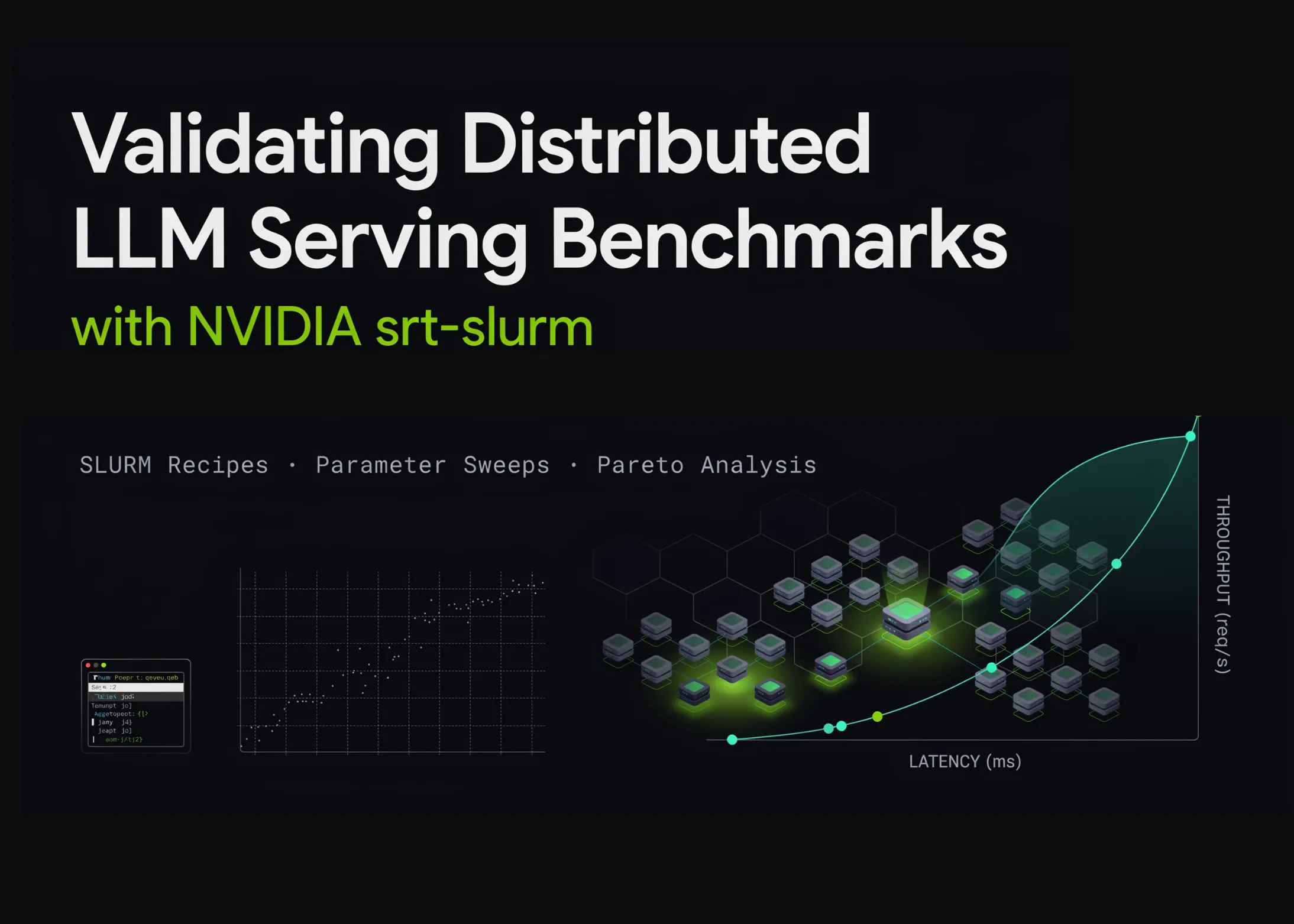
This article walks through the fundamentals of NVIDIA’s **srt-slurm** framework and the accompanying **srtctl** command-line tool, showcasing their role in transforming declarative YAML configurations into reproducible SLURM benchmark workflows for distributed LLM serving. We will set up the project in Google Colab, explore internal architecture, define a cluster configuration, perform dry-runs for both built-in and custom recipes, model a disaggregated prefill-and-decode deployment for DeepSeek-R1, generate parameter sweeps, leverage the typed Python API, validate expanded configurations, and examine simulated benchmark results through a Pareto frontier analysis.
> **Note:** Since Google Colab lacks a real SLURM environment, we use it as a development and validation workspace, preparing benchmark recipes that can later be deployed on production-grade GPU clusters.
—
## **1. Installing srt-slurm**
The first step is to clone the NVIDIA srt-slurm repository, install it in editable mode, and verify that the `srtctl` CLI is accessible:
“`python
import os, sys, subprocess, textwrap, json, shutil, importlib
from pathlib import Path
def run(cmd, check=True, quiet=False):
“””Run a shell command, stream output.”””
print(f”n$ {cmd}”)
r = subprocess.run(cmd, shell=True, text=True, capture_output=True)
out = (r.stdout or “”) + (r.stderr or “”)
if not quiet:
print(out[-6000:])
if check and r.returncode != 0:
raise RuntimeError(f”Command failed ({r.returncode}): {cmd}”)
return out
def section(title):
print(“n” + “═”*78 + f”n {title}n” + “═”*78)
section(“1. Install srt-slurm”)
REPO = Path(“/content/srt-slurm”) if Path(“/content”).exists() else Path.cwd()/”srt-slurm”
if not REPO.exists():
run(f”git clone –depth 1 {REPO}”, quiet=True)
run(f”{sys.executable} -m pip install -q -e {REPO}”, quiet=True)
sys.path.insert(0, str(REPO / “src”))
importlib.invalidate_caches()
os.chdir(REPO)
run(“srtctl –help”)
“`
This script clones the repository, installs it locally, and ensures the `srtctl` tool functions correctly.
—
## **2. Repository Architecture**
The srt-slurm framework is organized into modular components:
“`
src/srtctl/
cli/ submit.py (apply/dry-run/preflight/monitor), do_sweep, interactive
core/ schema.py (typed config), sweep.py, slurm.py (sbatch gen),
validation.py, health.py, topology.py, fingerprint.py
backends/ sglang.py, trtllm.py, vllm.py, mocker.py ← engine adapters
frontends/ Dynamo / router frontends
templates/ Jinja2 → sbatch + orchestrator scripts
recipes/ ready-made benchmarks per platform (gb200-fp4, h100, b200-fp8,
qwen3-32b, dsv4-pro, mocker smoke tests, …)
analysis/ srtlog (log parsers) + Streamlit dashboard (Pareto, latency…)
docs/ sweeps.md, profiling.md, analyzing.md, config-reference.md
“`
Users can leverage pre-built recipes, extend backend adapters, or create custom benchmarks using the provided templates.
—
## **3. Cluster Configuration**
We define a minimal `srtslurm.yaml` to simulate cluster defaults, container aliases, and model paths:
“`yaml
cluster: “colab-demo”
default_account: “demo-account”
default_partition: “gpu”
default_time_limit: “01:00:00”
gpus_per_node: 4
use_gpus_per_node_directive: true
use_segment_sbatch_directive: true
containers:
dynamo-sglang: “/containers/dynamo-sglang.sqsh”
lmsysorg+sglang+v0.5.5.post2.sqsh: “/containers/sglang-v0.5.5.sqsh”
model_paths:
deepseek-r1: “/models/DeepSeek-R1”
“`
This configuration enables local validation without requiring direct access to a physical SLURM cluster.
—
## **4. Dry-Run: Mocker Smoke Test**
Before running benchmarks on a real cluster, we execute a dry-run to inspect generated SLURM scripts:
“`bash
srtctl dry-run -f recipes/mocker/agg.yaml
“`
This step validates configuration syntax, template rendering, and job submission logic without consuming computational resources.
—
## **5. Custom Disaggregated Recipe (Prefill/Decode Split)**
We define an advanced DeepSeek-R1 deployment that separates prefill and decode workloads:
“`yaml
name: “colab-disagg-demo”
model:
path: “deepseek-r1”
container: “lmsysorg+sglang+v0.5.5.post2.sqsh”
precision: “fp8”
resources:
gpu_type: “gb200”
gpus_per_node: 4
prefill_nodes: 1
decode_nodes: 2
prefill_workers: 1
decode_workers: 2
backend:
prefill_environment: { PYTHONUNBUFFERED: “1” }
decode_environment: { PYTHONUNBUFFERED: “1” }
sglang_config:
prefill:
served-model-name: “deepseek-ai/DeepSeek-R1”
model-path: “/model/”
trust-remote-code: true
kv-cache-dtype: “fp8_e4m3”
tensor-parallel-size: 4
disaggregation-mode: “prefill”
decode:
served-model-name: “deepseek-ai/DeepSeek-R1”
model-path: “/model/”
trust-remote-code: true
kv-cache-dtype: “fp8_e4m3”
tensor-parallel-size: 4
disaggregation-mode: “decode”
benchmark:
type: “sa-bench”
isl: 1024
osl: 1024
concurrencies: [64, 128, 256]
req_rate: “inf”
“`
Running `srtctl dry-run -f my-disagg.yaml` generates job scripts for both prefill and decode pipelines.
—
## **6. Parameter Sweep (Grid Search)**
We execute a parameter sweep to explore different configurations:
“`bash
srtctl dry-run -f examples/example-sweep.yaml
“`
The sweep expands into multiple jobs, with individual configurations stored in `dry-runs/example-sweep_sweep_*`. Each job contains a dedicated `config.yaml`.
—
## **7. Programmatic Use of srtctl’s Python API**
The `srtctl` library can be imported and used directly in Python:
“`python
from srtctl.core.config import load_config
from srtctl.core.sweep import generate_sweep_configs, expand_template
from srtctl.core.schema import BenchmarkType, Precision, GpuType
import yaml
cfg = load_config(“my-disagg.yaml”)
print(f”Loaded : {cfg.name}”)
print(f”Model : {cfg.model.path} ({cfg.model.precision}) on {cfg.resources.gpu_type}”)
print(f”Bench : {cfg.benchmark.type} isl={cfg.benchmark.isl} osl={cfg.benchmark.osl}”)
raw_sweep = yaml.safe_load(Path(“examples/example-sweep.yaml”).read_text())
jobs = generate_sweep_configs(raw_sweep)
print(f”Sweep expands to {len(jobs)} jobs”)
“`
This enables fine-grained control over configurations, sweeps, and templates.
—
## **8. Analysis: Pareto Frontier from Simulated Benchmark Results**
We simulate throughput and latency results for different prefill configurations:
“`python
import numpy as np, matplotlib.pyplot as plt
def simulate(variant, base_tps, base_itl):
results = []
for c in [64, 128, 256]:
tps = base_tps * c / (c + 90) * np.random.uniform(0.97, 1.03)
itl = base_itl * (1 + c/220) * np.random.uniform(0.97, 1.03)
results.append({“variant”: variant, “concurrency”: c, “tok_s_gpu”: tps, “itl_ms”: itl})
return results
results = simulate(“chunked=4096”, 260, 9.5) + simulate(“chunked=8192”, 300, 11.5)
# Plotting
plt.figure(figsize=(8, 5))
for variant in (“chunked=4096”, “chunked=8192”):
pts = [(r[“itl_ms”], r[“tok_s_gpu”], r[“concurrency”]) for r in results if r[“variant”] == variant]
xs, ys, cs = zip(*pts)
plt.plot(xs, ys, “o-“, label=variant)
for x, y, c in pts:
plt.annotate(str(c), (x, y), fontsize=7, xytext=(3,3), textcoords=”offset points”)
plt.xlabel(“Inter-token latency (ms/token) → worse”)
plt.ylabel(“Throughput (tokens/s/GPU) → better”)
plt.title(“Pareto frontier: sweep variants (points labeled by concurrency)”)
plt.legend(); plt.grid(alpha=0.3); plt.tight_layout(); plt.show()
“`
The resulting chart helps identify optimal configurations balancing throughput and latency.
—
## **9. Next Steps on a Real Cluster**
Once validated locally, deploy to production using:
“`bash
srtctl preflight -f my-disagg.yaml # Validate cluster compatibility
srtctl apply -f my-disagg.yaml # Submit benchmark job
srtctl monitor # Track running jobs
uv run streamlit run analysis/dashboard/app.py # Visualize results
“`
Reproducibility is ensured by including an `identity` block in recipes, specifying model revisions, container images, and framework versions.
—
## **FAQ**
**Q: What is srt-slurm used for?**
A: It defines, validates, and executes distributed LLM serving benchmarks on SLURM clusters using declarative YAML configurations.
**Q: Can I run this without a real SLURM cluster?**
A: Yes. Use Google Colab or any environment with Docker to perform dry-runs and develop recipes locally.
**Q: What backends are supported?**
A: Currently sglang, vLLM, TensorRT-LLM, and a mocker backend for testing.
**Q: How does parameter sweeping work?**
A: srtctl expands a base YAML across a Cartesian grid of parameters, generating individual job directories with adjusted configurations.
**Q: How can I compare experiments?**
A: Use `srtctl diff` or the Streamlit dashboard to compare job fingerprints, logs, and performance metrics.
—
## **Conclusion**
In this tutorial, we explored NVIDIA’s srt-slurm framework and demonstrated how to use `srtctl` to define, validate, and benchmark distributed LLM serving workflows. Starting from installation and repository exploration, we progressed to cluster configuration, dry-runs, custom recipe creation, parameter sweeps, and programmatic API usage. We concluded with simulated benchmark analysis and deployment guidance for real GPU clusters.
By following this workflow, teams can ensure reproducible, scalable, and production-ready benchmarking of distributed LLM serving systems.
—
**Check out the Full Code here.** Also, feel free to follow us on Twitter and join our 150k+ ML SubReddit and Newsletter. Stay tuned on Telegram for updates!
**Need collaboration for promotion?** Connect with us through the provided links.
