



## UPDF: A Complete PDF Editor for the Agentic Era
In modern workflows, PDFs remain the final common format. Contracts, invoices, research papers, scanned intake forms, manuals, and compliance filings all land as PDFs. Their strength is also their weakness: PDFs excel at freezing a layout but are terrible at letting you change a single number or restructure content. This gap has become more visible as language models have grown better at reading documents. A model can summarize a 90-page master services agreement in seconds, yet it cannot reliably rewrite the source file, preserve table alignment, or hand back a clean, signable copy.
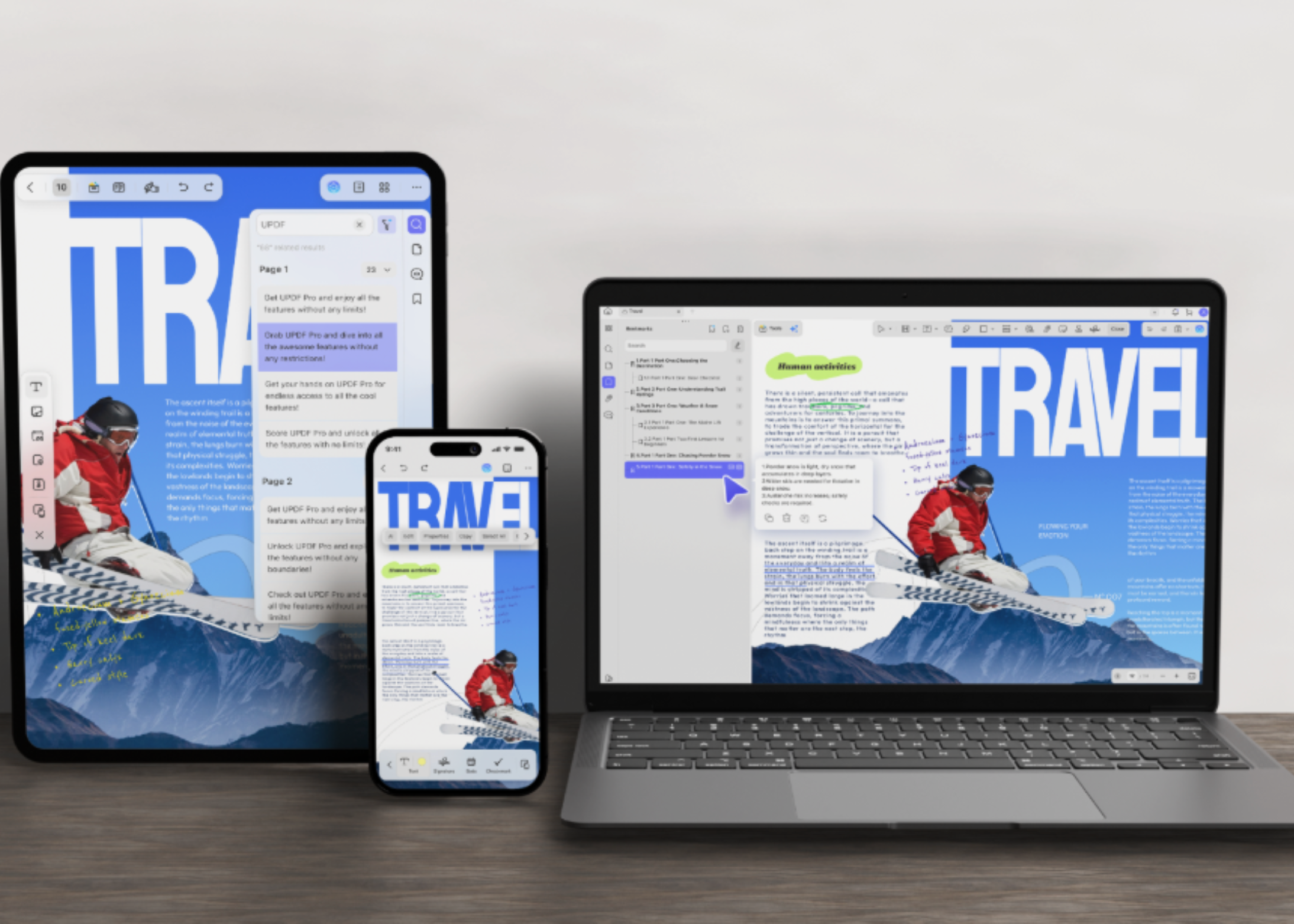
UPDF is built to solve the second half of that problem. It is an all-in-one PDF editor for Windows, macOS, iOS, and Android, developed by Superace Software Technologies. UPDF combines editing, annotation, conversion, compression, OCR, page organization, and an integrated AI assistant in a single application.
### Two Different Problems Living in the Same Document
It helps to separate document work into two categories: **interpretation** and **execution**.
– **Interpretation** involves understanding meaning: What does this clause mean? What is the argument in section four? Which of these three quotes is cheapest? Language models are now genuinely good at this class of work.
– **Execution** involves precise changes: changing a price from $4,200 to $3,850, pulling pages 7 through 12 out of a 300-page report, converting a scanned invoice into a spreadsheet with intact columns, or flattening a file and applying a certificate. These operations are deterministic—there is exactly one correct output, and a plausible-looking approximation is a failure.
Most teams solve this by running two tools in parallel: a chatbot for interpretation and a separate editor for execution. UPDF’s premise is that both belong in the same window.
### Edit PDFs Like a Word Document
With UPDF, you can edit an existing PDF directly rather than rebuilding it from the original source file. Editable objects include text and font styling, images, links, and tables. Watermarks, backgrounds, headers and footers, form fields, and pages are also editable in place.
The practical constraint is layout preservation. A brochure with an outdated price should not become a redesign project, and a contract with one wrong date should not get reflowed. UPDF keeps the original layout, fonts, tables, and formatting intact while the edit lands.
Form work sits in the same place. You can fill fields and build interactive forms. Handwritten and image-based signatures are supported, and saved signatures sync across devices.
### Convert Without Losing the Layout
Sometimes the PDF is only a starting point. A financial statement needs to become a spreadsheet. A deck needs to return to PowerPoint. A supplier contract must reach a team that works in Word.
UPDF can convert PDFs into 14 formats, including Word, Excel, PowerPoint, PNG, JPEG, HTML, and PDF/A. Conversion also works in reverse: UPDF lists up to ten methods for creating a PDF, with sources including Word, Excel, PowerPoint, images, a blank page, and the clipboard.
Two details matter for volume work:
– **Page-range selection** lets you export only the section you need.
– **Batch conversion** has no stated file-count ceiling. A folder of scanned statements can go through in one run.
### Check the Numbers Yourself
The console below carries the specifications UPDF publishes on its own product pages. Every answer links back to its source. You can click a command or type one.
—
## Frequently Asked Questions (FAQ)
**What platforms does UPDF support?**
UPDF runs on Windows, macOS, iOS, iPadOS, Android, and via the web. One account supports four devices.
**What parts of a PDF can I edit?**
You can edit text, images, links, tables, watermarks, backgrounds, headers and footers, and form fields. Pages can be inserted, deleted, rotated, extracted, merged, and reordered.
**Does UPDF support OCR for scanned documents?**
Yes. UPDF includes OCR for 38 languages and can output editable Word, Excel, PowerPoint, or text files. It also supports reverse OCR to produce searchable PDFs from image-only files.
**What are the AI limits for the free tier?**
The free tier allows 5 PDF uploads per day, 2 conversions per day, OCR runs without saving output, and up to 100 questions. Paid tiers remove these limits and add features like 100 GB cloud storage.
**Can I compare UPDF pricing with Adobe Acrobat?**
Yes. UPDF Pro perpetual is $69.99 one-time, compared with Adobe Acrobat Pro at $239.88 per year. UPDF also offers AI features as an add-on.
**Do documents get shared with third-party models?**
No. UPDF states that documents are not shared with third parties and that document content is not used to train its models.
—
## Conclusion
PDFs are ubiquitous but notoriously hard to modify. UPDF addresses this by combining robust editing, conversion, OCR, and page management with an AI assistant—all in one application across desktop and mobile platforms. Whether you need to correct a single number in a contract, extract sections from a large report, or convert PDFs into editable office formats, UPDF offers a focused alternative to juggling multiple specialized tools. For users who want AI capabilities without switching contexts, UPDF’s integrated assistant and broad feature set make it a compelling option in the evolving PDF ecosystem.
