



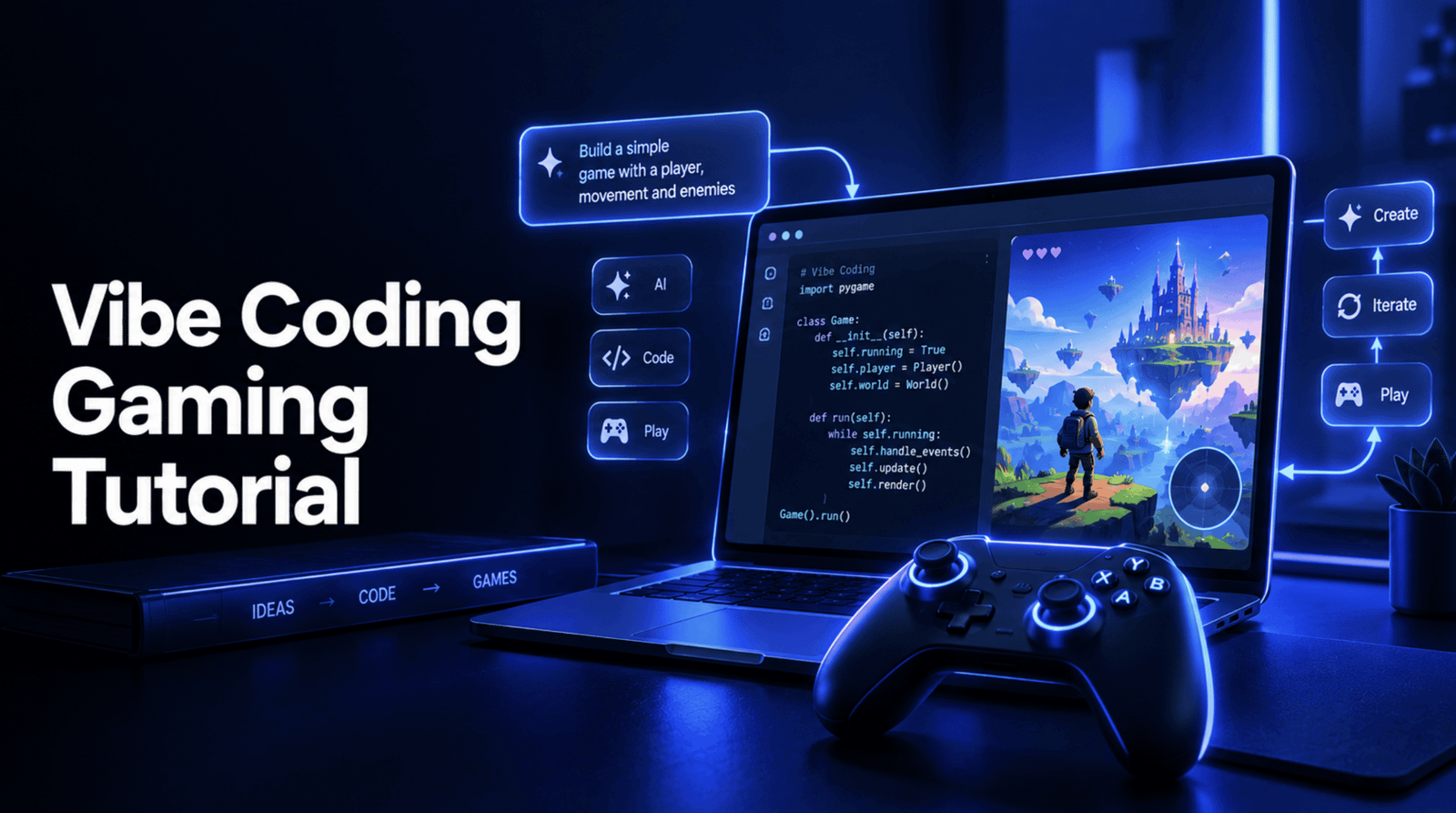
# Creating a Classic Arcade Game with AI: A Complete Guide to Modern Vibe Coding
Imagine being able to build a fully functioning video game by simply describing what you want in plain English. This is the promise of vibe coding, a workflow that has rapidly transformed from a niche experiment into a standard professional practice. Coined in early 2025 by an AI pioneer, the term was so impactful that it was named Word of the Year by a major dictionary publisher. By 2026, it is no longer a novelty; it is how real software gets built.
In this guide, we will walk through a genuine project from start to finish: building the classic arcade game Breakout using an AI coding assistant. We will cover the history of the game, the tools you need, the logical steps required to assemble it, and how to put your finished creation online for the world to play.
## The Game We Are Building: Breakout
Breakout is one of the most influential arcade titles ever created. Released by Atari in 1976, it was conceptualized as a single-player evolution of Pong and physically built by Steve Wozniak, working alongside Steve Jobs. Wozniak’s original design was so brilliantly minimized in its hardware requirements that Atari’s own manufacturing team could not replicate it, forcing the company to ship a version with extra components. That same year, the two Steves would go on to found Apple, and the logic from Breakout directly influenced the original Apple II.
The rules are simple, making it a perfect project for AI-assisted building: a wall of bricks lines the top of the screen, a ball bounces around, and you control a paddle at the bottom to keep the ball in play. Every brick you hit earns points. If the ball falls past your paddle, you lose a life. Clear all the bricks to win; run out of lives, and the game ends.
## What You Need to Get Started
The beauty of this approach is how little you need to start. You do not need expensive software, complex build tools, or frameworks to install. All you truly need is:
1. A modern web browser (like Chrome, Firefox, or Safari).
2. A simple text editor.
3. An AI coding assistant.
Depending on your preference, you can choose a tool that lives right in your terminal, an AI-native code editor that feels like a traditional workspace, a browser-based platform designed for beginners that explains its steps, or a rapid prototyping tool that requires no terminal interaction at all.
Every prompt you use in this tutorial will work identically across these platforms.
## The Build: Step by Step
We will construct our game one logical piece at a time. This staged approach is crucial. Asking an AI to build an entire game in one prompt often leads to a tangled mess that is difficult to debug. Instead, we build layer by layer, verifying each piece before moving on.
### Step 1: The Foundation
First, we set up the stage. We create a blank drawing space that is 480 pixels wide and 400 pixels tall, center it on the page, and add text placeholders for our score and remaining lives. This gives us a clean canvas to confirm our page is working before we add any moving parts.
### Step 2: The Paddle
Next, we add a rectangular bar at the bottom of the screen. We make it respond to the left and right arrow keys, ensuring it glides smoothly as long as a key is held down. Crucially, we apply a boundary check to ensure the paddle never slides off the edges of the screen. This is a small but essential guardrail that prevents the bar from vanishing out of view.
### Step 3: The Ball and Physics
We introduce a small circle that starts near the bottom center and moves diagonally. Its motion is governed by two velocity values—one for horizontal movement and one for vertical. We program it to bounce off the left, right, and top walls by simply reversing its direction the moment its edge touches a boundary.
### Step 4: The Brick Grid
Now we build the wall of blocks. Using a systematic loop, we arrange four rows of seven bricks each, leaving small gaps between them for visual clarity. Each brick is given a flag to track whether it is still standing or has been destroyed. This invisible flag is the backbone of our entire game logic moving forward.
### Step 5: Collision Detection
This is the most critical step, where the game transitions from a moving demo to a real game. We establish rules for what happens when the ball meets the paddle or a brick. When the ball hits the paddle, it bounces at an angle depending on where it strikes—hitting the center sends it straight up, while hitting the edges sends it flying at a sharp angle. This makes the game feel responsive and skill-based. We also write a rule that ensures the ball ignores bricks that have already been hit and destroyed, preventing it from bouncing off invisible, lingering block outlines.
### Step 6: Scoring and Lives
We connect the collision logic to the scoreboard. Every time a brick is destroyed, the score increases by ten points. If the ball slips past the paddle and hits the bottom of the screen, we subtract a life. After losing a life, the ball resets to its starting position, ready for the player to try again. If all lives are gone, the game officially ends.
### Step 7: Victory and Defeat
Finally, we define the end states. If every single brick is destroyed, the player wins, and a victory message is displayed. The game loop continues to render the final frozen frame so the player can admire their accomplishment, but it stops processing new inputs or movements. If the player runs out of lives, a game-over message appears instead.
## Shipping Your App
Once your game plays exactly the way you want it to, sharing it with the world is incredibly simple. Because our project is just a single file, we can host it for free using static site platforms. You can push your file to a public repository and enable automatic deployment, or simply drag and drop your file onto a hosting dashboard. If your goal is specifically to share it with the gaming community, dedicated indie game platforms offer a built-in audience of players actively looking for exactly this kind of project.
## The Real Skill Behind Vibe Coding
Vibe coding does not remove the need to understand what you are building; it simply moves where that understanding happens. You might not type out the collision mathematics character by character, but you still need to know *why* a destroyed brick needs a guard clause, *why* a paddle needs boundary clamping, and *why* “it looks right when I test it” is not the same as “the win and loss states are verified correct.”
The core skill you are truly learning is how to read, question, and verify what the AI hands you. This is the difference between a working game and one that just looks like it works until a subtle bug ruins the experience.
—
## Frequently Asked Questions
**Q: Is vibe coding just copy-pasting AI-generated code?**
A: Not at all. While the AI generates the code, the human role is to guide, review, iterate, and verify. It is a collaborative process where the AI handles the heavy lifting of syntax and iteration, but the human provides the logic, checks for edge cases, and ensures the final product actually works as intended.
**Q: Do I need to be a professional programmer to try this?**
A: No. Vibe coding is highly accessible. Because you are describing goals in natural language, a basic understanding of how software is structured is more than enough to get started. The step-by-step iteration process makes it easy to learn as you build.
**Q: Why is Breakout a good first project for this method?**
A: Breakout strikes the perfect balance. It is simple enough that you can fully understand every line of code and its purpose, yet complex enough to require genuine logic, including physics for bouncing, user input for movement, and state management for scoring and lives.
**Q: Is it really free to host a game online?**
A: Yes. Platforms that specialize in static files or indie games offer robust free tiers that are more than sufficient for a single HTML game. You will not need to pay for a server or manage a database.
## Conclusion
Building software with the help of AI is no longer science fiction—it is the current standard. By taking the time to understand the workflow, from setting up your tools to verifying the final product, you unlock a powerful way to bring your ideas to life. Vibe coding shifts the workload, but it keeps the critical thinking exactly where it belongs: with you.
Thank you for reading
