



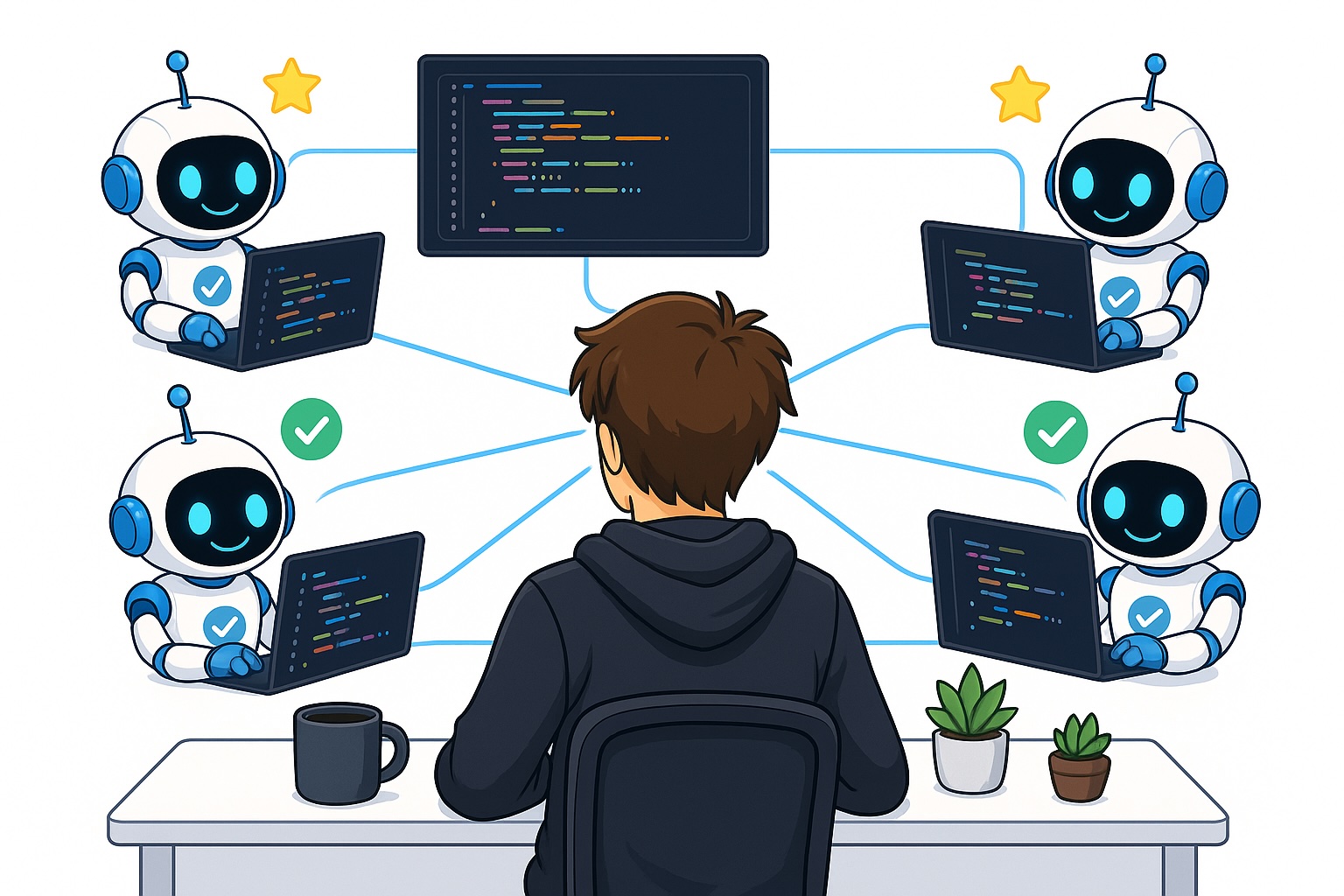
If you’re running coding agents one after another instead of launching multiple sessions simultaneously, you’re missing a major advantage. One of the biggest strengths of coding agents is their ability to work on several tasks at once—something that wasn’t feasible in traditional software development.
But when I fire off many parallel coding sessions, staying on top of everything becomes tricky. You need smart strategies to monitor all active sessions, quickly re-orient yourself when switching between them, and stay productive without losing context.
Why running coding agents in parallel is tough
Let’s start with why managing parallel coding agents is hard. Before large language models, developers naturally focused on just one task at a time. Attempting to juggle multiple software engineering tasks usually led to lower quality work—because these tasks are complex and demand deep concentration. Splitting your focus across several efforts tends to hurt performance on all of them.
But the game has changed: you’re no longer writing every line of code yourself (or at least, you shouldn’t be). Coding agents handle the implementation, while your role shifts to overseeing them—more like a manager than a hands-on coder.
That said, even as a manager of agents, you’re still responsible for guiding independent, simultaneous tasks. Running things in parallel means the tasks must not depend on each other—which brings back the old challenge of holding multiple contexts in your head at once. For example, you need to:
- Respond promptly when an agent asks you a question.
- Verify the agent’s output once it finishes—knowing exactly what to test, how to test it, and whether it meets the original goal.
How to successfully run many coding agents in parallel
Here are some practical techniques I use every day to manage multiple parallel coding agents effectively.
Use the Agents View in Claude Code

One powerful way to keep track of your agents is using an agent view. Claude Code offers a built-in version of this, and other tools like Warp (a modern terminal) have introduced similar features recently.
The benefit of the agent view is that each conversation is condensed into a single line—you can press Enter to expand it if needed, or let it run quietly in the background. When any session requires your input, it flags itself automatically.
This approach keeps things organized: you avoid confusion about which agent is active, which needs attention, and which is waiting. To enable the agents view in Claude Code, run:
claude agentsGet notified when a coding agent needs input

Another key habit: set up alerts so you’re immediately notified when an agent needs your input. If you’re already using the agent view, this is handled visually. But if you prefer a different workflow (like separate terminal tabs), you can still get clear signals.
In my setup, each terminal tab includes a star indicator next to the Claude Code icon when input is needed. It’s a simple but effective way to scan your tabs and know exactly which ones require action—all without opening each one.
You can also add audio alerts. This is possible through Claude Code’s “hooks”—scripts that run at specific events. For instance, you can trigger a sound whenever Claude pauses and asks for your input. That way, even if you’re focused elsewhere, you’ll hear a cue that an agent needs help.
Turn on session recaps

Recaps are anotherAn incredibly powerful way to manage multiple coding agents at once.
A frequent challenge with many agents running in parallel is quickly re-engaging with a specific agent’s context.
Let’s say you launch five parallel agents. You begin by giving instructions to Agent 1, then proceed to set up Agents 2, 3, 4, and 5. By the time you circle back to Agent 1, it’s likely been at least ten minutes since your last interaction. You now need to swiftly remember the details: what tasks were assigned to Agent 1 and what the goal was. Without a summary, this is tough, but this is exactly where Claude Code’s recap feature is invaluable.
As shown in the image above, the recap feature is a brief text summary placed directly above the user input area. It outlines your current tasks in that session and their objective. A quick glance at this summary helps you immediately get back on track and resume directing your agent.
### New Tabs or Split Panes
This image demonstrates a split-pane view with multiple Claude Code instances. Split panes are extremely helpful for monitoring several coding agents in real-time without constantly switching tabs. Typically, I organize my workspace with one tab for each project repository and then use split panes within that tab to see all active agents at a glance. Image by ChatGPT.
The final method I’ll cover is the use of new tabs or split panes. When working with coding agents, I strongly suggest using a terminal application or any platform that supports split panes.
The image above shows a split-pane example. If you’re using the Warp terminal on a Mac, pressing Command+D will split the screen horizontally, giving you two separate terminal views. This efficiency allows you to supervise two agents simultaneously, which I find highly beneficial.
While many terminal applications and development environments offer similar split-pane functionality, I encourage you to choose one that best fits your workflow.
My preferred approach is to use one new tab for each different project folder. If I’m running multiple agents within the same folder, I use split panes within that tab.
This setup provides a quick, unified view of all my coding agents across various repositories.
### Conclusion
In this article, I’ve shared methods for maintaining oversight of parallel coding sessions. I outlined several techniques I use to handle many agents effectively while staying organized. I believe the future for programmers lies in orchestrating AI coding agents—acting as a manager of intelligent assistants. You should begin practicing the art of parallel agent management today, as this skill is set to become essential for any developer.
👋 Connect With Me
**👉 My free eBook and Webinar:**
**🚀** 10x Your Engineering with LLMs (Free 3-Day Email Course)
📚 Get my free Vision Language Models ebook
💻 My webinar on Vision Language Models
**👉 Find me on socials:**
💌 Substack
🐦 X / Twitter
