



# Gemini 3.5 Transcribe: A Comprehensive Overview of Google’s New Speech-to-Text Model
Google has introduced Gemini 3.5 Transcribe, a dedicated speech-to-text model designed to power both real-time voice interfaces and the processing of recorded audio files. The release is notable because it is not a single unified service but rather two distinct endpoints, each optimized for a different use case. Understanding the architectural split between these two surfaces is essential for anyone planning an integration, because they carry different capabilities, constraints, and pricing structures.
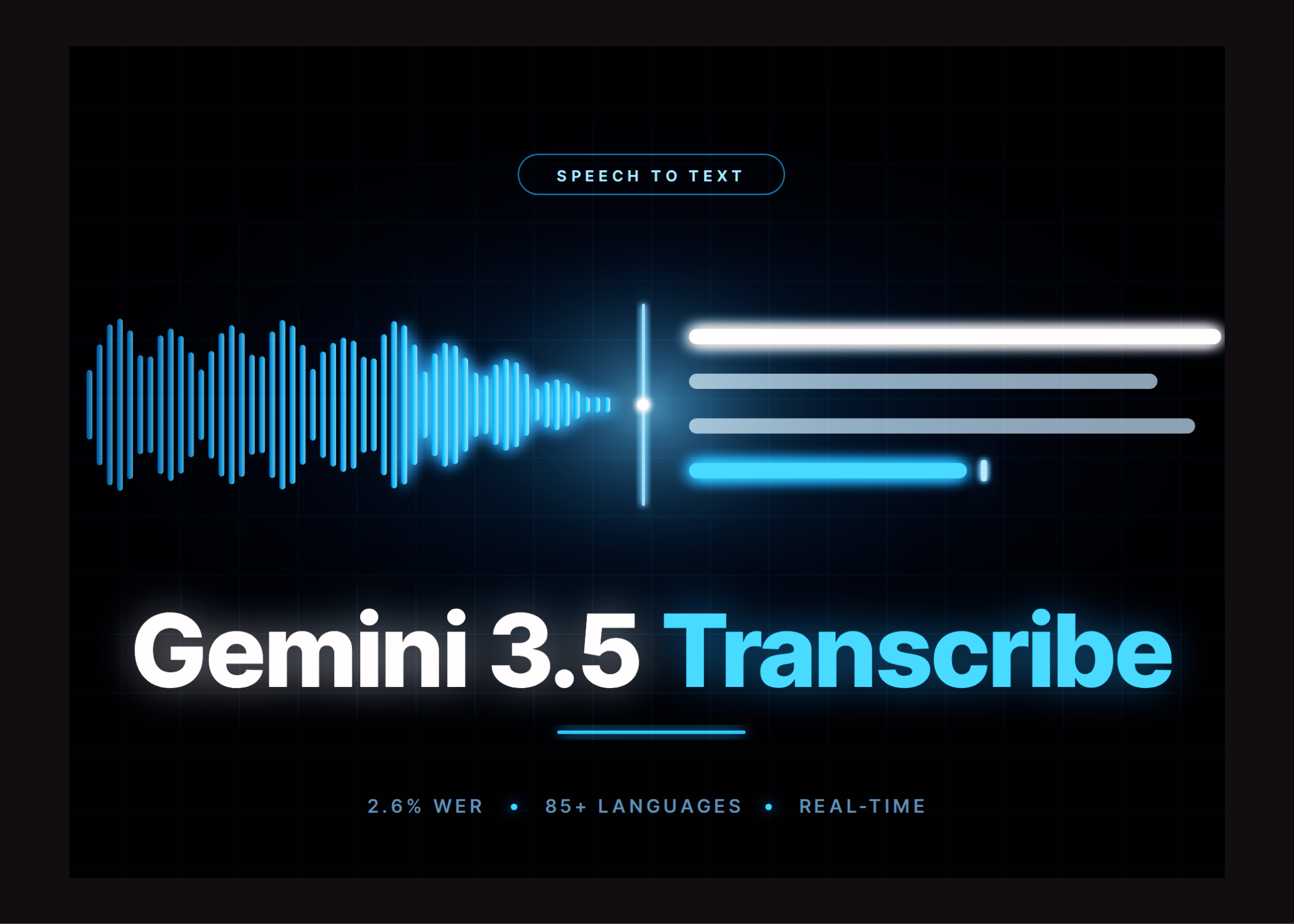
At a high level, the model delivers strong accuracy benchmarks. Independent measurements from Artificial Analysis place the average word error rate at 4.0% for streaming transcription and 2.6% for non-streaming transcription. Compared to Google’s prior transcription model, Chirp 3, the time required to produce a final transcription has improved by 70%. The model also supports automatic language detection across more than 85 languages, including the ability to handle mid-sentence code-switching without requiring explicit configuration from the developer.
## Is It Ready for Production Use?
Gemini 3.5 Transcribe is available today, but only through API access. There are no open weights released, and there is no option for self-hosting or on-premise deployment. This means teams must treat it as a managed cloud service rather than an infrastructure component they can control at the hardware level.
From a pricing and access perspective, the model is structured around three tiers. Solo developers and early-stage startups can begin using the Gemini API free tier, which is accessible through Google AI Studio. Mid-market organizations that need higher rate limits can move to the paid tier, which also includes a guarantee that customer content will not be used to improve Google’s own products. For regulated enterprises that require additional safeguards, Google offers the Gemini Enterprise Agent Platform, which provides provisioned throughput, compliance controls, and volume-based discounts. It is worth noting that both the developer and enterprise tracks are currently in public preview, so organizations should treat any production commitments with appropriate caution.
## Target Industries and Use Cases
The model is positioned for a broad range of verticals. Contact centers and customer experience platforms can use it to power real-time transcription during customer interactions. Healthcare organizations can leverage it for clinical documentation. Media companies can use it for captioning and localization workflows. Legal and insurance firms can apply it to intake processing. Meeting tooling and voice-controlled developer interfaces round out the primary application areas.
Concrete use cases include building real-time voice agents, generating live captions for broadcasts or meetings, constructing post-call analytics pipelines, producing meeting transcripts with speaker attribution, enabling dictation workflows, and creating voice-driven user interfaces for software applications.
## The Two API Surfaces Explained
### The Live API
The Live API endpoint, identified as `gemini-3.5-transcribe-live`, is built for bidirectional streaming. It delivers sub-second transcription by accepting audio in raw 16-bit PCM format at 16kHz mono, broken into 100-millisecond chunks. During a live session, the API emits speculative interim transcriptions while the speaker is still talking, and then finalizes the text once the turn ends. The endpoint supports automatic, hybrid, and manual voice-activity detection, and it offers ephemeral tokens so that mobile and web applications can stream audio without needing to hold a permanent API key in the client.
However, this surface comes with hard constraints. Live sessions are capped at 10 minutes of continuous streaming. Speaker diarization, which identifies different speakers in an audio stream, is not supported on this endpoint. Word-level timestamps, which mark the exact start and end of each spoken word, are also absent.
### The Interactions API
The Interactions API endpoint, identified as `gemini-3.5-transcribe`, handles pre-recorded files submitted through the Files API. This is where the features that the Live API cannot support live. The Interactions API provides speaker diarization with support for up to eight speaker labels. It also delivers word-level start and end offsets, which can be critical for applications that need to align text precisely with audio. Developers can provide a custom vocabulary of up to 1,000 terms to bias transcription accuracy, though the best results are typically seen with lists below 100 terms. Standard requests can process up to one hour of audio. When diarization or word-level timestamps are enabled, the maximum file size drops to 30 minutes.
It is also worth noting a limitation on speaker attribution: beyond the first two identified speakers, the accuracy of diarization labels is considered experimental.
## Verbatim Mode vs. Smart Mode
One of the most important design decisions developers will face is choosing between the two output modes available on both endpoints. Verbatim mode, which is the default, returns everything in the audio exactly as spoken. This includes fillers like “um” and “uh,” repetitions, and false starts where a speaker corrects themselves mid-sentence. Verbatim mode preserves the full, unedited record of the spoken content.
Smart mode, on the other hand, applies post-processing to clean up the transcript. It removes disfluencies, resolves spoken self-corrections inline, and applies structured formatting where appropriate. Google has illustrated this with an example: when a speaker says “Um, so for the meeting, I think we should, uh, invite Alice and, wait no, Bob and Carol,” verbatim mode returns the entire sequence of words, while smart mode produces the cleaned output “For the meeting, I think we should invite Bob and Carol.”
There is a critical tradeoff here: smart mode cannot be combined with word-level timestamps or speaker diarization. This means that teams which need an auditable, detailed transcript with speaker labels and precise timing must use verbatim mode, while teams that prioritize readability and summary-style output can use smart mode. These are effectively two different API calls for different downstream needs.
## Performance Benchmarks
The performance claims are measured against specific benchmarks. The 4.0% word error rate for streaming and 2.6% for non-streaming come from Artificial Analysis, an independent evaluation platform. On the multilingual FLEURS benchmark, which tests transcription across a diverse set of languages and locales, the model achieves 5.50% error rate in streaming mode and 5.04% in non-streaming mode.
In terms of speed, the 70% improvement over the previous generation model Chirp 3 is a significant leap for time-sensitive applications. The model’s language coverage now extends to over 85 locales, and its automatic detection and code-switching capabilities mean that developers do not need to predetermine the language of the input audio in most cases.
## Integration Ecosystem
On the developer side, the Live API is already integrated with several well-known platforms. LiveKit, Pipecat, Agora, Fishjam, Vercel, and Vision Agents all have existing wiring for this model. For consumer-facing products, the model powers features in Rambler on Android, the Gemini app on macOS, and Google’s Antigravity product. Google has also indicated that Chrome integration is coming soon.
## Key Takeaways
– Gemini 3.5 Transcribe ships as two separate endpoints: one for streaming and one for pre-recorded files, and they do not share the same feature set, limits, or pricing.
– The Live API trades away diarization and word-level timestamps in exchange for sub-second latency and 10-minute session windows.
– The Interactions API fills in those gaps with diarization support for up to eight speakers, word-level timestamps, and custom vocabulary biasing, but operates on pre-recorded files only.
– Word error rates stand at 4.0% for streaming and 2.6% for non-streaming, with a 70% speed improvement over the prior generation model.
– Smart mode delivers cleaner, more readable transcripts but cannot be used alongside timestamps or diarization.
– Estimated costs run approximately $0.005 per minute for batch processing and $0.009 per minute for live streaming, with billing handled on a token basis.
– There are no open weights available, and the service is managed-only through Google’s cloud API.
—
## Frequently Asked Questions
**Q: Can I self-host Gemini 3.5 Transcribe?**
A: No. The model is available exclusively as a managed API service. There are no open weights and no self-hosted deployment path.
**Q: What audio format does the model expect?**
A: Both endpoints expect raw 16-bit PCM audio at 16kHz, mono channel. The Live API processes audio in 100-millisecond chunks during streaming.
**Q: How does the cost model work?**
A: Billing is token-based rather than per-minute. Google publishes a blended cost estimate of approximately $0.005 per minute for batch transcription and $0.009 per minute for live streaming. The actual cost will vary depending on speech density and the ratio of audio input tokens to text output tokens.
**Q: What is the maximum audio length I can process?**
A: For the Interactions API, standard requests accept up to one hour of audio. That limit drops to 30 minutes when diarization or word-level timestamps are enabled. The Live API caps individual sessions at 10 minutes of continuous streaming.
**Q: Can I use smart mode with speaker diarization?**
A: No. Smart mode cannot be combined with word timestamps or speaker diarization. Developers must choose between a clean, readable transcript or a detailed, timestamped and diarized one, as these are mutually exclusive configurations per API call.
**Q: How many languages does the model support?**
A: The model supports automatic detection and transcription across more than 85 languages and locales, including handling of mid-sentence code-switching.
**Q: What platforms and frameworks already integrate with the Live API?**
A: The Live API is integrated with LiveKit, Pipecat, Agora, Fishjam, Vercel, and Vision Agents. Consumer products using the model include Rambler on Android and the Gemini app on macOS.
**Q: Is the content I send used to train Google’s models?**
A: On the paid tier, Google guarantees that customer content is not used to improve its products. The free tier’s data usage policies should be reviewed in Google’s documentation prior to production use.
—
## Conclusion
Gemini 3.5 Transcribe represents a significant step forward in Google’s speech-to-text capabilities, offering strong accuracy, broad language support, and a meaningful speed improvement over its predecessor. The two-endpoint architecture, while initially complex, allows developers to choose the right tradeoff between latency and feature richness for their specific application. Teams building real-time voice interfaces can rely on the Live API for fast, streaming transcription, while those needing detailed, auditable transcripts with speaker identification and precise timestamps can turn to the Interactions API. The verbatim versus smart mode choice adds another layer of flexibility, provided developers keep in mind the incompatibility between smart mode and certain annotation features.
For organizations evaluating this model, the key planning considerations are clear: determine whether real-time or batch processing fits the use case, assess whether diarization and timestamps are needed, account for session duration limits, and factor the blended token-based pricing into operational budgets. With API-only access and no self-hosted option, this remains a fully managed cloud service decision that rewards teams comfortable operating within Google’s ecosystem.
Thank you for reading
