



# Choosing the Right Coding Agent: A Practical Framework for Claude Code and Codex
## The Shifting Landscape of AI-Powered Development
The era of casually picking one coding agent and sticking with it is long gone. Just a few months ago, the conversation was straightforward — one model dominated virtually every coding benchmark, and developers had little reason to look elsewhere. That simplicity has evaporated. Today, two models stand at the forefront of AI-assisted coding, each with distinct personalities, strengths, and blind spots that can make or break your workflow.
Beyond these two leaders, there’s an encouraging wave of newer entrants — models like GLM 5.3 and Kimi K3 — that deliver impressive coding performance at increasingly competitive price points. But for developers who want maximum output quality right now, understanding the interplay between the two dominant agents remains essential.
More importantly, the principles at play here aren’t just about these two specific tools. They’re about building an intuition for when a given AI assistant is the right fit, how to evaluate model performance systematically, and how to adapt your workflow as the technology evolves.
## Two Models, Two Philosophies
At the highest level, the choice between these two frontier coding agents comes down to a simple but powerful distinction:
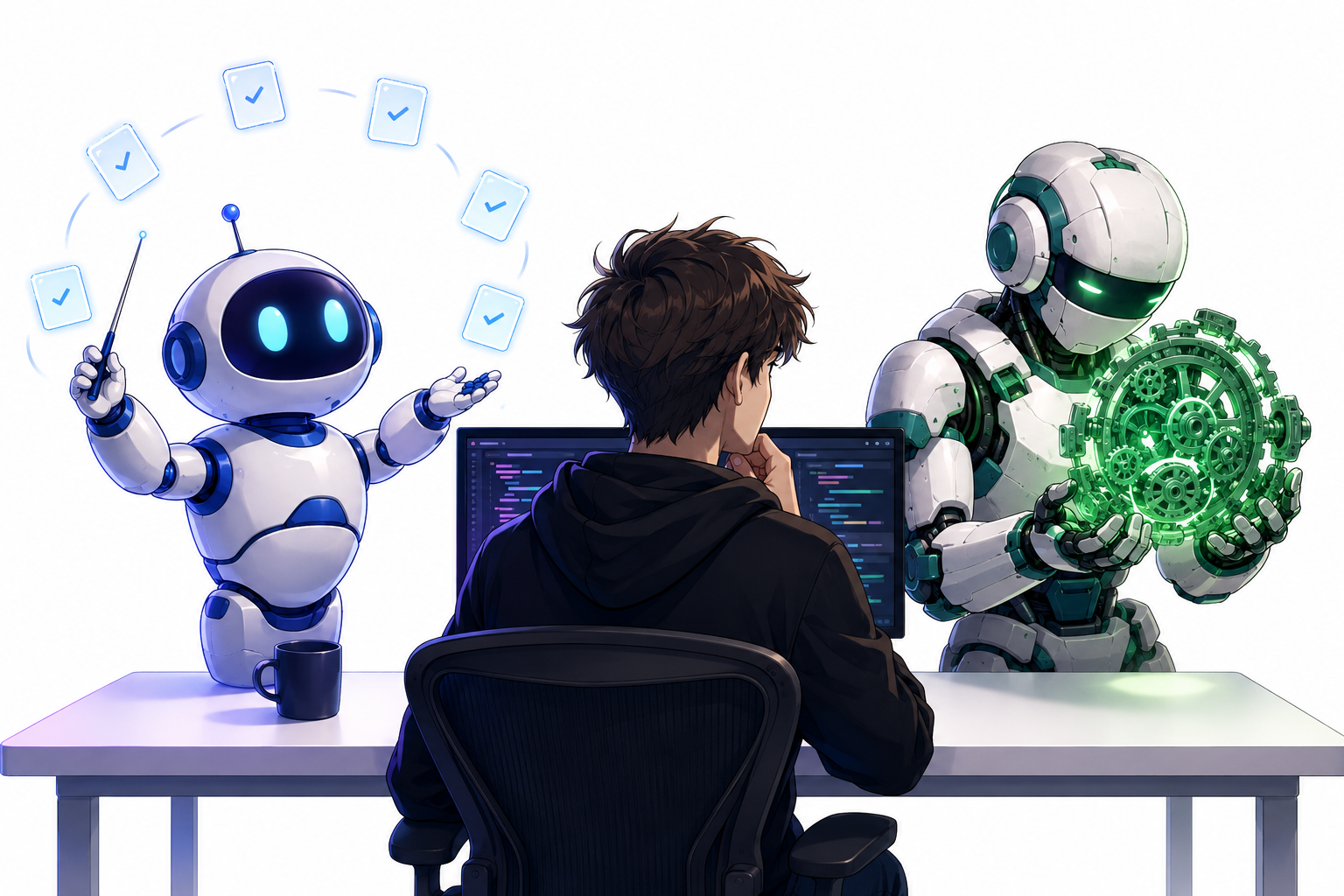
> **Codex excels when you need deep, focused execution on a single complex problem. Claude Code shines when you need to manage many smaller tasks in parallel, coordinating multiple workflows efficiently.**
This contrast isn’t just a matter of raw intelligence — it reflects fundamentally different approaches to problem-solving and task management.
### Where Codex Pulls Ahead
When you hand Codex a challenging, well-defined task — think refactoring a complicated module, debugging a tricky architectural issue, or implementing a non-trivial feature from scratch — it tends to just *get to work*. There’s a sense of momentum that’s hard to ignore.
A few characteristics stand out:
– **Brevity and focus.** Codex communicates in a more streamlined fashion. It doesn’t pad its responses with excessive commentary or recap what you already know, which makes it faster to iterate when you’re deep in a work session.
– **Autonomous inference.** Rather than pausing frequently to ask clarifying questions, Codex makes reasonable assumptions and moves forward. For experienced developers, this autonomy is a huge time-saver because most of those assumptions tend to be correct.
– **Task completion drive.** When given a goal, Codex is more likely to push through to the finish line without needing repeated nudges or the use of special directive commands to keep it on track.
The cumulative effect is that for a difficult, standalone coding challenge, Codex often delivers results faster and with fewer rounds of back-and-forth.
### Where Claude Code Shines
The picture flips dramatically when the work involves juggling many smaller, loosely related tasks — the kind of rapid-fire fixes, patches, and tweaks that pile up through daily product feedback, bug reports, and minor enhancement requests.
Claude Code operates as a remarkably effective orchestrator. Here’s why this matters in practice:
– **Parallel task management.** If you receive fifty to a hundred small tasks in a single day, manually spawning separate sessions for each one is impractical. Claude Code can handle batch workflows, spinning up sub-agents to tackle individual items while keeping the overall picture in view.
– **Memory of pending work.** When you hand Claude Code a collection of related tasks, it retains context about what’s still outstanding. It won’t lose track of a half-finished fix because it was asked to handle something else mid-session.
– **Design and frontend precision.** For tasks that involve UI adjustments or design-focused implementation — which frequently overlap with the smaller-task category — Claude Code provides a reliable and iterative environment.
The strength of Claude Code in orchestration essentially makes it the default choice for any day where the to-do list is long and the individual items are relatively straightforward.
## Building Your Own Classification System
The framework described above — essentially, a mental checklist you run through before starting any new coding session — is straightforward enough to adopt directly. Here’s how it might look in practice:
1. **Survey incoming work.** At the start of a session, review the tasks you need to address. Are they large and complex, or are they smaller, repetitive fixes?
2. **Classify by task type.** Place each item into one of two buckets: deep execution tasks (single, difficult, goal-oriented) or orchestration tasks (multiple, smaller, batch-friendly).
3. **Match to model.** Route deep execution tasks to Codex. Route orchestration and batch tasks to Claude Code.
4. **Review and iterate.** Periodically reassess whether your classification still holds as models update and as your project needs shift.
Some people also find it helpful to designate Claude Code as the default for any session where design or front-end-only changes are involved, even when those changes are technically small, because it handles UI iteration smoothly.
## How to Test for Yourself: Finding Each Model’s Sweet Spot
Relying on general impressions is useful, but the best way to understand a coding agent’s fit for your work is through structured testing. Here are a few approaches:
### Track Quantifiable Metrics
– **Average task completion time.** How long does it take for a given model to finish a task of a certain complexity? Track this over a week and look for patterns.
– **Number of review-rounds per task.** If a model consistently produces code that needs multiple revision passes, that’s a signal — either of miscommunication, hallucination, or a mismatch between the model’s strengths and your task type.
### Run Controlled Comparisons
Pick a task — any task — and attempt it with both models under similar conditions. Compare the outputs side by side: accuracy, completeness, speed, and the amount of clarification needed from you. This costs extra tokens, but the insight gained is worth the investment, especially when you’re onboarding a new workflow.
### Trust But Verify Your Intuition
Over time, you’ll develop a gut feeling. You’ll sense when a session is dragging because the model keeps stopping to ask questions, or when it’s flying through work with minimal intervention. Pay attention to those feelings — they’re data points. The goal isn’t to replace intuition with metrics but to layer metrics on top of intuition so you have a more complete picture.
## FAQ
**Q: Should I completely abandon one model in favor of the other?**
A: Not necessarily. The most effective approach is a hybrid one. Use each model for the types of tasks where it performs best. Having both in your toolkit gives you flexibility that a single-model workflow simply can’t match.
**Q: What if one of the models gets updated or a new leader emerges?**
A: The coding agent landscape evolves quickly. OpenAI regularly updates its harness, and Anthropic iterates on Claude as well. Refresh your classification whenever a major update lands. The principles — matching task type to model strength — will remain relevant regardless of which specific models are in play.
**Q: Can I use the same classification system for non-coding tasks?**
A: The underlying philosophy — pairing task complexity and concurrency patterns with the model best suited to handle them — applies broadly. For writing-heavy or analytical tasks, you’d want to evaluate which model handles long-context reasoning better, which handles multi-step reasoning more reliably, and so on. The testing methodology is directly transferable.
**Q: What about open-source models or cheaper alternatives?**
A: Emerging open-source models like GLM 5.3 and Kimi K3 are already impressive for coding. If cost is a significant factor, it’s worth experimenting with these models alongside the frontier pair. You might find that for certain categories of work — particularly routine or well-scoped tasks — a smaller model is perfectly adequate, freeing up your premium credits for the genuinely hard problems.
**Q: Is it worth the overhead of running two different sessions?**
A: The overhead is minimal compared to the productivity gains. Switching between sessions is a habitual action that takes seconds, and the alternative — forcing a single model to handle tasks it’s poorly suited for — costs far more in wasted time and frustration over the course of a week.
**Q: How do I handle tasks that don’t clearly fit one category or the other?**
A: Start with your best guess. If a task is moderately complex but has multiple dependent sub-tasks, lean toward Claude Code’s orchestration strength and break the work into smaller pieces. If it’s a moderately complex task with a singular goal, lean toward Codex and let it drive to completion. After the session, note what worked and iterate on your approach.
## Final Thoughts
The future of AI-assisted development isn’t about picking a single “best” model and never looking back. It’s about developing a nuanced understanding of what each tool does well — and, equally important, what it struggles with — so you can deploy them strategically. Claude Code and Codex represent two excellent but philosophically different approaches to coding assistance. By building a classification habit, running periodic performance checks, and staying curious about the landscape, you can ensure your development workflow stays sharp, efficient, and future-proof.
The technology will keep shifting. Models will get stronger, new entrants will appear, and the boundaries between what each agent can do will blur. But the core skill — knowing which tool to reach for and why — will remain the single most impactful thing you can do as a developer working with AI.
Thank you for reading
