



**Claude Code Finally Lands on Linux — With a Few Caveats**
The wait is over for Linux users wanting a first-class Claude Code experience. The official Linux desktop app has arrived, bringing native support and a familiar interface to the open-source community. However, my initial tests reveal a significant hurdle: seamless integration with locally hosted AI, like Ollama, remains a challenge.
**A Native Linux Experience**
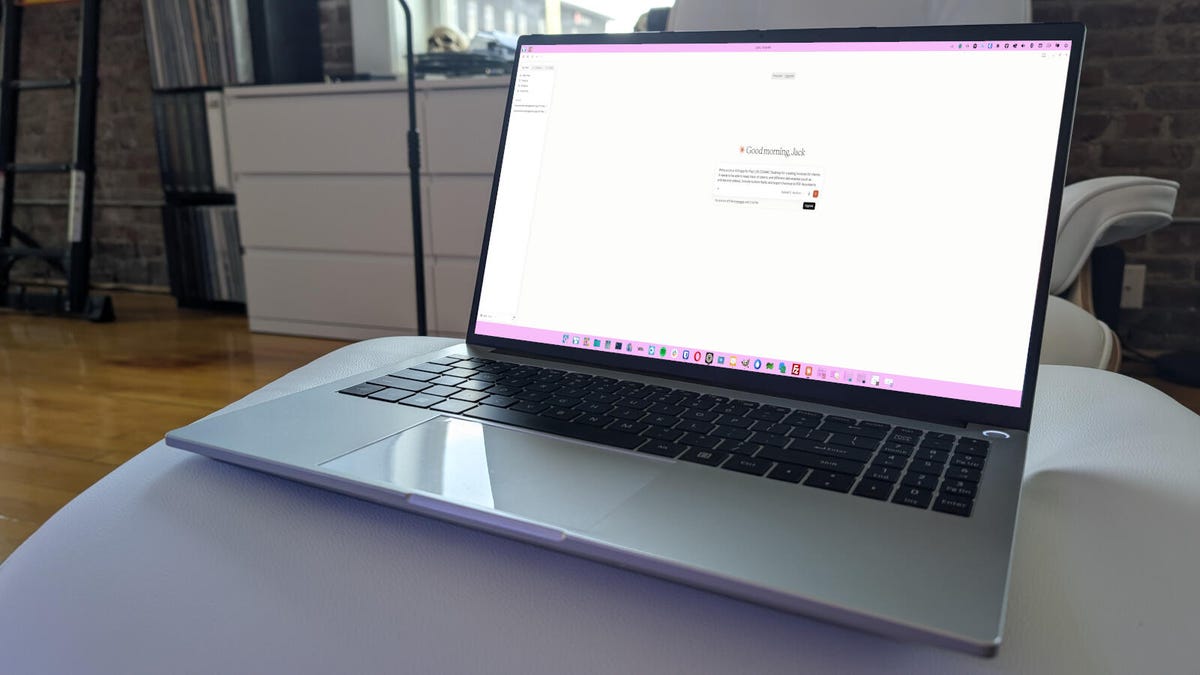
For fans of the command-line powerhouse, this GUI wrapper is a welcome development. It mirrors the feature set of its macOS and Windows counterparts, offering a familiar environment for writing, executing, and debugging code. The interface is clean and intuitive, making it accessible for both new and experienced users.
**The Local AI Connection Problem**
The true test for many Linux power users is local AI compatibility. Unlike apps such as Alpaca or Moose, which are built from the ground up to connect with local Ollama models, Claude Code presents a more difficult path.
My attempts to link the desktop app to a locally running Ollama instance were met with frustration. The process is convoluted, requiring the installation of a separate Claude model via Ollama and a precise, multi-step configuration of developer settings. Even then, the app frequently failed to recognize available local models. Ultimately, I found the app defaults to the limited free cloud-based Anthropic plan, which defeats the purpose of running a local setup.
**Performance and Stability**
Interestingly, despite the local AI struggles, the app performed brilliantly as a standalone tool. When tasked with a complex coding job, it relied on cloud resources, placing no strain on my machine. This highlights its efficiency but also underscores a missed opportunity: the inability to leverage the significant power of a local, resource-efficient AI like Ollama.
**The Verdict**
So, does the Claude Code Linux desktop app deliver? **Yes, but with a major limitation.**
* **If you have a paid Anthropic account** and want a beautiful, native Linux client for cloud-based Claude Code, this is an excellent option.
* **If your goal is to use free, private, local AI** (like Ollama), this app is currently not the right tool. The configuration is unreliable, and the connection is unstable. For local work, tried-and-tested applications like **Alpaca** or **Moose** remain the far superior choice.
In short, the app is a great step forward for mainstream adoption, but it feels like a missed chance to fully empower the Linux open-source AI community.
***
**Source:**
Wallen, Jack. “Claude Code finally has a Linux desktop app.” *ZDNET*, 2024. https://www.zdnet.com/article/claude-code-finally-has-a-linux-desktop-app/
