



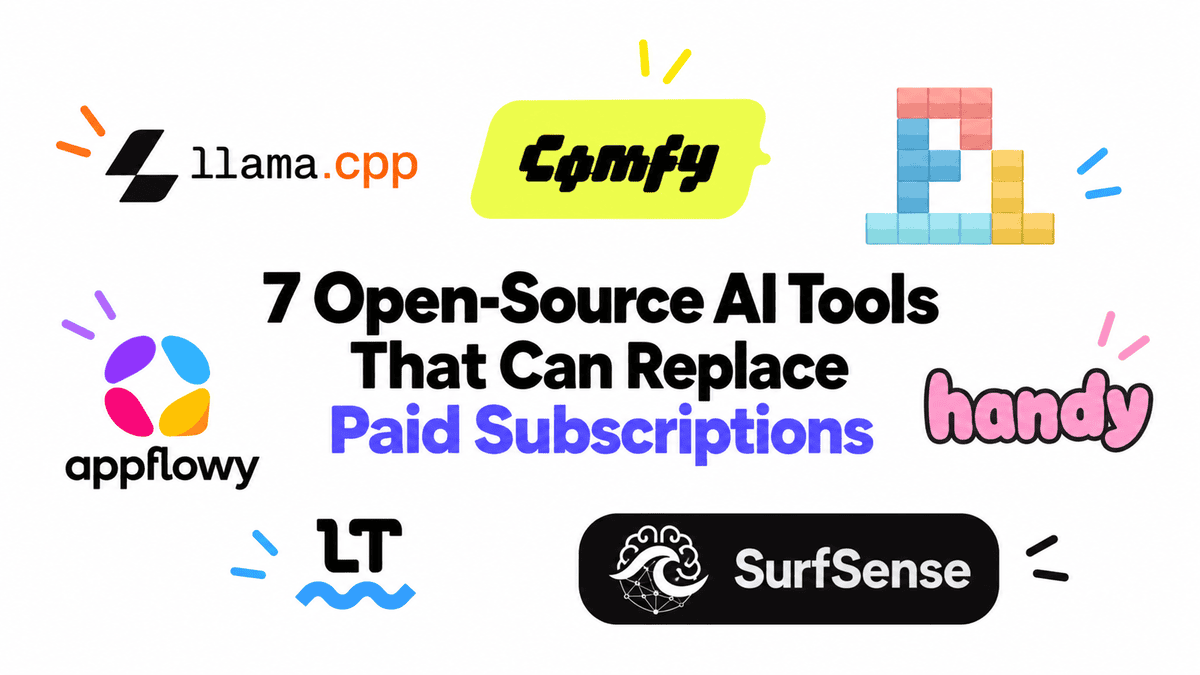
# 7 Free AI Tools You Can Use Instead of Expensive Subscriptions
Every month, AI subscriptions quietly add up. Between chat assistants, image generators, coding helpers, grammar checkers, and note-taking apps, the bills can become surprising. What if you could replace many — or even all — of these with free, open-source tools that run on your own computer?
The open-source world has matured quickly. Today, these tools are practical, reliable, and powerful enough for daily use. Here are seven options worth exploring.
—
## 1. Run Powerful Language Models Locally with llama.cpp
If you have ever paid for access to a chatbot or an API that charges per message, llama.cpp might change how you think about AI text tools. It is a lightweight engine that lets you run large language models directly on your own hardware.
It works across different setups, including standard processors, NVIDIA graphics cards, Apple Silicon chips, and AMD GPUs. The models you can use are also improving rapidly. For example, Qwen3.8-27B is one of the most capable open models for tasks like coding and reasoning, and it performs competitively with top-tier commercial options.
One standout feature is the built-in server mode, which provides a chat interface similar to popular cloud services and an API that other applications can connect to. This means you get a full local setup without recurring fees.
—
## 2. Create and Edit Images with ComfyUI
ComfyUI is a visual, node-based tool for generating and editing images and videos. Instead of typing a single prompt and waiting for a result, you can build detailed workflows where you control every step — from choosing a model to refining the final output.
Beyond simple image creation, it supports tasks like inpainting (filling in missing parts of a picture), upscaling low-resolution images, applying stylistic effects, and generating videos. It works with modern models such as Flux, Qwen Image Edit, and several video generation engines like Wan and LTX-Video.
Whether you are a designer, creator, or hobbyist, ComfyUI gives you a powerful local platform that replaces the need for multiple paid image and video services.
—
## 3. Code with Pi, an Open-Source Coding Agent
Pi is a fast terminal-based coding agent that can build projects, fix bugs, modify files, execute commands, and manage complex multi-step programming tasks. Think of it as a free alternative to tools like Claude Code, Codex, or Gemini CLI.
What makes Pi especially flexible is that it works well with local models. You can pair it with llama.cpp or a similar engine to create a fully offline coding setup. The combination gives you intelligent, agentic coding assistance without a monthly bill.
—
## 4. Organize Your Workspace with AppFlowy
AppFlowy is a self-hosted, open-source workspace that handles documents, notes, wikis, task boards, databases, and calendars — all in one place. If you have relied on Notion-style tools, AppFlowy offers a familiar experience with the added benefit of data ownership.
It is available on desktop (Windows, macOS, Linux), mobile devices, and the web, and it supports offline access. You can even enable AI-powered writing and editing features. The main advantage is that you can run it on your own server, keeping sensitive information off third-party platforms.
—
## 5. Dictate Anything with Handy
Handy is a lightweight dictation application that runs entirely on your machine. You press a keyboard shortcut, speak, and it transcribes your voice using local speech recognition models — no internet connection required.
It uses efficient models like Whisper and Parakeet V3, and on a standard mid-range processor, it can transcribe audio up to five times faster than real time. The transcribed text is instantly pasted into whatever application you are currently using, whether that is a browser, email client, terminal, or document editor.
No subscriptions, no cloud uploads, no per-minute charges. Just fast, private voice-to-text.
—
## 6. Check Your Writing with LanguageTool
LanguageTool is an open-source grammar and style checker that supports over 25 languages. It catches spelling errors, punctuation mistakes, awkward phrasing, and contextual issues that simple spell checkers often miss.
You can use its free browser extensions and standalone apps, or you can host your own LanguageTool server for greater privacy and custom integration. The open-source core is already strong enough for everyday writing tasks like emails, reports, and blog posts.
—
## 7. Build a Personal Research Assistant with SurfSense
SurfSense is a self-hosted research tool that helps you organize, search, and analyze documents, web pages, YouTube videos, GitHub repositories, and team communications like Slack or Notion. You can upload files, ask questions about them, and receive answers with source citations.
It also supports advanced features like report generation and podcast creation. Importantly, you can plug in local models through tools like Ollama to keep your entire research pipeline private and offline.
—
## Frequently Asked Questions
### Do I need expensive hardware to use these tools?
It depends on the tool. Running large language models and image generators benefits from a decent graphics card, but many of these tools offer quantized or lighter versions that work well on standard hardware. For example, Handy runs smoothly on a mid-range processor, and LanguageTool has minimal hardware requirements.
### Are these tools really free?
The software itself is free and open source. However, you may need to invest in storage space, hardware upgrades, or time to learn the setup. Some models are downloaded for free, while others may have modest download costs from third-party hosting sites.
### Can I use these tools for work or professional projects?
Yes. Many of these tools are used in production environments by individuals and teams. However, always check the specific license for each project, as usage rights can vary.
### Is it difficult to set up a local AI system?
It used to be challenging, but the process has become much simpler. Tools like llama.cpp and ComfyUI provide detailed documentation and community support. If you are comfortable installing software and following instructions, most setups are manageable.
### What happens to my data?
When you run these tools locally, your data stays on your machine. No company is collecting your prompts, documents, or files. This is one of the biggest advantages of self-hosted AI tools.
### Can I combine these tools together?
Absolutely. In fact, that is one of the strengths of open-source AI. You can connect a local language model to a coding agent, pair it with a grammar checker, and use a research tool — all running on your own system.
—
## Conclusion
The open-source AI ecosystem has reached a point where it is no longer just a collection of experimental projects. These tools are polished, capable, and ready for everyday use. Whether you want to cut costs, protect your privacy, or simply explore what AI can do on your own terms, there is likely a free alternative for every paid service you currently rely on.
Taking back control of your AI tools means choosing where your data goes, which models you use, and how your workflows are built. Before reaching for your credit card for another subscription, it is worth exploring what is available for free.
Thank you for reading
