



# OpenClaw v2026.9.5 Arrives with Atomic Updates: A Deep Dive into the Self-Hosted AI Agent’s Biggest Upgrade
Self-hosted artificial intelligence has taken a major step forward with the release of OpenClaw version 2026.9.5. This open-source personal AI agent — distributed under the permissive MIT license — is designed to run entirely on your own hardware, giving users full control over their models, tools, and communication channels. The latest update, which was shared publicly on X, represents the most significant overhaul in the project’s history, touching nearly every aspect of how the software handles maintenance, reliability, and user experience.
## What Is OpenClaw?
OpenClaw is a locally hosted AI agent platform that serves as a bridge between large language models, external tools, and popular messaging interfaces including Telegram, Slack, and Discord. Because it runs on your own machines, there is no reliance on third-party servers for core operations. The system is deployed as a Node.js application, requiring version 24.16 or newer (or 26.1 and above), and is available through the npm registry under the `latest` tag.
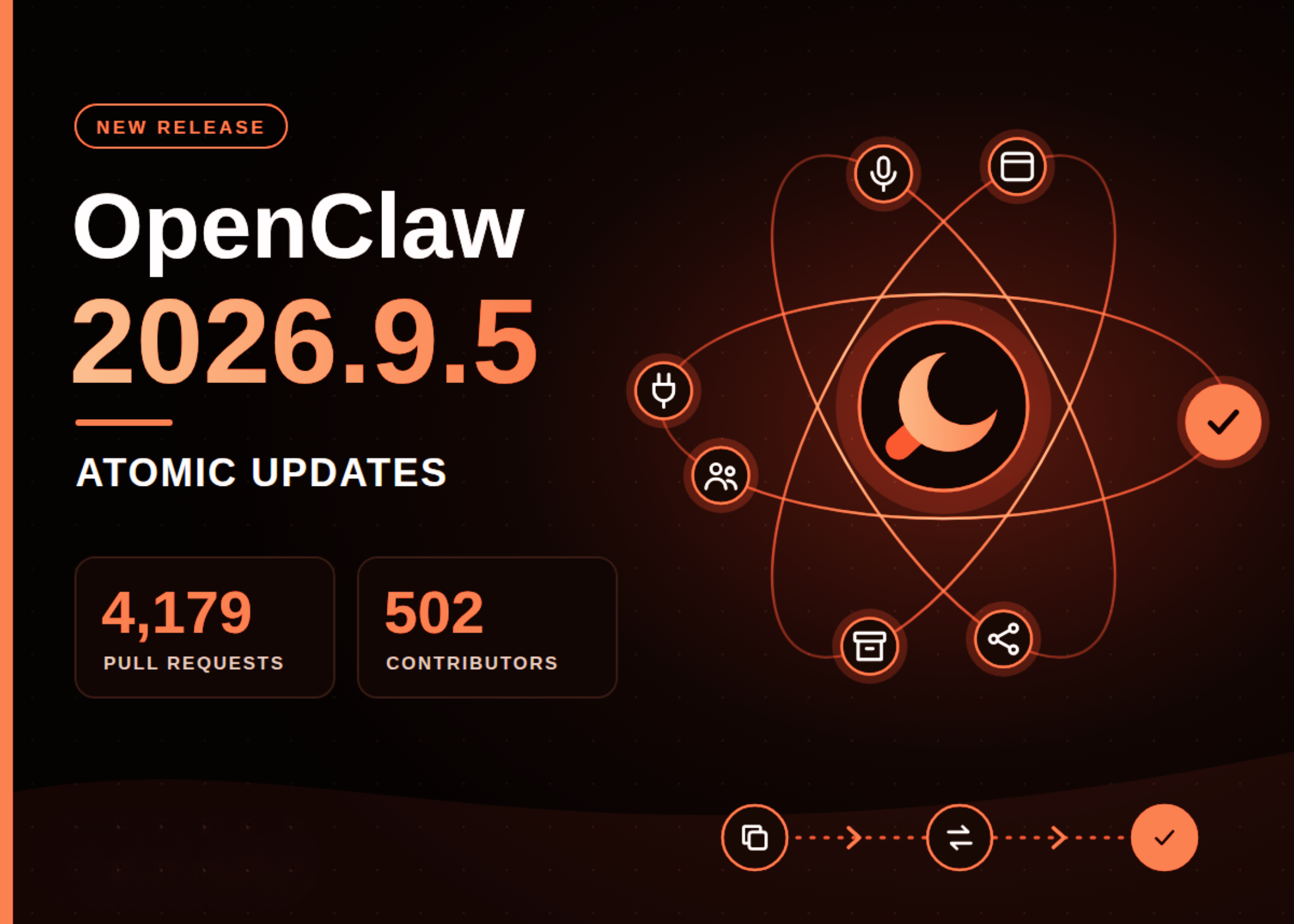
The project operates with a contributor-driven development model. The v2026.9.5 release drew on the efforts of 502 distinct contributing accounts, combining 4,179 pull requests and 64 direct commits into a single cohesive update.
## The Problem That Spurred Atomic Updates
One of the most persistent frustrations in the OpenClaw community has been the breaking update. Prior to this release, running an update on an OpenClaw installation carried a stark binary outcome: either the update improved the system incrementally, or it failed — and when it failed, the previous working version went down alongside it. This meant that a broken update could leave a user completely without an active AI agent, with no automated system available to assist in diagnosing or recovering from the problem.
The team identified two root causes for this vulnerability. The first is complexity. OpenClaw supports thousands of configuration options, making it virtually impossible to test every combination of settings before shipping an update. The second is a mismatch in perspective: the developers who maintain the project are themselves tech-savvy users who typically ask Claude or Codex to handle the update process on their behalf. For many end users, however, the OpenClaw agent is their sole AI assistant. They cannot afford downtime, and they do not have the expertise to manually troubleshoot a broken installation.
The launch of OpenClaw 2.0 in early September brought these issues into sharp focus, as the broader user base made the impact of update failures far more significant than ever before.
## How the New Atomic Update Flow Works
The Atomic Updates feature reorders and refines steps that were already present in the upgrade pipeline. According to the development team, the individual components existed prior to this release, but they were sequenced in a way that left the system exposed during transitions. The new process works as follows:
1. **The existing Gateway remains online** while the update is being prepared and validated.
2. **The incoming version is tested** against a private, isolated copy of your current configuration.
3. **OpenClaw performs a live switch** to the new version and then verifies that the updated installation functions correctly.
4. **If any step fails**, the system automatically rolls back to the last known working configuration, ensuring continuous availability.
Because the Gateway never fully goes offline during a successful or failed update, the agent remains accessible for diagnostic purposes at all times. The team also introduced a dedicated issue reporting button within the update workflow, making it easier for users to flag problems directly from the update interface.
## Important Limitations to Keep in Mind
While Atomic Updates represent a substantial improvement, the release notes make clear that they are not a universal safety net. Key limitations include:
– **Supported update paths only.** Not all upgrade routes qualify for atomic behavior. Users should verify that their target version is part of a supported migration path.
– **Database migrations are irreversible via rollback.** Rolling back the application itself cannot undo changes that have already been applied to the database schema.
– **The private validation copy is not a backup.** It serves as a testing environment, not a safety copy. Users should maintain a verified backup of their installation before initiating any upgrade.
– **Interactive repair has a timeout.** If an update fails and the system offers AI-assisted repair, the process requires explicit user consent and will time out after 30 seconds, using the account credentials and API tokens associated with the installation.
## Notable Feature Additions Beyond Atomic Updates
The v2026.9.5 release includes several other meaningful enhancements that improve daily usability:
### Plugin Hot Reload
Users can now install, enable, disable, reload, or uninstall plugins without restarting the entire Gateway. The CLI supports batch operations, allowing multiple plugins to be managed in a single command. Activation failures trigger an automatic fallback that can preserve the previous plugin state for up to 60 seconds.
### Conversation Sharing (Session Share)
OpenClaw now supports read-only sharing of selected conversation groups with a teammate on another paired installation. Both parties must explicitly enable sharing, and recipients cannot send new messages, archive shared conversations, or access tool activity or model reasoning logs.
### Expanded GPT Live Capabilities
The GPT Live feature now supports real-time audio interaction across more contexts. Users can engage with the agent during live conversations, meetings on Google Meet, Microsoft Teams, and Zoom, and even phone calls. Audio-only mode is available through the `gpt-realtime-2.1` model configuration.
### Shared Browser Pages
A new feature allows both the user and the AI agent to interact with the same browser page simultaneously. The agent can navigate filtered views and continue from the user’s current context. The system uses a local OpenClaw-managed browser profile and does not access personal browser cookies or phone-based sessions.
### Conversation Archiving
Cold storage functionality compresses older, inactive conversation histories to reduce storage overhead. This feature is disabled by default and allows users to set a custom retention threshold between 7 and 90 days. Archived conversations can be reopened, restoring their full searchable history.
### Specialist-Agent Setup
A guided setup flow now proposes specialized agent roles — including Chief of Staff, Researcher, Writer, and Reviewer — before creating them. Users approve or skip the proposal, and nothing is instantiated until explicit consent is given. This feature is available both during initial setup and through the New Agent option in the web interface.
## Frequently Asked Questions
**Is OpenClaw v2026.9.5 available on npm?**
Yes, it is published as the `latest` tag and can be installed or updated through the standard npm workflow.
**What Node.js version do I need?**
The minimum requirements are Node.js 24.16 or newer, or Node.js 26.1 and above.
**Can I roll back an atomic update if something goes wrong?**
Yes, the system will automatically roll back to the last working configuration if the update fails its verification step. However, database migrations applied during the update cannot be undone by a rollback.
**Do I need to back up my data before upgrading?**
The private validation copy used during the atomic update is not a backup. Maintaining a verified backup before any upgrade is strongly recommended.
**Can I manage multiple plugins at once?**
Yes, the command-line interface accepts several plugins in a single command for operations including enable, disable, reload, update, and uninstall.
**What happens if I skip the specialist-agent setup proposal?**
Choosing to skip creates the team offline, and you can still configure AI access afterward.
**Is conversation sharing private?**
Sharing is read-only, and both sides must enable it. Recipients cannot see tool activity, model reasoning, subagent sessions, or terminal access. They also cannot send new messages or archive the shared conversation.
**Does the shared browser feature use my personal browser data?**
No. It uses a local OpenClaw-managed browser profile and that profile’s login state. It does not access cookies from your phone, laptop, or other personal browsers.
## Final Thoughts
OpenClaw v2026.9.5 is a milestone release that directly addresses one of the most consequential reliability issues in self-hosted AI tooling. By reordering existing components into a true atomic update pipeline, the development team has eliminated the scenario where a failed update leaves a user without an active agent. The accompanying feature set — from plugin hot reload to conversation archiving and shared browser sessions — reflects a maturing product that is increasingly practical for daily professional and personal use. For anyone running an OpenClaw instance, this update is a strong candidate for immediate adoption, provided that proper backups are in place beforehand.
Thank you for reading
