



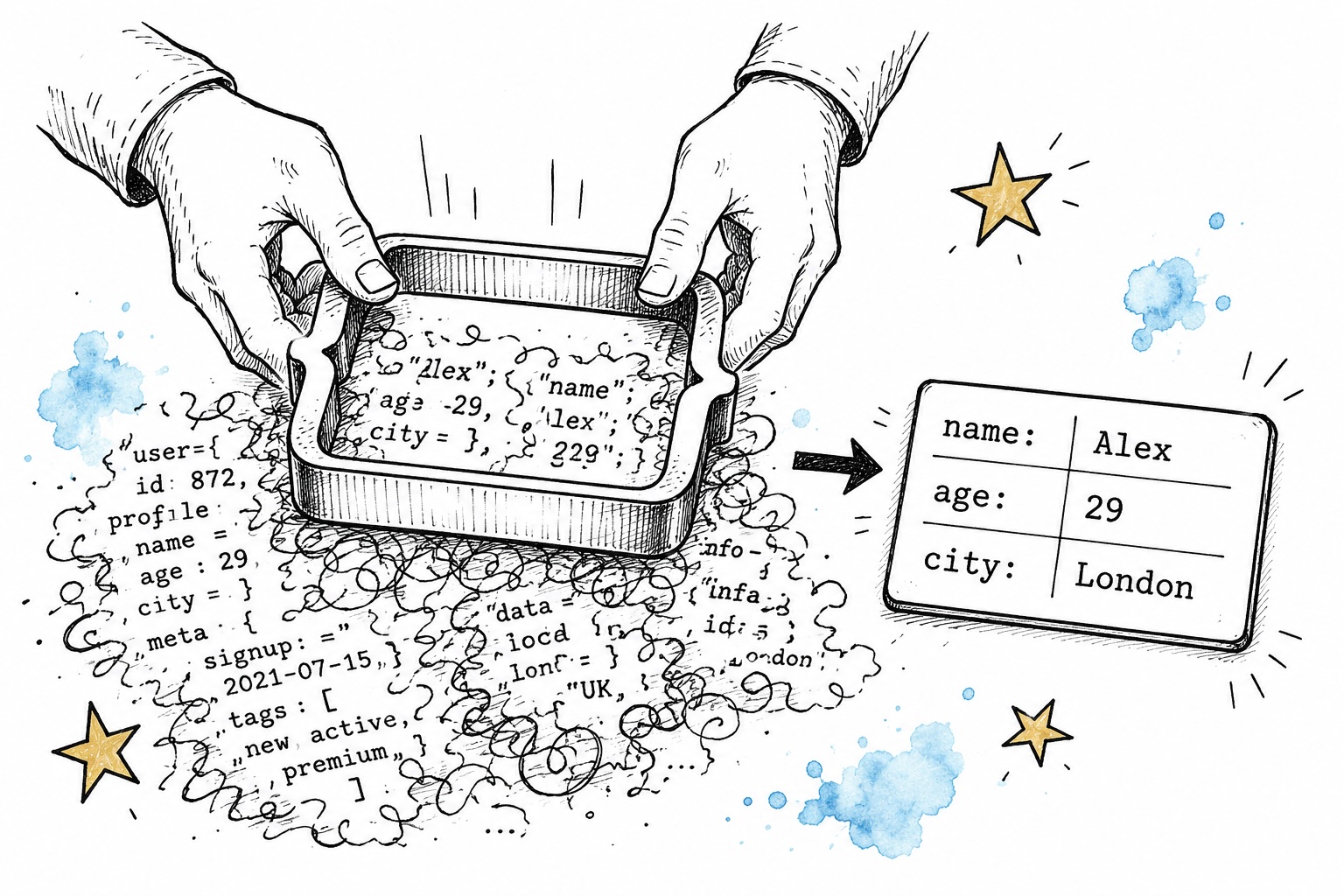
Previously, we’ve explored well-known methods for improving the efficiency and reducing the expenses of AI applications, such as streaming replies and caching prompts. Now, I’d like to shift focus to another crucial aspect of developing practical AI applications: structured outputs that machines can easily interpret.
In most demonstrations so far, we’ve worked with open-ended text responses from AI models. A user poses a query, the model replies in everyday language, and we simply present that reply somewhere. It’s pretty uncomplicated. But what if the model needs to deliver information arranged in a particular way (like JSON) so we can work with it through code down the road? How do you handle situations where the model must pull specific details from text or images, fill in a database row, or kick off the next step based on what it generates? In those scenarios, receiving a big chunk of unstructured text isn’t going to help much. 🤔
The good news is there are several ways to solve this. Two primary methods exist for getting structured, machine-friendly responses from a large language model: JSON Mode and Function Calling (sometimes referred to as tool use). These two tend to be mixed up (understandably, since both revolve with structured results), but they actually address different needs. Beyond these, OpenAI released a more rigorous version of Function Calling known as Structured Outputs, which tightens schema adherence even further. In this article, we’ll examine all three approaches, break down how they function internally, and determine when each one is the best fit.
Let’s dive in!
1. What is JSON Mode?
JSON Mode is the most straightforward way to get machine-readable responses from a large language model. It’s basically a switch you flip in your API call that tells the model to always produce a properly formatted JSON object. That’s truly the whole picture! However, this simplicity has its trade-offs, because there’re no promises regarding the JSON’s layout or schema (after all, we haven’t specified any schema, field names, data types, or similar details), just that the output will be valid JSON you can parse.
As an illustration, when using OpenAI’s Python API, you can turn on JSON Mode by including the parameter response_format={"type": "json_object"} in your model call. In concrete terms, it would appear like this:
from openai import OpenAI

client = OpenAI(api_key="your_api_key")

response = client.chat.completions.create(
    model="gpt-4o-mini",
    response_format={"type": "json_object"},
    messages=[
        {
            "role": "system",
            "content": "You are a helpful assistant. Always respond in JSON format."
        },
        {
            "role": "user",
            "content": "Extract the name, age, and city from this text: 'Maria is 32 years old and lives in Athens.'"
        }
    ]
)

print(response.choices[0].message.content)
And you’d receive a response like this:
{
  "name": "Maria",
  "age": 32,
  "city": "Athens"
}
And there you have it! ✨ With just one tiny parameter tweak, valid JSON comes back every single time. No wrestling with string parsing or creative regex workarounds needed.
There’s a caveat, though. JSON Mode ensures the output is valid JSON, but it does not ensure a particular structure. If you run the exact same prompt repeatedly, you might see varying field names or a slightly altered structure on each attempt. For instance, one response might use "name" while another uses "full_name". That becomes an issue when you’re trying to reliably pull specific fields through code.
Additionally, aside from setting response_format={"type": "json_object"}, it’s a best practice to also clearly direct the model to reply in JSON within the system prompt. Looking at the example above, notice we included “Always respond in JSON format” in the system message. Omitting this could mean the model occasionally returns valid JSON, but not reliably, since its responses might become inconsistent.
2. What is Function Calling?
Function Calling (or tool use) is a more powerful method for obtaining structured, machine-digestible responses from a large language model. Rather than merely requesting the model format its reply as JSON, we supply a precise schema. In other words, we lay out a formal blueprint of the structure we need the output to match, and by doing so, the model nudges the model to produce data that fits that schema precisely. So with Function Calling, we declare in advance which fields we want, what data types each should hold, which are mandatory and which are optional, and so forth.
Here’s how that same information extraction task would appear with Function Calling:
from openai import OpenAI
import json

client = OpenAI(api_key="your_api_key")

# define the schema for the output we're expecting
tools = [
    {
        "type": "function",
        "function": {
            "name": "extract_person_info",
            "description": "Extract personal information from a text",
            "parameters": {
                "type": "object",
                "properties": {
                    "name": {
                        "type": "string",
                        "description": "The full name of the person"
                    },
                    "age": {
                        "type": "integer",
                        "description": "The age of the person"
                    },
                    "city": {
                        "type": "string",
                        "description": "The city the person lives in"
                    }
                },
                "required": ["name", "age", "city"]
            }
        }
    }
]

response = client.chat.completions.create(
    model="gpt-4o-mini",
    tools=tools,
    tool_choice={"type": "function", "function": {"name": "extract_person_info"}},
    messages=[
        {
            "role": "user",
            "content": "Extract the name, age, and city from this text: 'Maria is 32 years old and lives in Athens.'"
        }
    ]
)

# parse the structured output
tool_call = response.choices[0].message.tool_calls[0]
result = json.loads(tool_call.function.arguments)
print(result)
And the output would be:
{
  "name": "Maria",
  "age": 32,
  "city": "Athens"
}
In this example, the Function Calling result matches what we got with JSON Mode. However, the important distinction is that Function Calling delivers predictable results; the output will consistently follow the exact schema you’ve defined, with uniform field names, data types, and any other properties you’ve specified.
🍨 DataCream
Here is the paraphrased version of the provided article, keeping the HTML structure intact while rewriting the text for clarity and readability.
is a newsletter featuring tales and manuals on AI, data, and technology. If these subjects appeal to you, sign up here!
Bonus: A Bit More on Function Calling
Before diving into Structured Outputs, it’s helpful to further explore the core purpose and application of Function Calling, which extends far beyond just securing structured results. At its core, Function Calling is the bedrock of agentic AI systems. In such a setup, the large language model (LLM) does more than simply reply to a user’s query; it actively decides what step to take next, influenced by the user’s input.
Consider this scenario: a customer support chatbot designed to either find an order, grant a refund, or forward the issue to a human representative, depending on the user’s request. Using Function Calling, we outline each of these possibilities as “tools” (functions). The model’s response indicates which tool to use and supplies the necessary details based on the interaction.
tools = [
    {
        "type": "function",
        "function": {
            "name": "lookup_order",
            "description": "Retrieve the current status of a customer's order",
            "parameters": {
                "type": "object",
                "properties": {
                    "order_id": {"type": "string", "description": "The specific order identifier"}
                },
                "required": ["order_id"]
            }
        }
    },
    {
        "type": "function",
        "function": {
            "name": "issue_refund",
            "description": "Process a refund for a specific order",
            "parameters": {
                "type": "object",
                "properties": {
                    "order_id": {"type": "string"},
                    "reason": {"type": "string"}
                },
                "required": ["order_id", "reason"]
            }
        }
    }
]

response = client.chat.completions.create(
    model="gpt-4o-mini",
    tools=tools,
    messages=[
        {"role": "user", "content": "I want a refund for order #12345, it arrived damaged."}
    ]
)

tool_call = response.choices[0].message.tool_calls[0]
print(tool_call.function.name)       # "issue_refund"
print(tool_call.function.arguments)  # '{"order_id": "12345", "reason": "arrived damaged"}'
The returned data from the API looks something like this:
ChatCompletionMessage(
    content=None,
    role='assistant',
    tool_calls=[
        ChatCompletionMessageToolCall(
            id='call_abc123',
            type='function',
            function=Function(
                name='issue_refund',
                arguments='{"order_id": "12345", "reason": "arrived damaged"}'
            )
        )
    ]
)
And running the print commands above would ideally generate the following output:
issue_refund
{"order_id": "12345", "reason": "arrived damaged"}'
So, what took place here? Instead of a regular text response, the model sends back a tool_calls object (notice that the content field is None). Upon inspecting this object, we see the model chose to initiate the issue_refund function instead of lookup_order, and it automatically populated the necessary details based on the user’s comment. We can then interpret these details to initiate the real refund process within our system.
It’s important to understand that the model isn’t merely giving back information; it is reaching a conclusion regarding which task is most fitting to the request and providing precise details to match its decision. These details are then used to perform the matching action in our software. This is the essential power of Function Calling and explains why it is so essential to building autonomous AI agents.
That said, let’s pivot back to machine-parsable output. We’ll dive deeper into agentic systems and Function Calling in a separate piece.
is generally the safest choice.
But aren’t these all the same thing?
At first glance, JSON Mode, Function Calling, and Structured Outputs appear to serve the same purpose—they all return JSON from the model. However, as we’ve explored, they differ significantly in their guarantees and intended purposes. Here’s how they compare:
- Schema enforcement: JSON Mode ensures valid JSON output but offers no structural guarantees. Function Calling produces JSON that aligns with a predefined schema, including specific field names, types, and required fields, though minor deviations may still occur. Structured Outputs takes this further by enforcing the schema during generation, making deviations impossible.
- Use case: JSON Mode works well when you need machine-readable output but can tolerate format variations. Function Calling is designed for scenarios where the model must trigger actions or pass arguments to external tools, making it a versatile solution for machine-readable outputs. Structured Outputs enhances Function Calling with reliability guarantees, making it perfect for production systems requiring consistent outputs.
- Setup complexity: JSON Mode is the simplest to implement, requiring just a parameter change without schema definitions. In contrast, both Function Calling and Structured Outputs require careful schema design and setup.
Notably, OpenAI recommends using Structured Outputs over JSON Mode whenever possible as a best practice.
Final thoughts
Choosing the right method for obtaining machine-readable outputs from LLMs can significantly impact your AI application’s reliability and maintainability. While free-text responses work well for conversations, structured outputs become crucial when your LLM integrates into larger systems—whether for data processing, action triggers, or database population. JSON Mode, Function Calling, and Structured Outputs each offer different levels of strictness, and the best choice depends on your project’s specific needs and tolerance for variability.
If you’ve read this far, you might find pialgorithms valuable—a platform we’re developing to help teams securely centralize organizational knowledge.
Enjoyed this article? Connect with me on 💌Substack and 💼LinkedIn
All images by the author unless otherwise noted.
