



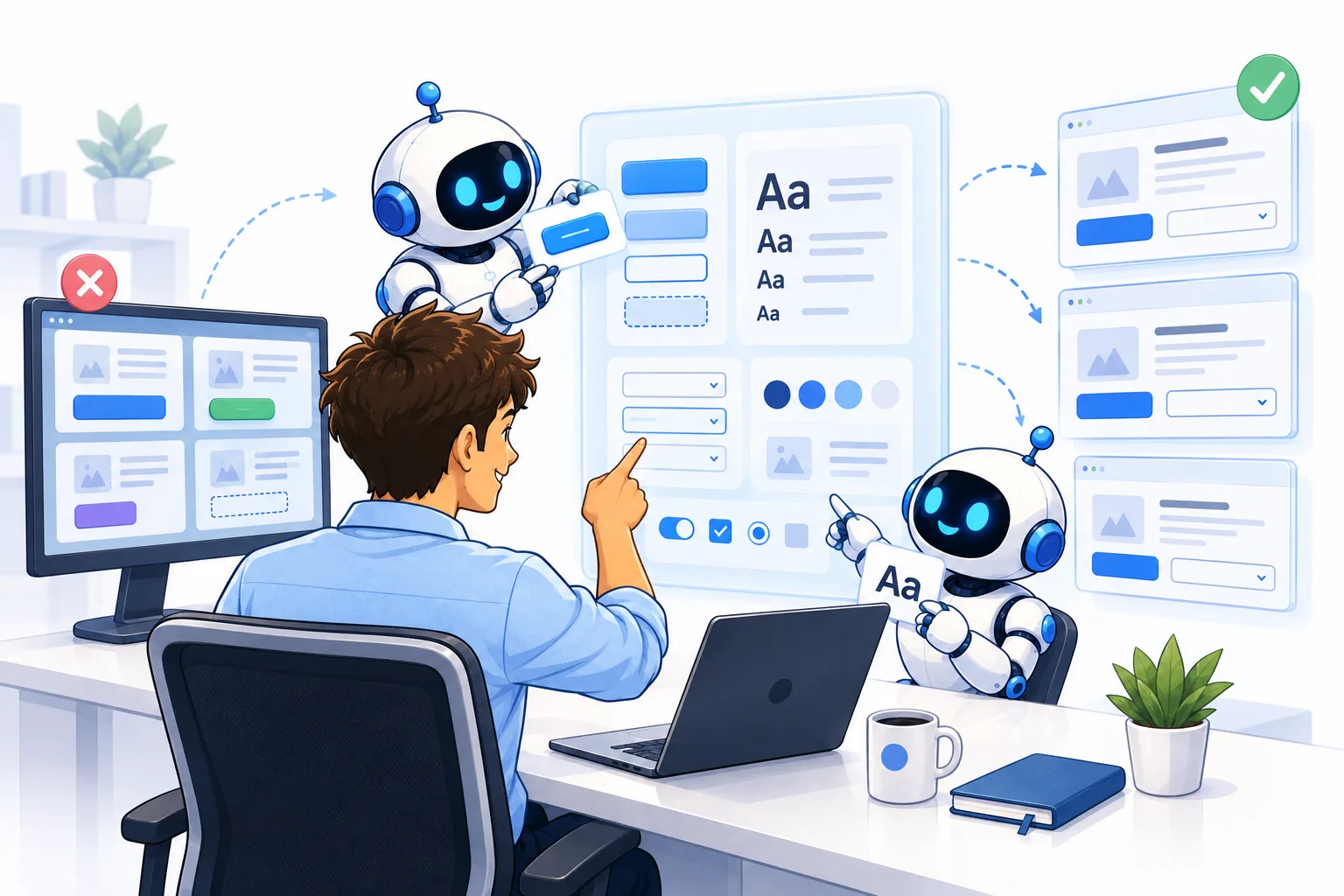
# How to Ensure Your AI Coding Agent Produces Consistent Designs
## Introduction
When you rely on AI-powered coding agents to build out your software, the last thing you expect is a patchwork of mismatched visuals staring back at you. Yet, without deliberate guidance, these agents have a tendency to introduce varied typography, uneven button styles, and unpredictable interface behavior across different screens. What starts as a minor inconsistency can snowball into an application that feels unpolished and hard to navigate — ultimately undermining the professional image you want to project.
This article walks you through why this happens, how to repair an already-messy codebase, and how to maintain a unified visual language going forward so your app always looks and feels cohesive.
—
## Why AI Coding Agents Tend to Create Inconsistent Interfaces
AI coding agents are exceptional pattern matchers. When they encounter a codebase, they scan for existing conventions and mirror them. The problem arises when there *are* no strong conventions to mirror.
If every page of your application was built somewhat independently — with different font sizes, color schemes, and component styles — the agent simply sees that chaos as the norm. When tasked with adding a new feature, it will naturally pull design cues from the surrounding page, producing a component that fits locally but clashes globally. Over time, your app accumulates a collection of “almost matching” elements that never quite align.
This isn’t a flaw in the agent itself; it’s a symptom of a codebase that lacks a centralized design system. The agent is doing exactly what it was told — mimicking the patterns it finds. The patterns just happen to be contradictory.
—
## Repairing a Messy Codebase: Step by Step
### 1. Create a Unified UI Folder
The most impactful change you can make is consolidating every reusable visual component into a single, dedicated location. Buttons, dropdown menus, modals, color tokens, font scales, spacing utilities — all of it belongs in one place.
This folder becomes the **single source of truth**. Any new feature or screen must draw its elements from this library rather than inventing new ones on the fly.
### 2. Use a Detailed Refactoring Prompt
To kick off the cleanup process, provide your coding agent with a carefully structured prompt. Something along these lines works well:
> “Audit the entire codebase and begin consolidating all design elements into a unified UI folder. Start with typography — define a fixed set of approved font families, sizes, and weights. After that, move on to buttons, then dropdowns, then color tokens. Break this work into several separate pull requests, tackling one category at a time. Crucially, any time you encounter a UI element that exists outside the unified folder, replace it with the approved version from the shared library. Under no circumstances should new UI elements be created outside of this folder.”
This kind of prompt gives the agent a clear roadmap and an unambiguous rule: build from the shared library, and nothing else.
### 3. Request Visual Before-and-After Reports
Instead of blindly trusting that refactoring worked, ask the agent to generate an HTML report that pairs screenshots of each page before and after changes. Being able to visually compare side by side makes it far easier to catch issues that code review alone might miss — a slightly off padding, a button that changed color but should have stayed blue, or a heading that’s now a different size.
### 4. Run a Separate Verification Pass
Once an element has been refactored and merged, launch a second, independent agent whose sole job is to audit the codebase for any remaining outliers. For instance, if you just unified all buttons, this review agent should specifically hunt for any button implementations that were overlooked during the first pass. Agents can occasionally miss edge cases, and a dedicated second look dramatically reduces the chance of inconsistency slipping through.
### 5. Repeat Until Clean
Continue this cycle — fix one category, verify, move to the next — until the entire codebase adheres to the centralized standard. Depending on the size of your project, this process can typically be completed within a few days of focused work.
—
## Maintaining Design Consistency Over Time
Cleaning up an existing codebase is only half the battle. You also need systems that prevent inconsistency from creeping back in.
### Document the Rules Clearly
In every agent instruction file you maintain (whether it’s called `agents.md`, `CLAUDE.md`, or something similar), explicitly state that inventing new UI implementations is prohibited. All visual elements must be selected from the centralized UI folder. Repeat and reinforce this rule — it’s worth the extra characters.
### Monitor Agent Behavior Actively
Even with clear documentation, agents can drift. They may introduce a “tweak” here or a “creative” solution there, thinking they’re improving things. Periodically review new code manually, especially after large feature additions, to make sure the agent stayed within the boundaries.
### Integrate UI Checks into Your Code Review Pipeline
If you employ an automated code review agent, enhance its prompt to include a design audit. Specifically instruct it to flag any UI element that wasn’t sourced from the centralized folder, and treat this as a high-priority finding rather than a minor note. Left unchecked, small deviations compound into major visual drift. By surfacing these issues immediately, you fix them before they reach a staging or production environment.
### Keep Refactoring as an Ongoing Practice
Consistent design isn’t a one-time achievement — it’s a habit. Schedule regular audits of your UI folder and your application’s visual output. Remove redundancies, update outdated components, and ensure the shared library continues to reflect your current design intent.
—
## FAQ
**Why does my coding agent keep creating new button styles instead of using existing ones?**
Because the agent follows whatever patterns it detects in the codebase. If there’s no single, clearly defined component library, it will default to designing fresh elements for each page it encounters.
**How long does it take to refactor an inconsistent codebase?**
It varies based on project size, but most codebases can be brought into alignment within one to two days of distributed agent work, especially when broken into focused categories like typography, buttons, and colors.
**Can I let my coding agent add new UI elements to the shared folder?**
Yes — but only when explicitly instructed to do so. The agent should never place a new component directly inside a page’s local code. New elements are added to the centralized library first, and only then referenced elsewhere.
**What if the agent ignores my instructions about using the unified folder?**
Reinforce the rule in your agent prompt and also enforce it through your code review pipeline. Review agents can be configured to flag any non-compliant UI element automatically, creating a strong feedback loop.
**Is it really necessary to do visual before-and-after reports?**
Highly recommended. Automated tests can catch functional issues, but visual inconsistencies — a font that’s slightly too large, a margin that’s off by a few pixels — are best caught through direct comparison.
**How often should I audit my centralized UI folder?**
At least once a month, or whenever your application undergoes a significant feature update. Regular audits prevent the shared library from becoming stale or misaligned with your actual design intent.
—
## Conclusion
Building and maintaining a consistent user interface when working with AI coding agents is entirely achievable, but it demands intentional structure. The root cause of visual drift is almost always a lack of centralized design standards. By creating a unified UI folder, enforcing strict rules across all agent instructions, integrating design audits into your review pipeline, and committing to regular refactoring, you transform your application from a fragmented collection of screens into a polished, coherent product.
The payoff is significant: less time chasing down inconsistencies, a more professional appearance, and an AI workflow where the agent gets the visuals right on the first attempt — more often than not. Treating consistent design as a permanent engineering practice rather than a one-time fix is what separates messy projects from well-crafted ones.
Thank you for reading.
