



**Article: Reconsidering Linux: My Journey to Ubuntu on an Old Laptop**
The prospect of switching from a mainstream operating system like Windows to a Linux distribution often seems daunting to many users. However, a growing number of individuals are finding that Linux offers a viable, and often superior, alternative. This sentiment is particularly resonant as Microsoft prepares to end support for Windows 10, pushing users towards Windows 11 or third-party extended support solutions.
A recent hands-on experience with Ubuntu provides a compelling case for considering Linux, even for those who aren’t tech-savvy. The journey began with a seemingly simple goal: install Ubuntu on an aging Dell Latitude 5400 laptop to evaluate its viability as a daily driver.
**The Installation: Overcoming Initial Hurdles**
The initial installation process, while generally straightforward, presented a significant obstacle. After creating a bootable USB drive using Rufus, the laptop booted into the GRUB bootloader, but instead of the expected installer, it displayed a blank screen. This issue, which consumed hours of troubleshooting, is a known but not universal hurdle.
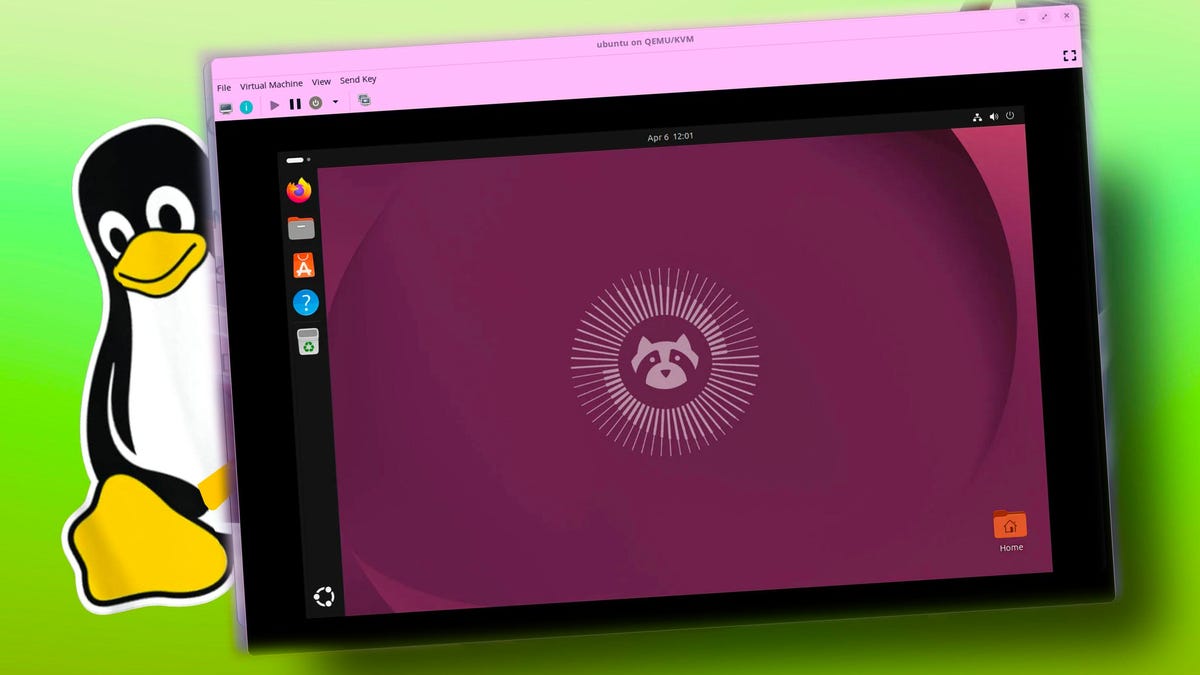
After extensive research and multiple failed attempts using common fixes—such as trying a different USB drive, disabling Secure Boot, and using the `nomodeset` command—a solution was finally found. The key was adding `nomodeset acpi=off` to the kernel parameters within the GRUB editor. This bypassed what appeared to be an incompatibility between the laptop’s graphics hardware and the latest Ubuntu kernel’s video mode settings. This specific problem appears to be isolated to certain hardware configurations, as the author later had a smooth experience installing Ubuntu in a virtual machine.
**The Experience: Cleaner, Simpler, and Surprisingly Polished**
Once installed, the author’s expectations of a complex, programmer-centric system were quickly dispelled. Ubuntu proved to be remarkably user-friendly. The setup process was familiar, guiding the user through language, keyboard, and privacy settings with ease.
The desktop environment was a pleasant surprise. Unlike Windows 11, where settings can be deeply buried, Ubuntu offered a clean and intuitive system for adjusting options. The interface was uncluttered by mandatory online accounts, cloud storage reminders, or promotional notifications. The author noted that the operating system simply “booted up and let me use my computer.”
Performance was another major highlight. Even on the decade-old Dell hardware, Ubuntu felt “snappy” and lightweight. Applications launched instantly, and the overall system felt “lighter than Windows 11,” effectively giving the old laptop a new lease on life.
**A Shift in Perception**
Prior to this experience, the author viewed Linux as a niche operating system for programmers and IT professionals, something to be tolerated rather than embraced. The journey from a frustrating installation to a smooth, productive daily driver fundamentally changed this perception. Ubuntu delivered an experience that was not only accessible but also superior to the expected constant troubleshooting.
While the author’s primary work PC remains Windows 11 due to specific software and compatibility needs, Ubuntu has earned a permanent place in their workflow. The experiment successfully moved Linux from the realm of the gimmicky to that of a legitimate, polished escape route for everyday computing. As the original article concludes, “What I once dismissed as an operating system for programmers now feels like a practical, polished alternative for everyday computing.”
***
**Original Article:**
*ZDNET. (n.d.). I installed Ubuntu on an old Dell laptop to see if Linux could really replace Windows. Retrieved from [https://www.zdnet.com/article/i-installed-ubuntu-on-an-old-dell-laptop-to-see-if-linux-could-really-replace-windows/](https://www.zdnet.com/article/i-installed-ubuntu-on-an-old-dell-laptop-to-see-if-linux-could-really-replace-windows/)*
