



**Maximizing GPT-5.6: First Impressions, Tips, and Effective Usage**
The release of a new major AI model is always a significant event, and I’ve been putting the recently launched GPT-5.6 through its paces. After extensive testing against formidable competitors like GPT-5.5, Opus 4.8, and Fable 5, I’ve formed some clear initial opinions. My goal here is to share those first impressions, outline the key strengths and quirks of this latest OpenAI model, and provide actionable techniques on how to integrate it effectively into your workflow. While it presents some unique considerations compared to alternatives like Anthropic’s models, GPT-5.6 proves to be a powerful and valuable tool.
### Why Use GPT-5.6?
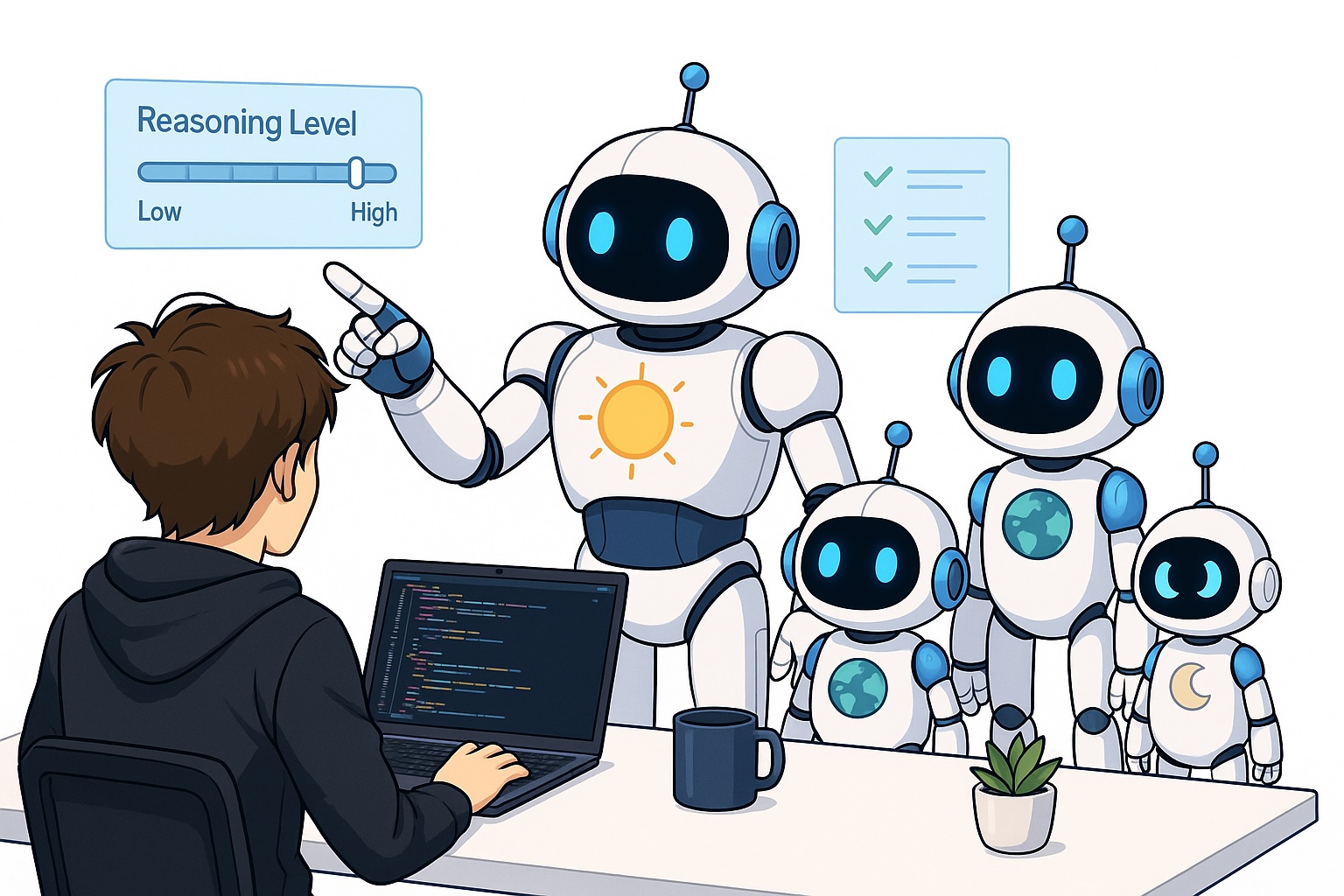
Before diving in, a natural question arises: why should you pay attention to GPT-5.6? The answer lies in its predecessor, GPT-5.5. That model was widely regarded as a top-tier performer, often matching or exceeding the capabilities of leading competitors like Opus 4.8, particularly in demanding tasks such as code review. Since GPT-5.5 was such a reliable and high-performing workhorse, its successor naturally commands attention. We expected—and largely seen—an evolution that builds upon that strong foundation. Furthermore, GPT-5.6 introduces distinct characteristics, most notably its availability in three different model sizes (Sol, Terra, and Luna), each paired with various reasoning effort levels. This flexibility allows users to tailor performance, speed, and resource consumption in a way that simply wasn’t possible before, making it essential to understand how to navigate these options.
### My Thoughts on GPT-5.6
Overall, my assessment is that GPT-5.6 represents a clear, though incremental, improvement over GPT-5.5. In practical terms, it feels “better” across the board. In my testing, it has demonstrated a slight edge over its predecessor in code review, where it shows improved precision and recall—meaning it finds more bugs and reports them more accurately. It also seems to handle longer, more complex tasks with greater thoroughness and stability.
However, it’s important to temper expectations. This is not a revolutionary leap, but rather a significant refinement. One critical caveat I’ve discovered is related to its more advanced reasoning modes. When configured for “extra high” or “ultra” thinking, GPT-5.6 consumes its allocated usage limits extremely quickly. This effectively means that while the model has the capability for deep, prolonged reasoning, you may need to consciously manage these settings to make the model viable for sustained use under a subscription plan. Furthermore, these highest reasoning tiers come with a significant speed penalty, making them inefficient for simpler, faster tasks. As a result, I’ve found a hybrid approach works best: leveraging the highest reasoning for the planning phase and switching to a medium level for the actual implementation.
I’ve also tested the different model sizes. While the largest, “Sol,” is my preferred choice for its raw capability, some benchmarks suggest that “Terra” with a higher reasoning level can sometimes outperform “Sol” with a lower one. My own experimentation didn’t reveal a dramatic difference, leading me to stick with the largest model for its consistent performance.
### How to Effectively Apply GPT-5.6 to Solve Problems
#### Use Cases for GPT-5.6
The most compelling application for GPT-5.6 right now is as a code reviewer. In my experience, you can largely rely on it to perform this role autonomously, drastically reducing the need for human code reviews outside of critical, high-stakes infrastructure. For actual code generation, I’ve found a two-step process to be more effective than relying on a single model. First, use a model like **Claude Fable** for planning, which excels at high-level strategy. Second, switch to a model like **Claude Opus 4.8** to execute the implementation. This combination has proven more successful for me than using GPT-5.6 for both stages, even with an enhanced reasoning level.
GPT-5.6 is also exceptionally well-suited for computer use and browser automation. Its ability to navigate interfaces, verify code end-to-end, and perform actions is not only effective but also impressively fast, especially when using a medium reasoning level.
#### Techniques to Use GPT-5.6 Effectively
To get the best results from GPT-5.6, adopting the right usage patterns is crucial:
1. **Manage Reasoning Levels Strategically:** As mentioned, avoid the “extra high” or “ultra” modes for general work. They are resource-intensive and slow. Instead, adopt a “plan-then-execute” mindset: use a high reasoning level when you ask the model to formulate a plan, and then switch to a medium level for the coding or implementation phase.
2. **Grant Full Access:** A common pitfall when starting with a new model is under-privileging it. If you use tools and integrations (MCP servers) with other models like Claude, you must replicate that setup for GPT-5.6. Providing access to your Gmail, Slack, calendar, and other tools is vital for the model to operate at its full potential.
3. **Understand the Reset Mechanism:** Unlike the persistent limits of many systems, OpenAI offers “banked resets” for subscription users. This is a powerful feature that allows you to reset your usage counters if you run out of tokens. Remember, however, that using a reset not only sets your usage to zero but also pushes back your next periodic reset (e.g., your five-hour limit will restart five hours from the moment you triggered it).
### Conclusion
In conclusion, GPT-5.6 is a significant and welcome evolution in the OpenAI ecosystem. It refines the strengths of GPT-5.5 while introducing new structural choices regarding model size and reasoning effort. While it may not redefine the field overnight, it is a dependable and capable model that excels at tasks like code review and complex implementation. My current recommendation is to integrate it into your workflow, particularly as a code reviewer, while continuing to use other models for specific planning or execution roles. The most important takeaway is to actively adapt your techniques to the model’s unique properties—by managing its settings and capabilities correctly—you can unlock a powerful and efficient AI assistant.
👋 **Get in Touch**
* **📚 My free eBook and Webinar:**
* **🚀** 10x Your Engineering with LLMs (Free 3-Day Email Course)
* 📚 Get my free Vision Language Models ebook
* 💻 My webinar on Vision Language Models
* **👉 Find me on socials:**
* 💌 Substack
* 🔗 LinkedIn
* 🐦 X / Twitter
