



# How to Secure and Run AI Agents in a Production Environment with Kubernetes
AI agents are powerful, but without proper isolation, security, and governance, they can become unpredictable liabilities in production. This article walks you through the fundamentals of running AI agents safely using sandboxing techniques on Kubernetes, and how two open-source projects work together to make production-grade agent deployment achievable.
—
## Why Agent Sandboxing Matters
Think of a sandboxed agent like a sealed workspace: it can do its job, access only what it needs, and can’t wander off and cause damage to the rest of your system. Without sandboxing, an agent running in a basic container still has open network access, no enforced policies, and no guarantee it will behave predictably or remain available when needed.
Effective agent sandboxing ensures several critical things:
– **Containment**: The agent’s code cannot escape its boundary and reach your host machines or underlying infrastructure.
– **Minimized damage**: If something goes wrong, the impact stays small and manageable.
– **Isolation of sensitive data**: Credentials, model outputs, and tool interactions stay within a controlled boundary.
– **State management**: Agents can be snapshotted so they resume exactly where they left off.
– **Multi-tenancy safety**: When multiple agents serve multiple users, each one stays isolated with clear boundaries.
To achieve all of this, you need isolation at both the hardware and software level, plus policy enforcement at the AI gateway that controls traffic heading to your agents.
—
## Understanding the Architecture
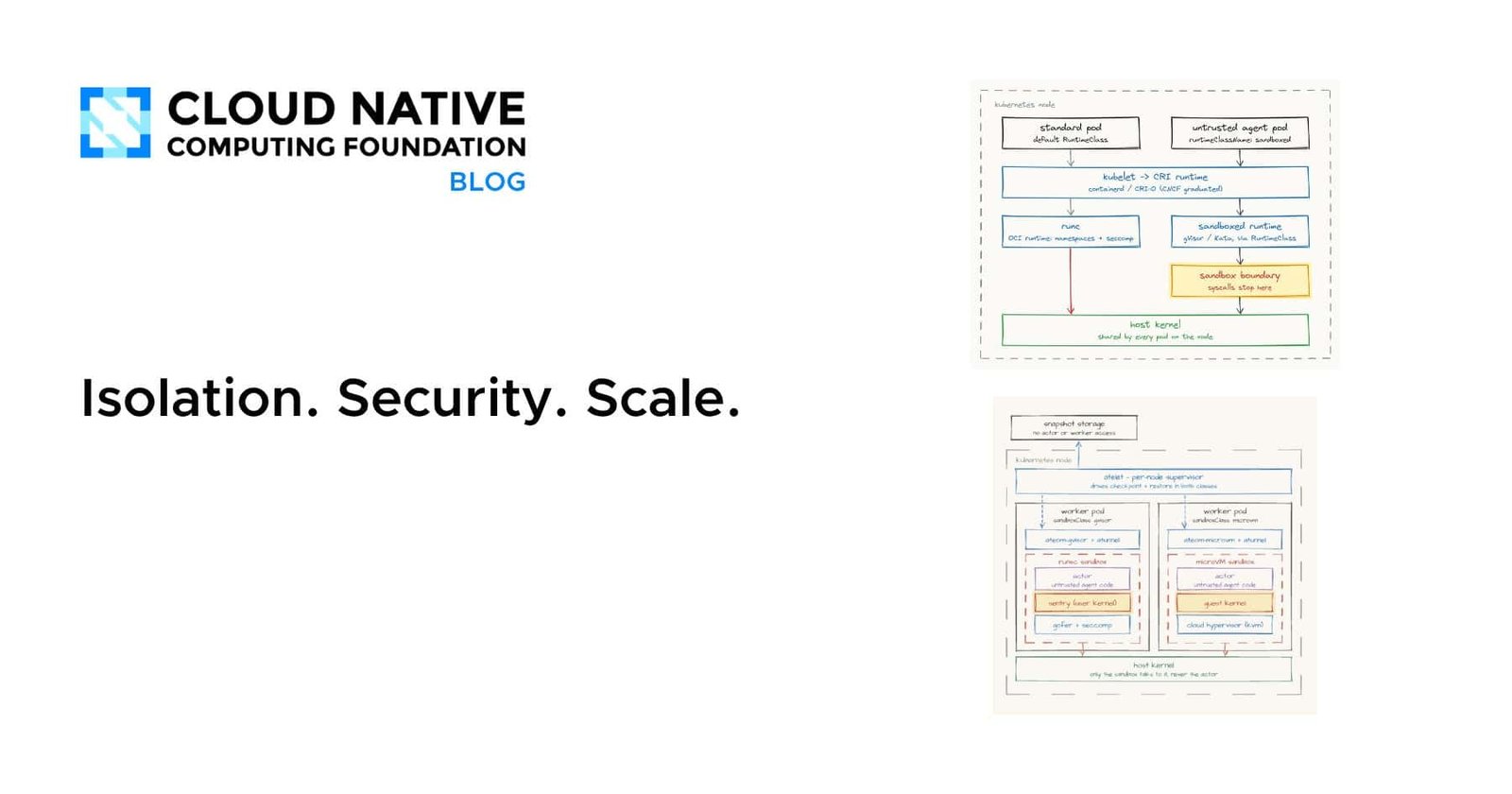
At the software level, isolation works by running workloads inside a dedicated user-space kernel. This means system calls from the agent are intercepted and handled in a controlled environment rather than being passed directly to the host operating system. At the hardware level, lightweight virtual machines run directly on physical CPU cores using hardware virtualization extensions, adding another layer of separation.
A control plane manages all of this behind the scenes. Agents run as sandboxed worker processes, and the control plane handles routing, lifecycle management, and resource allocation. This design means agents only consume resources when they’re actively being used, which keeps costs and overhead low.
—
## Setting Up the Environment
To get started hands-on, you’ll need a Kubernetes cluster. A local cluster using tools like Kind or Minikube works perfectly for learning and experimentation. If you don’t have one available yet, you can still follow along conceptually to understand the architecture and workflows.
The setup involves three main steps:
1. **Install the sandbox platform** on your cluster, which sets up the worker infrastructure and isolation layers.
2. **Configure the command-line tool** that lets you interact with the platform declaratively.
3. **Install the agent runtime**, which serves as the interface between you and the sandbox platform.
Once installed, a default worker pool is automatically created with a small number of worker instances ready to host agents.
—
## Creating an AI Agent
There are two ways to create an agent: programmatically using configuration files, or through a visual interface.
### Method 1: Declarative Configuration
You define an agent template — essentially a reusable blueprint that contains all the settings your agent needs. This includes things like the container image, the model configuration, system prompts, and resource policies. You also define a harness, which is the actual running instance of the agent.
By applying these configurations to your cluster, the platform automatically provisions the agent in an isolated sandbox environment.
### Method 2: Visual Interface
If you prefer a graphical approach, you can use the built-in dashboard. Navigate to the agents section, create a new template by defining its configuration, and then create a new harness instance. The interface guides you through specifying the namespace, runtime settings, and container image location.
—
## Watching Your Agent in Action
Once your agent is deployed, you can interact with it directly through the interface. Here’s what’s interesting to observe:
– **Agents are stateless by default**: When you start a new conversation session, a fresh sandbox instance spins up automatically.
– **Resources are freed when done**: Once a session completes, the sandbox instance shuts down. This means your infrastructure isn’t tied up idle between uses.
– **Ongoing sessions reuse resources**: If you continue a conversation, the same sandbox instance stays active. Starting a brand-new session triggers a new instance.
This pattern is highly efficient — you only pay for and consume the resources your agents actually need during active use.
—
## FAQ
### What is agent sandboxing?
Agent sandboxing is the practice of running AI agent workloads in isolated environments so they cannot access or affect anything outside their designated boundary. This includes both software-level isolation (using a dedicated kernel to intercept system calls) and hardware-level isolation (using lightweight virtual machines).
### Why can’t I just use a regular container for my AI agent?
A regular container still runs directly on the host kernel, which means the agent has broad access to the system. There’s no meaningful isolation for system calls, limited policy enforcement, and no hardware-level separation. Sandboxing adds multiple layers of defense.
### What happens when I start a new conversation with my agent?
A new sandbox instance (sometimes called an Actor) spins up automatically to handle that session. Once the session ends, the instance shuts down, freeing resources.
### Can I reuse the same agent configuration across multiple agents?
Yes. Agent templates act as reusable blueprints. You can define one template and create multiple agent instances from it, each with its own isolated sandbox.
### Do I need a production Kubernetes cluster to try this?
No. A local cluster like Kind or Minikube is sufficient for learning and experimentation. The concepts and workflows transfer directly to production clusters.
### What frameworks are compatible with this approach?
The approach supports frameworks like LangGraph and Google ADK, as well as custom-built agents, through a “bring your own” agent model.
—
## Conclusion
Running AI agents in production requires more than just deploying code on a cluster. You need isolation at every level — hardware and software — policy enforcement to keep agents aligned with your organization’s rules, and a system that ensures agents are available when needed without wasting resources in between uses.
By combining a dedicated sandbox platform with an agent runtime on Kubernetes, engineering teams can deploy, govern, and scale AI agents confidently. Understanding these concepts — sandboxing, isolation, declarative configuration, and session-based resource management — puts you in a strong position to build agent systems that are secure, efficient, and production-ready.
Thank you for reading
