



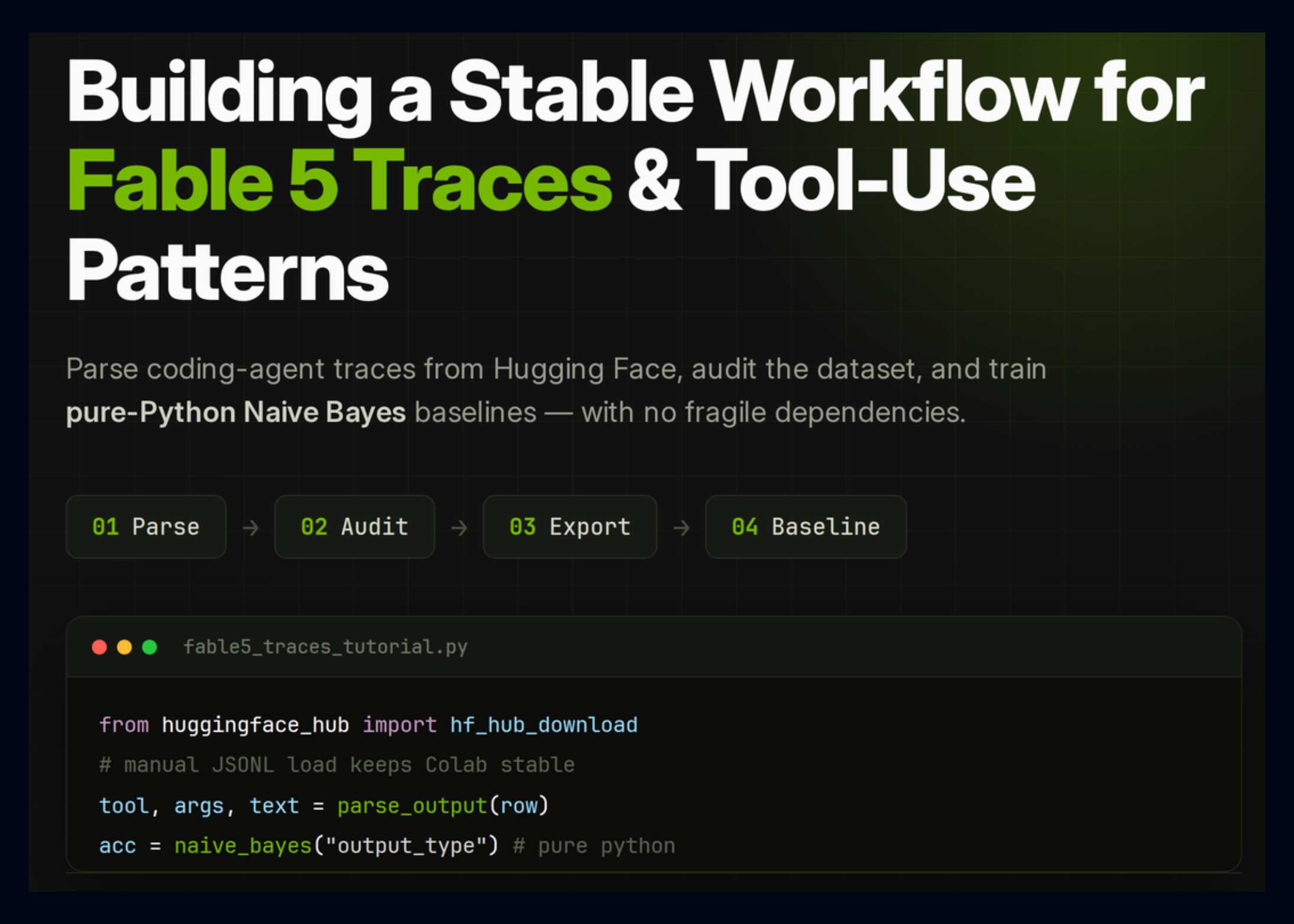
# Building Baseline Classifiers and a Keyword Search Helper from Context Data
## Predicting Output Type with Pure Python Naive Bayes
A straightforward approach to classifying output types relies on a pure Python implementation of Multinomial Naive Bayes applied to truncated context text, capping input at the first 12,000 characters. To train the model, rows with missing or empty `output_type` values are filtered out, and the remaining data is split using stratified sampling with 80% allocated for training and 20% for testing, provided there are at least two unique output types and 30 or more samples.
The classifier is configured with a limit of 20,000 maximum features, a minimum document frequency of 2, and a Laplace smoothing parameter (`alpha`) of 1.0. After training, the model predicts output types on the hold-out set and produces comprehensive evaluation artifacts:
– A classification report saved as `output_type_classifier_report.csv`.
– A confusion matrix saved as `output_type_confusion_matrix.csv`.
– The top 25 scored tokens per class saved as `output_type_top_tokens.csv`.
– A metrics file `output_type_classifier_metrics.json` recording performance, training/test row counts, and vocabulary size.
All generated artifacts are tracked in the `model_artifacts` dictionary for downstream consumption.
## Predicting Tool Name from Context
A second baseline classifier targets `tool_name` prediction, focusing exclusively on entries with an `output_type` of `tool_use`. Only the 12 most frequent tool names are treated as distinct classes, collapsing less frequent tools into a single `__OTHER__` bucket. This grouping ensures the model captures common tool patterns long-tail categories.
Similar preprocessing truncates each context string to 12,000 characters, applies stratified splitting, and initializes a `PureMultinomialNB` instance with the same hyperparameters (`max_features=20000`, `min_df=2`, `alpha=1.0`). Training is performed when at least 50 samples and two or more distinct tool label classes are available.
The evaluation mirrors that of the output type classifier, generating a tool-specific classification report, confusion matrix, top token analysis, and a metrics file (`tool_name_classifier_metrics.json`), with all paths stored in `model_artifacts`.
## Simple Keyword Search Utility
A lightweight search function allows users to scan across columns (`context`, `cot`, `completion`, `text_payload`) for case-insensitive keyword matches. Results are capped at a user-defined limit and include identifying fields (`uid`, `session`, `output_type`, `tool_name`) alongside 400-character previews of the context and payload.
Demonstrating the utility, example queries for “Bash,” “Write,” “browser,” “test,” and “README” are executed with a limit of two hits each, and the combined search demo is saved as `keyword_search_demo.json`.
—
*Original article: JSONLM Dataset—Building Baselines & a Keyword Search Helper (Ner此前的版本)*# Analyzing Agent Traces: A Walkthrough of the Fable 5 Dataset Processing Pipeline
This article walks through a dataset processing tutorial that takes raw agent telemetry traces and transforms them into structured artifacts ready for analysis, visualization, and downstream modeling. The pipeline produces summary statistics, train/validation/test splits, visualizations, and export files—all while treating the data with appropriate safety precautions.
## What the Pipeline Does at a High Level
The tutorial loads a flat JSONL file containing agent interaction traces into a Pandas DataFrame. From there, it computes descriptive statistics, identifies the most frequently used tools, measures text length distributions, flags rows that may contain secret-like patterns, generates plots, creates machine-learning-ready exports in no-chain-of-thought (no-CoT) chat format, and writes every artifact to disk with a clear manifest.
The outcome is a reproducible set of outputs: a human-readable Markdown report, a structured JSON summary, CSV and pickle indices, train/validation/test splits, and visualization files. Every intermediate result carries metadata that makes it traceable back to the source dataset.
## Computing the Summary Statistics
The pipeline begins by building a `summary` dictionary that captures the shape and content of the DataFrame.
The **row count** and **column list** give a quick structural overview. The number of rows (`len(df)`) and column names (`list(df.columns)`) are stored directly so that the report can reference them without re-querying the data.
The **output type distribution** is computed by counting values in the `output_type` column after replacing any `NaN` entries with the string `”missing”`. This ensures the distribution accounts for every row, including those that lack an output type annotation.
The **top 20 tools** are extracted from rows where `output_type` equals `”tool_use”`. The `tool_name` column is used, empty strings are replaced with `”unknown”`, and the 20 most common tools are kept. This gives researchers a quick view of which tools the agent called most often.
The **top 20 source roots** come from the `source_root` column, again replacing `NaN` with `”unknown”`. This reveals which repository or file paths contributed the most traces.
The **length summary** measures four numeric columns: `context_chars`, `cot_chars`, `completion_chars`, and `text_payload_chars`. For each column the pipeline calculates the mean, median, 90th percentile, 95th percentile, and maximum. These statistics are essential for understanding how much text the agent is processing and producing, and they inform decisions about sequence-length budgets and memory requirements.
The **possible secret rows** count is the sum of the `possible_secret_anywhere` column—a boolean flag indicating whether each row contains a pattern that looks like an API key or credential. This count appears prominently in the report as a safety notice.
## Generating Visualizations
The pipeline also produces plot files referenced in the `plot_paths` dictionary and model evaluation artifacts stored under `model_artifacts`. While the specific chart types depend on the implementation of the plotting helpers, the intent is to make the distributions immediately visible: bar charts for tool usage, histograms for text-length distributions, and whatever charts the tutorial author deems most informative for the data.
When enough rows and label classes are available, a baseline classifier is also evaluated and its metrics are saved alongside the other artifacts. This is an optional step that only triggers when the data supports it.
## Creating Exports
One of the most important outputs is the **no-CoT chat export**. The tutorial splits the processed data into three files:
– `fable5_no_cot_chat_train.jsonl` for training
– `fable5_no_cot_chat_validation.jsonl` for validation
– `fable5_no_cot_chat_test.jsonl` for testing
These files strip out chain-of-thought reasoning traces and produce plain conversational turns. The tutorial recommends starting with these no-CoT exports unless research explicitly requires reasoning-trace supervision.
Alongside the JSONL exports, a plain-text CSV index (`fable5_analysis_index.csv`) and a Python pickle (`fable5_analysis_index.pkl`) are saved. These allow downstream scripts and notebooks to reload the analysis without recomputing from scratch. A keyword search demo file (`keyword_search_demonstration.json`) is also written, enabling quick experimentation with text search over the traces.
## The `analysis_summary.json` File
Once all statistics are gathered, the `summary` dictionary is serialized to `analysis_summary.json` with `indent=2` for readability. Before serialization the helper function `clean_for_json()` converts non-serializable types (such as NumPy scalars or Pandas objects) into native Python equivalents using `default=str` as a fallback. The file includes:
– The output directory path
– A file summary blob
– Row count and column list
– Output type distribution
– Top tools and source roots
– Length summary with mean, median, p90, p95, and max
– Possible secret row count
– Plot paths
– Model artifact metadata
– Safe export file paths
– Analysis file paths
This JSON file serves as a machine-readable manifest—any downstream system that needs to locate the generated artifacts can parse it without hard-coding paths.
## The Markdown Report
A human-readable report (`REPORT.md`) is generated using a three-backtick fence (`FENCE`) to separate sections and embed JSON snippets for the output type distribution and top tools. The report includes:
1. **Dataset section** — the dataset ID, flat JSONL filename, number of rows loaded, unique source sessions, and unique models.
2. **Important safety note** — a reminder that the tutorial treats the dataset as agent telemetry, previews commands and tool calls but never executes them, highlights how many rows contain possible secret-like patterns, and notes that exports redact common API-key and.
3. **Output type distribution** — the JSON-serialized distribution.
4. **Top tools** — the JSON-serialized top-20 tool list.
5. **Saved files** — a checklist of every artifact written to disk.
6. **Recommended next steps** — four suggestions: inspect the train file before fine-tuning, mind the dataset license, apply additional privacy and safety filtering before training on raw terminal outputs, and prefer the no-CoT chat export by default.
The report ends by printing an `rprint` panel that lists the key output files and concludes with a Pandas DataFrame table mapping each artifact name to its file path. This table makes it easy to copy-paste paths in follow-up notebooks or scripts.
## Safety Considerations
The tutorial bakes safety into multiple layers. First, raw traces are previewed but never executed. Second, rows that match patterns resembling API keys or tokens are flagged. Third, the export files redact common credential-like strings before being written to disk. The report itself surfaces these measures so that anyone reviewing the artifacts understands the precautions that were taken.
## Conclusion
This pipeline turns a raw agent telemetry dataset into a well-organized collection of analysis artifacts. Every output—from the JSON summary to the Markdown report to the train/validation/test splits—is written to a single output directory with a clear structure. The result is a reproducible, inspectable, and safe foundation for further research or model development on agent traces.
—
*Original article: “Fable 5 Traces Advanced Tutorial”*
