



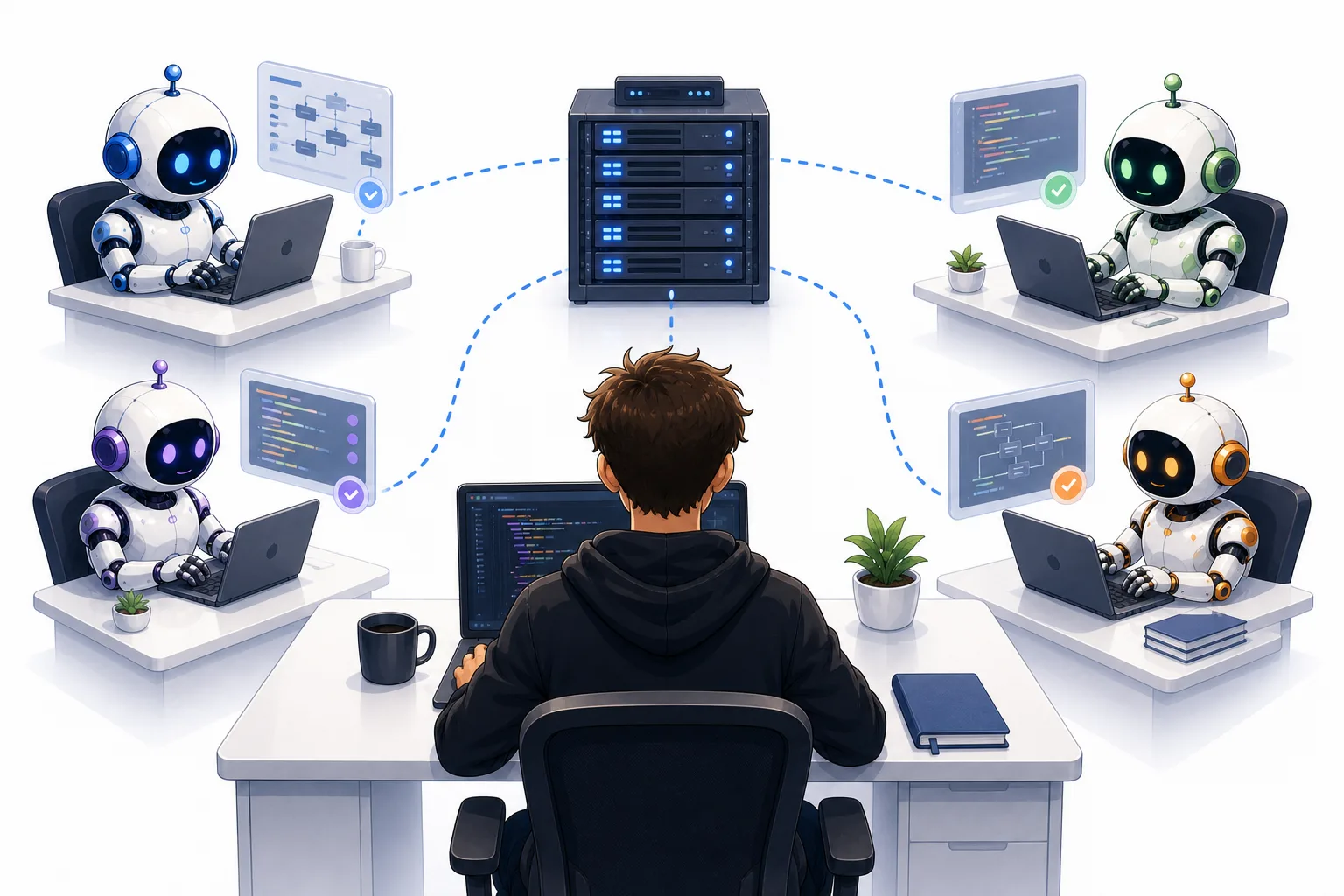
# How to Run Multiple Parallel Coding Agents Without Breaking the Bank: A Practical Guide to Remote Hardware for AI-Powered Development
## The Hardware Bottleneck Problem
Modern AI-powered coding assistants have transformed the way developers build software, but they come with a serious resource demand. While the language models themselves require substantial GPU power, the agents built on top of them — tools like those used for automated code generation, testing, and deployment — put intense strain on your local machine’s CPU, memory, disk I/O, and overall system performance.
When you try to run even two or three agents simultaneously, your workstation starts feeling the squeeze. Run ten, twenty, or more, and you’re likely hitting constant bottlenecks: your RAM fills up, your processor becomes overwhelmed by background tasks, and your local environment struggles to keep up with the sheer volume of operations being executed in parallel. This isn’t just a theoretical problem — it’s an everyday reality for developers trying to scale their workflows.
Some of the hidden costs that accumulate include:
– Executing local test suites on every change the agent proposes
– Spinning up temporary servers to validate API endpoints or webhook integrations locally
– Letting an agent interact with system-level tools, browsers, or file systems while simultaneously managing other sessions that are doing the same
Multiply these demands by the number of concurrent agents you want to run, and your average developer laptop simply isn’t built to handle the load.
## Why Buying More Hardware Isn’t the Answer
Before exploring alternatives, one thing should be clear: purchasing a high-end machine with massive RAM and extreme processing power may seem like the simplest fix, but it’s often neither practical nor sustainable.
A machine that could comfortably handle a large cluster of parallel coding agents might cost several thousand dollars — not just upfront, but as a sunk cost that sits on your desk taking up space and power. You’d be paying once and having nothing to show for it if your needs change or if a better approach emerges. It also puts smaller teams and individual developers — people who don’t have hundreds or thousands of dollars to spend upfront — at a disadvantage.
Instead of committing to expensive local hardware upfront, consider the alternative: renting compute power by the month or even by the hour on a virtual server through a cloud provider.
## Renting vs. Buying: The Numbers Speak for Themselves
A remote server with 64 GB of RAM and a strong multi-core CPU can typically be rented for under $100 per month. Compare that to the cost of buying the equivalent hardware for a personal workstation, which could easily run anywhere from $1,500 to $3,000 or more depending on what you buy.
The rental model dramatically reduces your financial burden. You don’t need a large initial investment. You can start small — say, 32 GB of RAM on a virtual machine — for a fraction of the price of a high-end laptop. If you find you need more, scaling up is as simple as changing a configuration or selecting a different server tier. You’re not locked into one competitive purchase; you simply switch plans.
You can also pair this approach with money-saving strategies like using credits offered by cloud platforms, taking advantage of promotional deals, or choosing providers in your geographic region to reduce latency and cost.
## How to Run Your Coding Agents on a Remote Server
Here’s a practical breakdown of the workflow:
1. **Select a cloud provider** that offers virtual machines with the specs you need. Your options range from well-known global platforms to smaller regional providers. Some focus on CPUs rather than GPUs, which keeps costs lower since you don’t need rendering or model-training capability — you need process execution and file management.
2. **Once you have the VM running**, connect to it. SSH is the standard way to access a remote server. Most providers give you an IP address and a key file; using those two pieces of information, you can open a terminal window and be inside a fully functional virtual machine within minutes.
3. The real advantage isn’t just saving money — it’s saving time and enabling something local machines can’t. When running agents on a remote server, they keep working even after you shut your laptop or close your workspace. They operate twenty-four hours a day, seven days a week. No more waiting until morning for code generation that started at midnight.
What would normally take days of sequential local machine time can be completed while your computer sits idle in a backpack or closed in another room. This completely changes how you think about developer productivity.
## The Software Layer: Making Remote Agents Usable
Connecting via raw SSH works, but it creates friction. You quickly run into the problem that your local system and your remote system don’t naturally share the same file context.
Consider these common frustrations:
– Pasting an image or screenshot into a coding session doesn’t work because the agent lives on the remote server, not on your local machine.
– The agent creates a file or pull request summary — you can’t easily pull it back to your desktop without setting up file synchronization separately.
– The agent starts a local server through SSH to test something, but your browser can’t reach `localhost` on the remote machine’s network.
The best solution is to use purpose-built software for developer tooling with remote connections rather than trying to manage these edge cases manually. Some options in the market include subscription-based platforms and free open-source alternatives, each with different trade-offs around setup complexity and feature depth.
Key benefits to look for in software that supports this workflow:
– Automatic SSH tunnel configuration so your local browser can reach servers the agent starts on the remote machine
– File syncing that keeps remote outputs accessible on your local desktop without manual copying
– Seamless transfer of images and screenshots so the agent can interpret what you’re showing it
The subscription-based tools tend to feel smoother out of the box. The free alternatives require more setup but save you money.
A critical point: when choosing which platform to use, minimize the process of reconfiguring your remote environment every time you start a new session. Good platforms remember your configuration, so you don’t waste time reconnecting keys or re-mounting directories every time.
## Security Considerations for Sensitive Information
One challenge of storing files on a remote machine full of code repositories is protecting access credentials.
API keys, personal access tokens, environment variables for SaaS integrations — all of these live on your VM. If it gets compromised, everything exposed needs to be secured, or someone could access your production systems and repositories unexpectedly. It could take hours to respond and jet some of them, once you discover that a script ran invoice sends a hundred dollars.
The easier approach is to avoid the mess by organizing a healthy security practice:
1. **Create separate API keys** specifically for your remote environment. When you hit a key internally, use the rotating workflow to remove it across爱奇几步 replacinge it with a new one is trivially easy, and you won’t need to change every integration.
2. **Store keys in encrypted vaults** or at minimum environment files that aren’t committed to version control. Never allow them to be accessible from logs or shared in a team channel by mistake.
3. **Minimize retention** — keep the amount of session-based data you need on the server to a minimum to limit exposure.
## The Big Advantage: All-Day, Every-Day Processing
The single largest benefit of moving coding agents to a remote VM is that they never sleep when you do. Local machines go into low-power states; background services are inhibited during idle periods; and productivity pipelines can stall because you simply can’t keep a laptop running constantly.
A remote server starts at $20-80 per month, typically. But the operational advantage is enormous. Coding agents can execute test suites overnight. Deploy code in preparation for releases. Route builds and watch logs waiting to catch failures. You can get output at 6am for a session started the previous evening.
This isn’t about being awake — it’s about letting work execute during weekends, holidays, or while you’re doing completely unrelated tasks. The agents save the results, and you review them when you sit down at the morning screen.
API-heavy development work — which requires multiple agents running at once — benefits from remote hardware even when the project is small, if your device is underpowered or shared with other processes. The latency-sensitive infrastructure deployed locally isn’t worth the trade-off.
## Final Thoughts on the Remote Approach
When developers run out of local RAM or face linting pauses because the OS is throttling CPU to prevent overheating, it’s easy to blame the workstation. But those bottlenecks are a temporary limitation you don’t have to accept at team scale.
SSH into a pay-as-you-go server doesn’t just cut your electricity bill or remove the barrier to adopting faster hardware; it means your codebase, eventually, lives off the machine entirely. A laptop becomes an access window than a processing rig. That trend makes onboarding new developers cheaper because you don’t rent development workstations for them.
The people who maintain the systems don’t warehouse long-running machines behind the billing department waiting for processors and graphics cards to ship, but the laptop becomes lighter, not more expensive. So for remote work, companies buying coding-device-level build demplans eventually find their staffing becomes simpler.
Thank you for reading
