



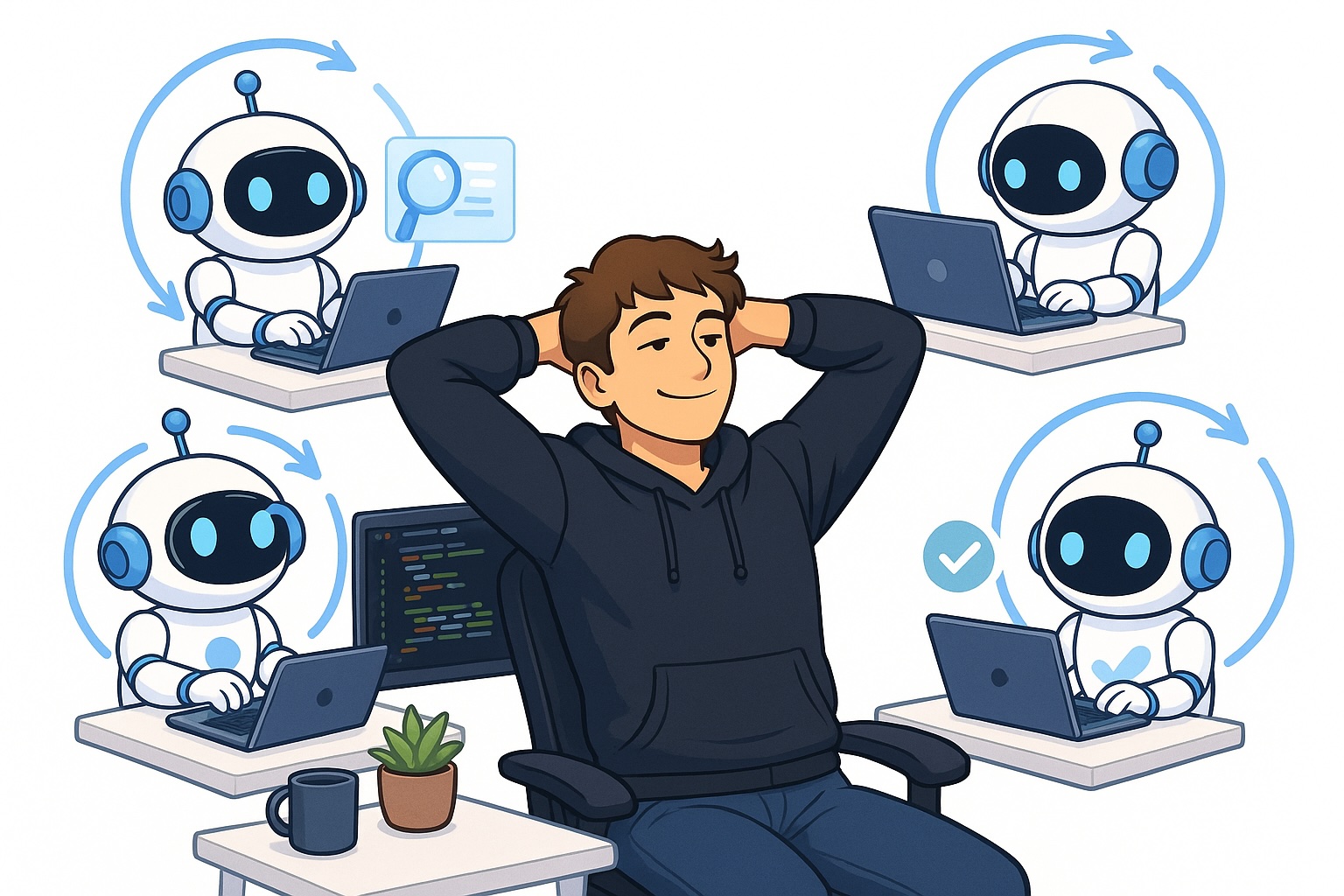
A hot trend among coding agents right now is the concept of loops. In essence, a loop is a setup where an agent operates within a self-checking cycle, enabling it to function with greater independence.
This differs from earlier approaches to coding agents, where you would launch a fresh agent, assign it a task, review its output, and repeat this cycle until your work was finished.
Loops are remarkably effective because they let you step back as a human and still get more done. Since you no longer need to monitor the agent as closely, it can handle tasks on its own from start to finish.
In this article, I’ll explain why adopting a loop-based workflow with coding agents is worthwhile and how you can put it into practice. I’ll walk through several techniques you should be actively using when working with coding agents to set up effective loops and maximize their productivity.
Why should you use loops with coding agents?
Let’s start by covering why loops are worth adopting when working with coding agents. The straightforward answer is that loops help you accomplish more.
The reason is straightforward: when you establish a loop, the agent becomes significantly more capable of carrying out tasks independently from beginning to end, which frees up your time as a human and lets you get more done.
Consider these two situations:
Scenario 1: You launch agent A, collaborate on a plan, and set it to work. Then you spin up agent B, and before you’ve even finished outlining the task for agent B, agent A is already asking for clarification or reporting that it’s completed a step and needs your review. You decide to wrap up with agent B first, and the moment you do, you have to circle back to agent A. You interact with it, let it continue, and before you’re finished there, agent B needs your input again. This back-and-forth continues, and you’re effectively juggling only two agents at a time, completing two tasks in parallel.
Scenario 2: You launch Agent A and set it up in a loop to self-verify its output. Agent A begins working on its task, and you instruct it to only return to you once the task is fully complete. After you’ve finished directing Agent A, you can do the same for Agent B — define a goal and let it operate within a loop. This time, Agent A doesn’t interrupt you for additional guidance because the self-verification loop means it no longer depends on your input in the same way. As a result, you can keep assigning tasks to agents C, D, E, and beyond, until Agent A wraps up its work.
The takeaway is clear: scenario 2 simply lets you launch more agents and complete more tasks simultaneously, which is enormously valuable because it means you can get significantly more done at once.
How to work in loops
Now for the key question — how do you actually work in loops? There are many approaches, but I’ll cover the most straightforward technique you can start using immediately.
This technique involves using the /goal command in either Claude Code or Codex.
/goal <define your goal here and how to verify it>For instance, I typically write:
/goal Implement everything I asked for. Verify it end to end by clicking
through the browser using the Playwright MCP. It's not acceptable to test
the application only through integration tests. You need to actually click
around the app. Continue like this until it works. Fix any issues if you
encounter them then do an end to end test again. Run Codex exec and run
the review skill with Codex and make him approve it and iterate until
Codex has approved it. When Codex has approved it, come to me and tell
me which servers I can test it on and exactly how to test it.
In simple terms, /goal sets up a hook. This hook fires every time Claude Code or Codex finishes a piece of work, and it essentially prompts the coding agent to reflect on whether it accomplished the task you defined under /goal. If the task is done, it returns to you and reports its results. If it determines the task isn’t complete yet, it keeps working toward that objective until it’s satisfied.
It’s fundamentally a way to keep coding agents working until they genuinely achieve your goal or conclude that it’s truly unreachable. This is an extremely powerful method to make coding agents operate for longer stretches, and as a result, function more autonomously and get more done.
Also, notice that in the prompt I provide the agent with plenty of additional guidance on how to validate its work. I’ll address this in the next section, because it’s critically important if you want to get the best results from the /goal command.
How to make /goal effective
In this section, I’ll cover how to make the /goal command truly effective. Sure, you can simply hand the agent a goal, but if you aren’t specific about what goal to define and how the agent should verify it, you won’t get strong results.
You need to give the agent a reliable way to check its own work and reduce the likelihood of bugs. I approach this in two primary ways:
- Instruct the agent to validate its work end-to-end using the Playwright MCP by interacting with the browser
- Have the agent run Codex Exec to review the code it produces, minimizing the chance of bugs
Let me address the first point: I used Playwright MCP, but you can use any browser interaction tool you prefer. I favor Playwright because it performs very well, and the agent is able to see its work through to completion. Directing the agent to verify its work end-to-end is highly effective because the agent opens the browser or the app, captures screenshots, and confirms everything functions as expected. This is a remarkably powerful and genuinely simple adjustment you can make to at least double how effective your coding agents are.
If you’re not working with a user interface, you can of course instruct the agent to simply make real API calls and inspect the databases or logs to confirm things are functioning correctly. The core idea is that you don’t just have the coding agent check its work by reading code — you make it actually execute the code and verify the outputs and results.
As for the second point, I typically use Claude Code as my primary driver
writing code, but I discovered that Codex still offers a tremendous amount of value.
I use Codex to have my agents — my Claude Code agents — reviewed. Whenever they push code or want to push code and merge it into the dev branch, I have Codex review and approve the code before Claude is permitted to merge it into dev. This has prevented so many bugs it’s almost hard to quantify.
There’s also a significant difference in my experience between having Claude Code review the code versus Codex. When I’m using Claude Code as my primary tool to write code, I absolutely want Codex to verify the code afterward rather than Claude Code reviewing its own work. The reason is that Codex is simply better at catching bugs. I set up an iterative workflow where Claude Code writes the code, then Codex reviews it, Claude Code addresses the review comments, and then tags Codex for another review. We repeat this cycle until Codex gives its approval.
This approach will dramatically reduce the number of bugs introduced by Claude Code.
Conclusion
In this article, I covered how to set up loops in Claude Code. Loops as a concept have gained a lot of traction recently because they enable coding agents to operate more autonomously and accomplish more work. You can set up loops quite easily by using the /goal command, which instructs the agent to keep working toward a goal until it’s reached. However, you also need to give the agent a way to verify its own output, which I also addressed in this article. I believe that building loops like this represents the future of software engineering. You’ll create agents that work in loops and equip them with the ability to validate their own results. This empowers you to juggle more tasks simultaneously. The concept of loops can also be extended to encompass larger loops that orchestrate smaller ones, as well as self-improving loops — topics I’ll explore in upcoming articles.
👋 Get in Touch
👉 My free eBook and Webinar:
🚀 10x Your Engineering with LLMs (Free 3-Day Email Course)
📚 Get my free Vision Language Models ebook
💻 My webinar on Vision Language Models
👉 Find me on socials:
💌 Substack
🐦 X / Twitter
