



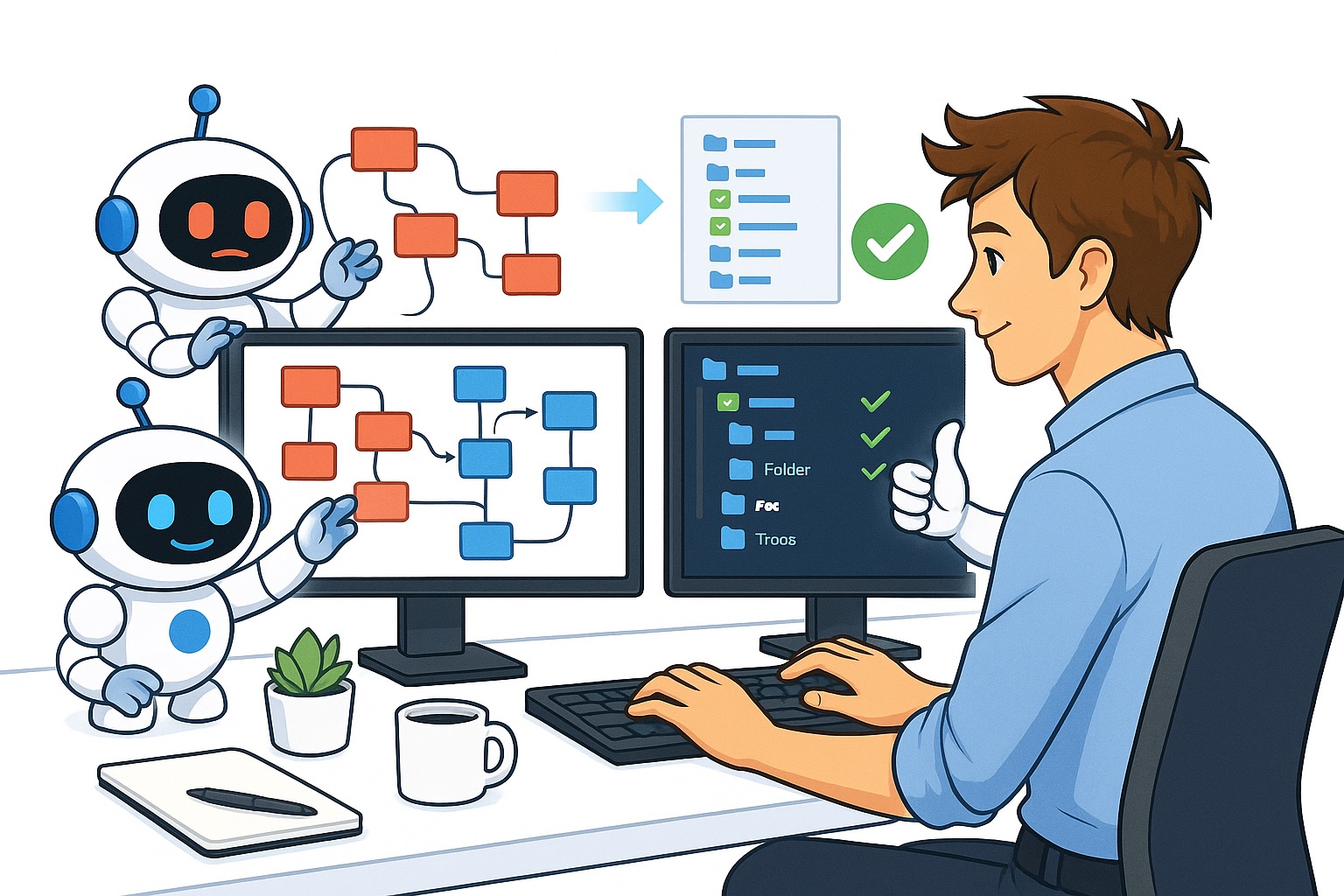
Coding agents excel at producing large volumes of code at high speed. However, anyone who has spent significant time working with these tools will have observed a gradual decline in their performance. Perhaps you’ve experienced a few days of highly productive AI-assisted coding, where everything seemed to flow seamlessly—only to find over time that the same tasks take noticeably longer and with an increasing frequency of errors.
This decline is a strong indicator that your codebase needs refactoring. I firmly believe that periodically restructuring your code will become a standard part of the workflow after extensive use of AI coding tools. These agents inevitably introduce imperfections, and if existing code deviates from best practices, they will likely replicate those same shortcomings in new code. Continuous refactoring of your codebase is therefore essential.
This article explores how to identify when refactoring is needed, the telltale signs to watch for, and effective methods for carrying it out with Claude Code or other AI coding assistants.
Why should you refactor your code?
First, it’s always helpful to understand why a topic matters before diving in. Refactoring may sound tedious, and in the past, it was indeed a laborious task performed intermittently. Until recently, engineers had to manually comb through their codebases to identify areas needing improvement before starting the refactoring process themselves.
This typically occurred after a burst of development, as code naturally deteriorates from an ideal state into something disorganized simply through ongoing work on the codebase—whether by human developers or AI agents.
Refactoring is essential because messy code inevitably slows down development and increases the likelihood of defects.
Consider a concrete example: suppose your application includes a chatbot feature where users interact with an AI assistant. At its core, this is simply a chat interface displaying user messages and AI responses. A well-structured codebase would define a single, reusable chat component that’s consistently used throughout every part of the application. In contrast, a poorly structured codebase would reinvent that chat component differently in each location.
This becomes a real problem whenever you need to update the chat’s appearance. Say you want to change the color scheme or replace the AI’s icon. Naturally, you’d want that change reflected everywhere the chat appears—but this means every human or AI making edits must hunt down and update the code in multiple separate locations.
If the code had been well architected, a single edit would suffice—because the chat’s styling would be centralized in one place, serving as the single source of truth. This straightforward example illustrates how clean, thoughtful code structure leads to faster, more reliable development.
When should you refactor your codebase?
Let’s begin by examining the key signals that indicate it’s time to refactor.
In short: refactor when your coding agents start taking longer to complete tasks and are producing more bugs. If you’re seeing unexpected side effects in areas of the code you thought were untouched, that’s a clear signal that refactoring is long overdue.
Additionally, I strongly recommend refactoring sooner rather than later. Yes, working with code that needs restructuring is slower and more error-prone—but beyond the practical drawbacks, it can also be genuinely frustrating. You’ll find yourself making changes and having the AI struggle to execute your instructions exactly as you intended.
There’s no fixed schedule for when refactoring becomes necessary. It doesn’t neatly arrive after a set number of days or lines of code. Rather, it’s something that emerges organically as the codebase matures through accumulated work.
My view is that this happens because small parts of the codebase gradually drift away from their ideal design, for any number of reasons. As further development continues in the same area, the effects of this drift compound over time, eventually becoming painfully apparent when both AI agents and human developers struggle to work effectively in that code.
While you should certainly minimize drift where possible, I don’t believe it’s something you can—or should—try to eliminate entirely. Instead, I think refactoring is a natural and inevitable part of any codebase’s lifecycle. Accept that it’s a routine maintenance task, and simply stay alert to the warning signs that signal when it’s time to begin.
How to refactor code with Claude Code
Now that you know the right time to refactor, let’s discuss the process itself using Claude Code—or whatever AI assistant you prefer.
I follow a few straightforward principles whenever I begin a refactoring effort.
- Use the most powerful reasoning capabilities at your disposal. Refactoring demands high intelligence, and mistakes here can be costly. For example, leverage Claude Code’s dedicated workflows feature or the extended reasoning mode on GPT-5.5.
- Limit yourself to one refactoring initiative at a time within a given repository. It’s fine to refactor concurrently with regular feature work, but avoid juggling multiple refactoring efforts in parallel.
- If you’re unsure about the best folder structure, point the AI at another repository whose architecture you admire and instruct it to follow that model.
- Refactoring is a slow process. Treat it as a background task that runs alongside your other work.
Whenever I begin a refactoring exercise, my typical approach involves the following:
I launch Claude Code within a fresh worktree of the repository and activate it using the most powerful mode available—Ultracode.
When I have a clear idea of what needs refactoring, I provide Ultracode and Claude with as much detail as possible about both what to change and the reasoning behind it. While explaining the “why” might seem unnecessary at times, I’ve found it extremely valuable because it helps the AI grasp my intent, leading to better alignment with my desired outcome.
Next, I give the agent ample time to thoroughly explore the entire codebase—especially the section targeted for refactoring—and generate a comprehensive refactoring plan. I do this using Claude Code’s plan mode.
Afterward, I carefully review the proposed plan to ensure it matches my expectations. In most cases, the AI’s refactoring strategies are superior to my own, so the initial plan typically requires little or no adjustment.
A key element of my refactoring prompt is instructing the model to write and run tests both before and after making changes. These tests must pass prior to refactoring and continue to pass once the work is complete. This practice allows the AI to validate its modifications and confirm that no new bugs have been introduced during the process.
Having used Claude Code for numerous refactoring tasks, I can confidently say it performs exceptionally well. With the workflow I’ve described, issues are rare, and the improvements consistently lead to significantly better performance from coding agents working in my repository.
In short: Refactoring code with Claude Code is highly effective.
Conclusion
This article explored how to refactor code using Claude Code. I explained why refactoring matters—particularly how it dramatically enhances the effectiveness of coding agents when implementing changes in your codebase. I also covered how to recognize when refactoring is needed and how to carry it out, which are the two most critical aspects to understand.
With the rise of AI and coding agents, I believe refactoring should become a continuous, routine practice in your development workflow. Regularly task an agent with scanning your code, identifying areas that need improvement, and initiating refactoring immediately. In most cases, the agent can handle this autonomously with minimal oversight from you. Making this a habit ensures that coding agents remain as effective as possible within your repository.
👋 Get in Touch
👉 My free eBook and Webinar:
🚀 10x Your Engineering with LLMs (Free 3-Day Email Course)
📚 Get my free Vision Language Models ebook
💻 My webinar on Vision Language Models
👉 Find me on socials:
💌 Substack
🐦 X / Twitter
