



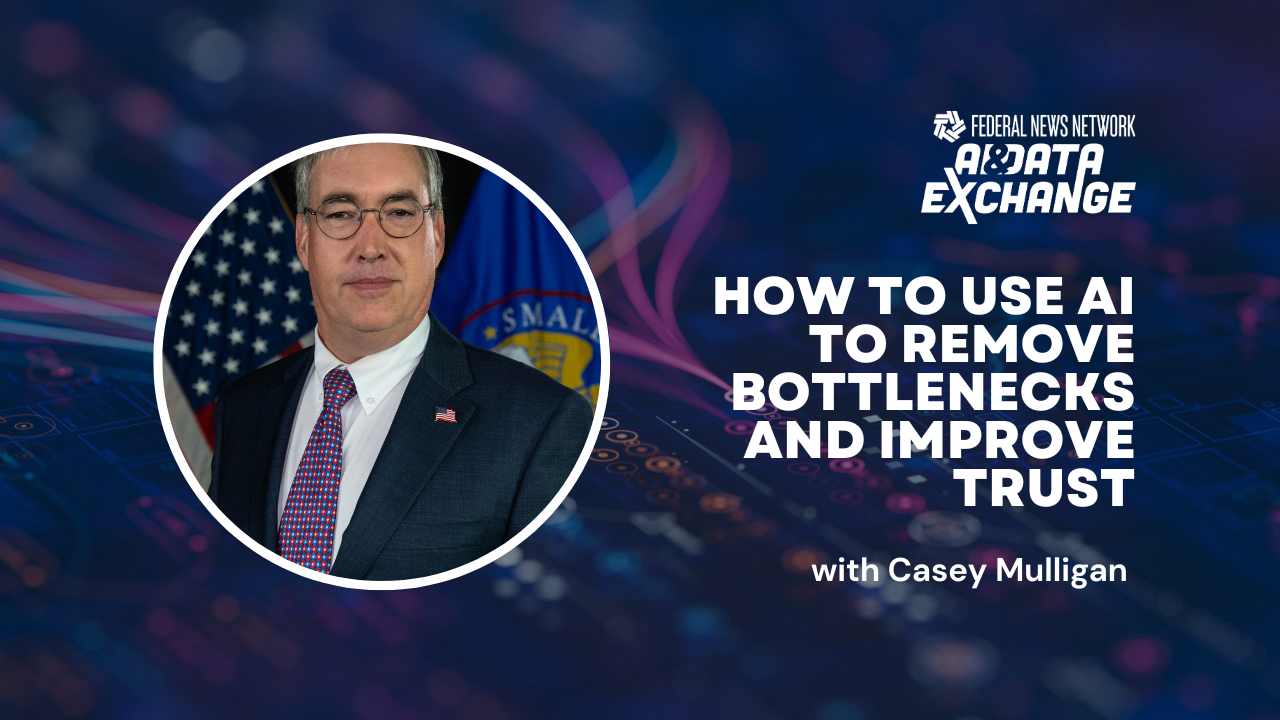
NOTE: Casey Mulligan has since departed the Small Business Administration and now serves as chief economist and chief regulatory officer at the Department of Health and Human Services.
At the Small Business Administration’s Office of Advocacy, a single staff member was tasked with reviewing thousands of proposed federal regulations to assess their potential effects on small businesses.
This individual relied on a specialized software program created by the office.
The challenge was that this employee was the sole person trained to operate the application, which runs on STATA—a statistical software package developed by StataCorp close to four decades ago for data manipulation and visualization. Since analyzing regulations under the Regulatory Flexibility Act is a core responsibility of the Office of Advocacy, the volume of new rules quickly overwhelmed this one person, creating a significant backlog.
The Office of Advocacy serves as the enforcement arm for the Regulatory Flexibility Act. “The law requires regulators to explain the impact on small businesses—how many small businesses will be affected by a given rule, which industries will be impacted, and so on. Very few people have that kind of data readily available,” explained Casey Mulligan, former chief counsel for advocacy at the SBA, during Federal News Network’s AI & Data Exchange 2026.
“He’s one of our top performers, but every request across the entire government—those 12,000 rules from the Biden administration. There are some exemptions, but the tool would still have been needed several thousand times if the law had been fully followed, and we only had one person. So I thought, ‘Hold on—you’re one of my best people, and you’re stuck in this bottleneck.'”
Mulligan wanted to make the tool accessible to the entire team and eliminate both current and future bottlenecks.
“I turned to artificial intelligence and asked how I could make this available to my whole staff, and eventually to every federal agency. The AI persuaded me that we should rebuild it in HTML, which I know, and JavaScript, which I had never worked with. The AI reconstructed our tool in those languages,” he said. “It’s called Sextant, named after the navigation instrument used before GPS. The AI rebuilt Sextant in HTML so it could run on a webpage. We now host it internally on a webpage, so any staff member can access and use it.”
Embracing the Advantages of AI
Mulligan noted that Sextant can produce a substantial portion of the report mandated by the Regulatory Flexibility Act.
“It’s not on our public website yet. I can email it to people. There’s a layer of bureaucracy involved in getting approval to post a tool like that on a government website. We’re working through that process,” he said. “It only took an afternoon to build the tool, but it’s taking about three to four months to get the green light to publish it online.”
Once approved, the tool will be accessible to any agency or organization. As of May, at least a few agencies were already using it internally.
The Sextant tool illustrates how the Office of Advocacy is embracing AI to streamline its operations. Mulligan credited the office’s early success with AI tools to the staff’s openness to experimentation.
The Office of Advocacy is actively seeking ways to integrate AI tools into more of its workflows, particularly given how data-intensive the organization is.
“It excels at data processing and writing code without syntax errors. We’ve been able to significantly boost our productivity in those areas. We’re generating documents and reports much more efficiently,” Mulligan said. “Coming from academia, it seems to me that even if it weren’t required, we should be transparent about how we’re using AI—publishing our prompts and code. We developed a prompt suite containing roughly six of our most frequently used prompts and integrated them into a dashboard. There’s a fact-check button powered by a prompt. We tend to use Perplexity. The tool has been refined to minimize hallucinations, cross-verify claims, break any passage into individual sentences, and process them one at a time. All of that runs behind the scenes. When we press the button, we see something like, ‘Here’s a sentence. How accurate is it? What are the errors? What sources can we consult for further verification?'”
The prompt suite consists of standardized instructions that provide the user with an accuracy rating between zero and 100. The large language model returns an accuracy score along with links to sources that back up the analysis, Mulligan explained.
Strengthening Trust Between Agencies
Mulligan said these cross-verifications occur every time someone writes a sentence using the prompt.
“That saves us from retyping the same prompt each time. We simply submit the passage, and it follows the same process—and the entire exchange can be saved for auditing purposes. All of that back-and-forth can be stored in files. The goal is to minimize the friction between federal employees and AI, so we can use it more frequently, more quickly, and more effectively,” he said.
At the SBA, Mulligan wrote numerous memos and reports. “The fact-checking feature is invaluable because I might refer to something as a rule, and it would point out, ‘Actually, that was just a policy statement.’ Yes, it was published in the Federal Register, and I had the correct page citation, but I was wrong to call it a rule. I should have called it a policy statement.”
Mulligan said the Office of Advocacy has been enhancing the interagency rule-review process with AI tools. In the past, if the office sent a memo or request to, say, the Environmental Protection Agency containing factual errors because the staff didn’t fully grasp the subject matter, a lengthy back-and-forth would be needed to clear up the confusion.
But large language models help the staff gain a deeper understanding of the topics, which leads to clearer communication with other agencies and faster outcomes, Mulligan shared.
While at the SBA, he also built an AI tool to help manage his meetings and priorities. He developed it in Python—a programming language he had no prior experience with.
“The tool pulls meetings from my calendar and whatever notes I’ve added—usually just a few key points—and expands on them to produce comprehensive meeting notes. It presents them to me, asks a few questions, and then I approve or edit the notes. It’s a very efficient process for me, and it’s also a helpful exercise at the end of the week to recall what commitments I made to people,” he said. “The notes are then stored in a database with intelligent search capabilities, so I can ask questions like, ‘When was the last time I met with this person?’ or ‘What were the highest-priority requests from my meetings over the past month?'”
Explore more articles and videos now on the AI & Data Exchange event page.
Copyright
© 2026 Federal News Network. All rights reserved. This website is not intended for users located within the European Economic Area.
