



# Introduction
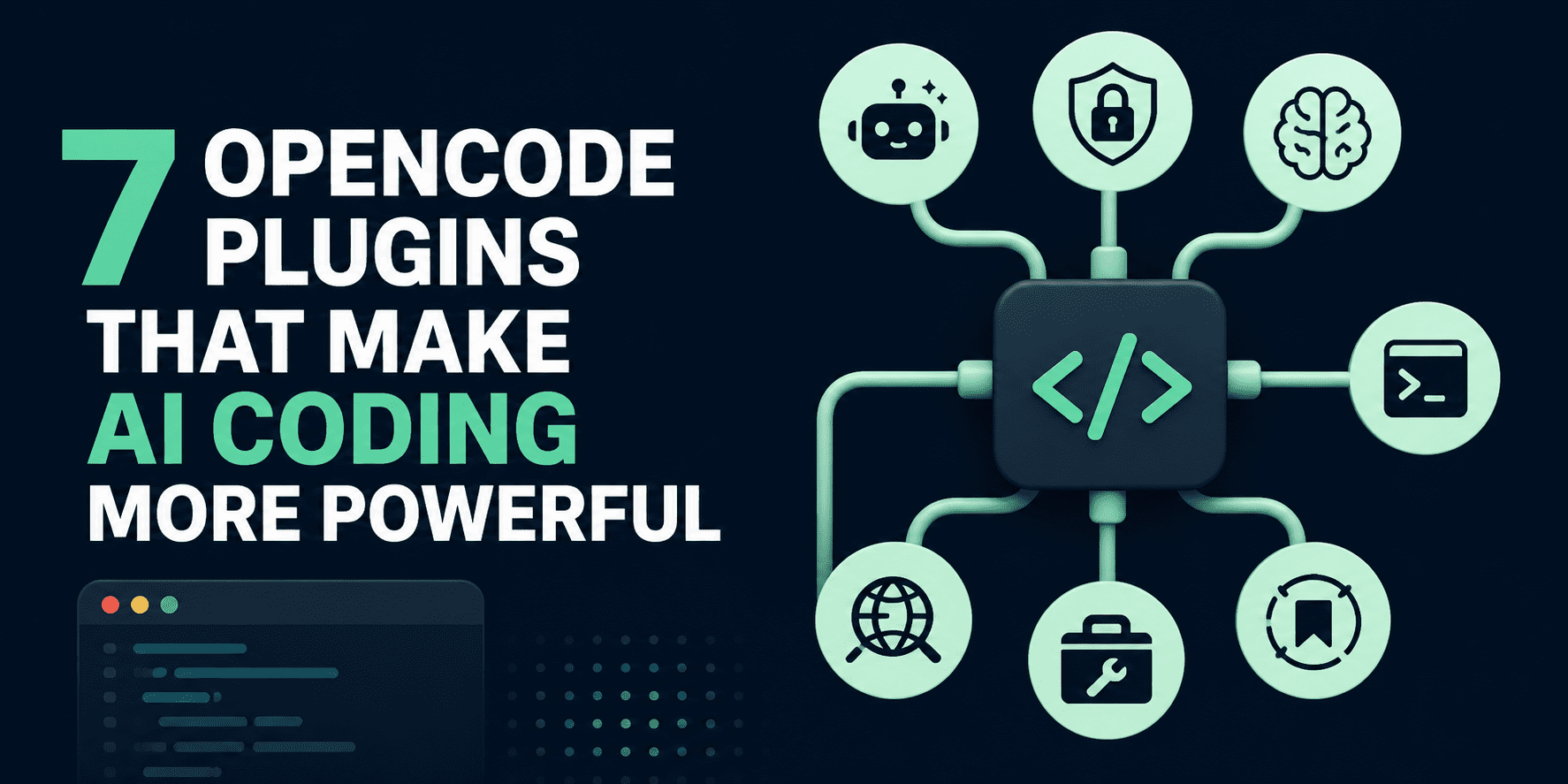
OpenCode plugins are extensions that enhance the functionality of the OpenCode AI coding assistant. They offer additional tools, integrations, and workflow improvements such as long-term memory, terminal interaction, web search with citations, reusable skills, and usage analytics. These plugins allow developers to tailor OpenCode for more sophisticated coding, research, and automation tasks.
In this article, we explore seven OpenCode plugins that distinguish themselves through their utility, features, and increasing popularity within the community. Collectively, they demonstrate how plugins can transform the OpenCode agent into a more powerful, adaptable, and practical tool for daily development work.
# 1. Oh My Openagent
Considered the most well-known plugin in the OpenCode ecosystem, oh-my-openagent is notable for its comprehensive feature set. It introduces background agents, pre-configured language server protocol (LSP), abstract syntax tree (AST), and Model Context Protocol (MCP) tools, curated agent collections, and Claude Code compatibility, making it one of the most thorough enhancements available for advanced OpenCode workflows.
Best for: A complete all-in-one enhancement suite
GitHub:
# 2. Opencode Antigravity Auth
Created specifically for authentication, this plugin allows OpenCode to integrate with Antigravity via OAuth. This enables users to log in using Google credentials and gain access to models such as Gemini 3.1 Pro and Claude Opus 4.6 Thinking directly within OpenCode.
Best for: Enabling Antigravity and Google-supported model access in OpenCode
GitHub:
# 3. Opencode Supermemory
Built around the concept of persistence, opencode-supermemory provides the agent with the ability to remember information shared by users across sessions and even across different projects. It is one of the most valuable additions for anyone who wants OpenCode to function less like a stateless tool and more like an ongoing collaborative partner.
Best for: Long-term memory retention across sessions and projects
GitHub:
# 4. Opencode Pty
Focused on improving developer workflow, this plugin introduces interactive pseudoterminal (PTY) support to OpenCode. It enables the agent to start background processes, provide additional input, and return later to review output, which makes it significantly more capable than depending solely on single-use shell commands.
Best for: Extended background processes and interactive terminal sessions
GitHub:
# 5. Opencode Websearch Cited
For research-intensive tasks, this plugin incorporates a web search tool with citation support within OpenCode. According to the repository, it can produce inline citations and source lists, while supporting Google, OpenAI, or OpenRouter-based search configurations depending on the setup.
Best for: Research tasks requiring proper citations
GitHub:
# 6. Opencode Wakatime
Focused on transparency and measurement, opencode-wakatime monitors AI-assisted coding activity, time spent, and file modifications. It integrates with WakaTime‘s well-known dashboard workflow, providing teams and individuals with a clearer understanding of how OpenCode is being utilized.
Best for: Monitoring AI-assisted coding activity
GitHub:
# 7. Opencode Agent Skills
Focused on reusability, this plugin adds the ability to discover and load agent skills from project folders, user directories, and Claude-compatible locations. It is particularly valuable for teams that want portable skill libraries and seamless Claude-style skill workflows within OpenCode.
Best for: Reusable skill discovery and Claude-compatible skill workflows
GitHub:
# Final Thoughts
OpenCode plugins are what elevate the platform far beyond a simple coding assistant. What I find most compelling is how rapidly they can expand OpenCode into something that feels more personalized, more capable, and far better aligned with real-world developer workflows.
Whether the objective is improved memory, stronger research capabilities, free access to Gemini models, enhanced terminal control, or reusable skills, these plugins illustrate how adaptable the ecosystem is becoming. For those just starting out, I believe the best strategy is to begin with the plugins that address the most significant daily challenges first, then expand from there as your workflow grows more complex.
Abid Ali Awan (@1abidaliawan) is a certified data science professional who enjoys building machine learning models. Currently, he is dedicated to content creation and writing technical blogs on machine learning and data science technologies. Abid holds a Master’s degree in technology management and a bachelor’s degree in telecommunication engineering. His vision is to develop an AI product using a graph neural network for students dealing with mental health challenges.
