



# Getting Started
If you’ve worked in data science for a while, you’ve likely encountered a core truth: the quality of your machine learning results depends entirely on the quality of your input data. This principle is famously summarized as garbage in, garbage out (GIGO).
For instance, using highly correlated features in a linear regression, or applying ANOVA tests to data with unequal variances, sets you up for unreliable models that fail to capture meaningful patterns.
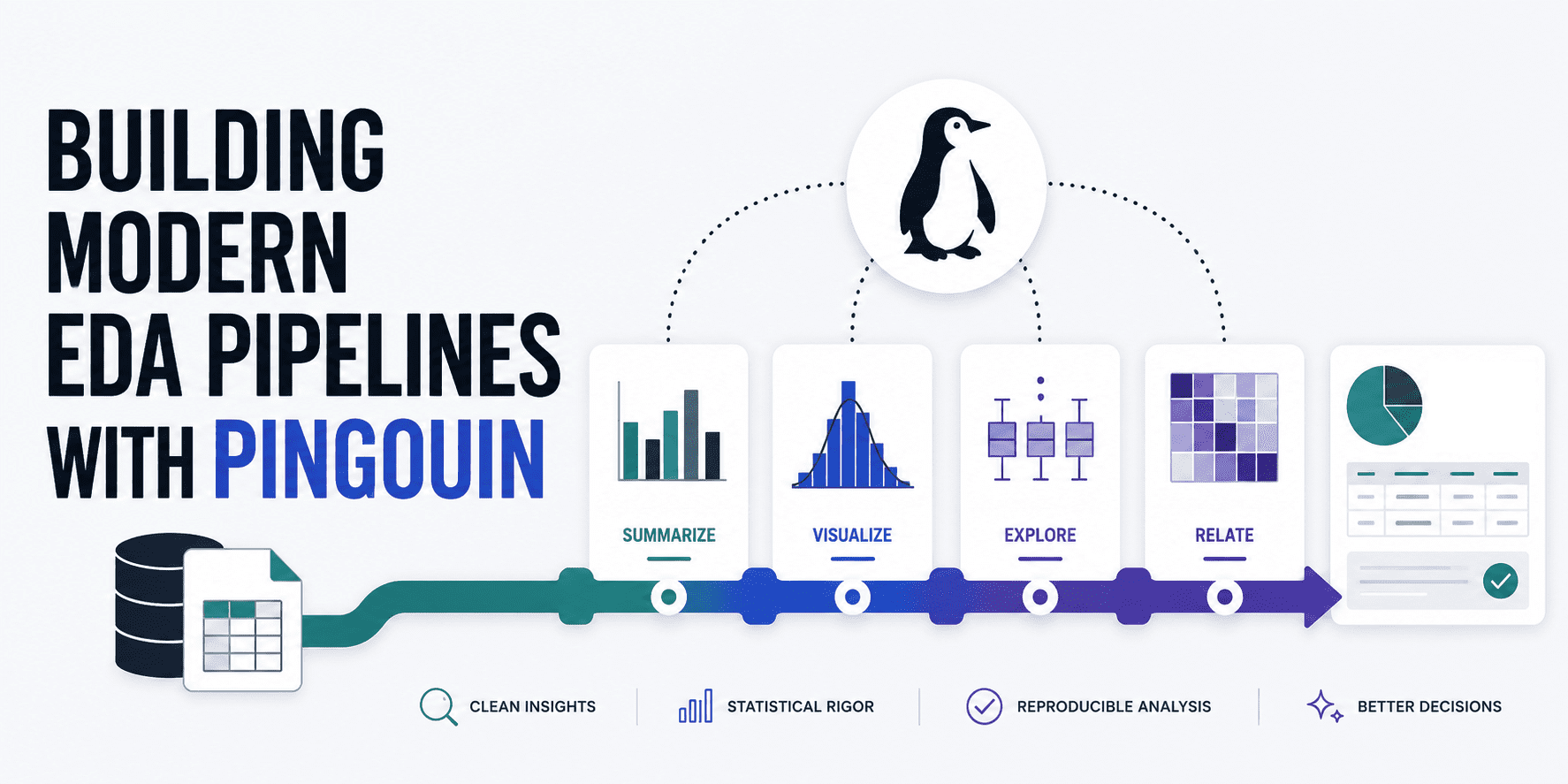
While standard exploratory data analysis (EDA) tools like graphs and charts are useful, they often fall short when you need to rigorously verify that your data meets the mathematical requirements for further analysis or modeling. Pingouin fills this gap by seamlessly combining the strengths of popular data science libraries like SciPy and pandas. It’s also a powerful tool for creating robust, automated data exploration workflows. This guide walks you through building a comprehensive pipeline for performing statistically sound data analysis and validating key data characteristics.
# Setting Up Your Environment
Begin by installing Pingouin in your Python environment (along with pandas if needed):
!pip install pingouin pandas
Next, import these libraries and load a dataset. We’ll use a public dataset containing wine characteristics and quality ratings.
import pandas as pd
import pingouin as pg

# Loading wine dataset from a public GitHub repo
url = "
df = pd.read_csv(url)

# Preview the first few rows to get familiar with the features
df.head()
# Assessing Single-Variable Normality
Our first specific check focuses on whether individual features follow a normal distribution. Many common machine learning algorithms—as well as statistical methods like t-tests and ANOVA—assume that continuous variables are normally distributed (also called Gaussian). You can easily test this using Pingouin’s pg.normality() function, which runs a Shapiro-Wilk test on each column of your DataFrame:
# Choosing continuous features to test for normality
features = ['fixed acidity', 'volatile acidity', 'citric acid', 'pH', 'alcohol']

# Performing the normality check
normality_results = pg.normality(df[features])
print(normality_results)
Sample output:
                         W          pval  normal
fixed acidity     0.879789  2.437973e-57   False
volatile acidity  0.875867  6.255995e-58   False
citric acid       0.964977  5.262332e-37   False
pH                0.991448  2.204049e-19   False
alcohol           0.953532  2.918847e-41   False
It appears that none of our numeric features meet the normality assumption. This isn’t necessarily an error in the data—it’s just part of its natural variation. What it does tell us is that, during later preprocessing steps (outside of our current analysis), we may want to apply transformations such as log or Box-Cox to make the data more normal-like, especially if our final modeling approach requires normally distributed inputs.
# Evaluating Multi-Variable Normality
Beyond checking each variable individually, it’s also valuable to assess overall multivariate normality, which considers how variables interact together. This is particularly important for methods like MANOVA (multivariate ANOVA), where the joint distribution must be normal.
# Henze-Zirkler test for multivariate normality
multivariate_normality_results = pg.multivariate_normality(df[features])
print(multivariate_normality_results)
Sample output:
HZResults(hz=np.float64(23.72107048442373), pval=np.float64(0.0), normal=False)
As shown, you’ll likely see results like: HZResults(...normal=False), indicating that multivariate normality isn’t satisfied either. If you plan to build predictive models with this data, consider using non-parametric methods such as gradient boosting or random forests rather than parametric approaches like linear regression or SVMs, which rely heavily on distributional assumptions.
# Testing for Equal Variances
The next concept—homoscedasticity—might sound complex, but it simply means having consistent variance across prediction errors, acting as a sign of stability. We’ll verify this using Levene’s test via Pingouin:
# Levene’s test for homogeneity of variances
# 'dv' = outcome variable, 'group' = categorical grouping
homoscedasticity_results = pg.homoscedasticity(data=df, dv='alcohol', group='quality')
print(homoscedasticity_results)
Output example:
                W          pval  equal_var
levene  66.338684  2.317649e-80      False
Again, we get False, meaning the condition of equal variance (homoscedasticity) isn’t met—this is known as heteroscedasticity. You’ll need to address this in downstream modeling, for example by using robust standard errors when fitting regression models.
# Verifying Sphericity
Another important statistical property is sphericity, which confirms whether the variances of differences between all possible pairs of related conditions are roughly equal. This check is essential before applying techniques like Principal Component Analysis (PCA) for dimensionality reduction, since PCA relies on meaningful correlations among variables; if correlations are absent, PCA won’t add value.
# Mauchly’s test for sphericity
sphericity_results = pg.sphericity(df[features])
print(sphericity_results)
Output example:
SpherResults(spher=False, W=np.float64(0.004437706589942777),
It appears we've selected a particularly tough, dry dataset! Don't worry — this article is deliberately structured to emphasize the EDA (Exploratory Data Analysis) process and guide you in spotting numerous data issues like these. Ultimately, catching them early and understanding how to address them before moving on to downstream machine learning tasks is far more valuable than constructing a model that could be flawed from the start. In this instance, there's a twist: we have a p-value of 0.0, which means the null hypothesis of an identity correlation matrix is rejected — in other words, meaningful correlations do exist among the variables. So if we had a large number of features and wanted to reduce dimensionality, applying PCA (Principal Component Analysis) could be a smart move.
Checking Multicollinearity
Finally, let's examine multicollinearity — a condition that reveals whether any predictors are strongly correlated with one another. This can become a problematic issue in interpretable models such as linear regressors. Here's how we check it:
# Computing a robust correlation matrix with p-values
correlation_matrix = pg.rcorr(df[features], method='pearson')
print(correlation_matrix)
Output matrix:
                 fixed acidity volatile acidity citric acid     pH alcohol
fixed acidity                -              ***         ***    ***     ***
volatile acidity         0.219                -         ***    ***      **
citric acid              0.324           -0.378           -    ***
pH                      -0.253            0.261       -0.33      -     ***
alcohol                 -0.095           -0.038       -0.01  0.121       -
While pandas' corr() method can also accomplish this, Pingouin's version uses asterisks to denote the statistical significance of each correlation (* for p < 0.05, ** for p < 0.01, and *** for p < 0.001). A correlation may be statistically significant yet still weak in magnitude — multicollinearity only becomes a real concern when the absolute correlation value is high (generally above 0.8). In our case, none of the pairwise correlations are alarmingly large, meaning all five evaluated features contribute mostly independent, unique information for subsequent analyses.
Wrapping Up
Through a step-by-step series of practical examples, we've explored how to harness the power of Pingouin — an open-source Python library — to build robust, modern EDA pipelines. These pipelines empower you to make smarter decisions in data preprocessing and downstream analyses, whether you're leveraging advanced statistical tests or machine learning models, ultimately helping you choose the right steps to take and the right models to apply.
Iván Palomares Carrascosa is a leader, writer, speaker, and adviser in AI, machine learning, deep learning & LLMs. He trains and guides others in harnessing AI in the real world.
