



# Invent a Dataset: From Behavior Description to Training-Ready Data Without a Single Label
## The Problem It Solves
Building a high-quality training dataset has always been the bottleneck in machine learning workflows. Most teams start by gathering existing data and then spend weeks cleaning, labeling, filtering, and reshaping it to match the specific behavior they want a model to exhibit. This approach inherently limits model quality because the data can only approximate the target task — it is constrained by what already exists.
For proprietary domains, specialized tasks, and behavior that lives inside internal systems, unstructured text, or workflow logs, the relevant signal rarely converts cleanly into a focused training set. The gap between available data and desired model behavior can be wide and expensive to bridge.
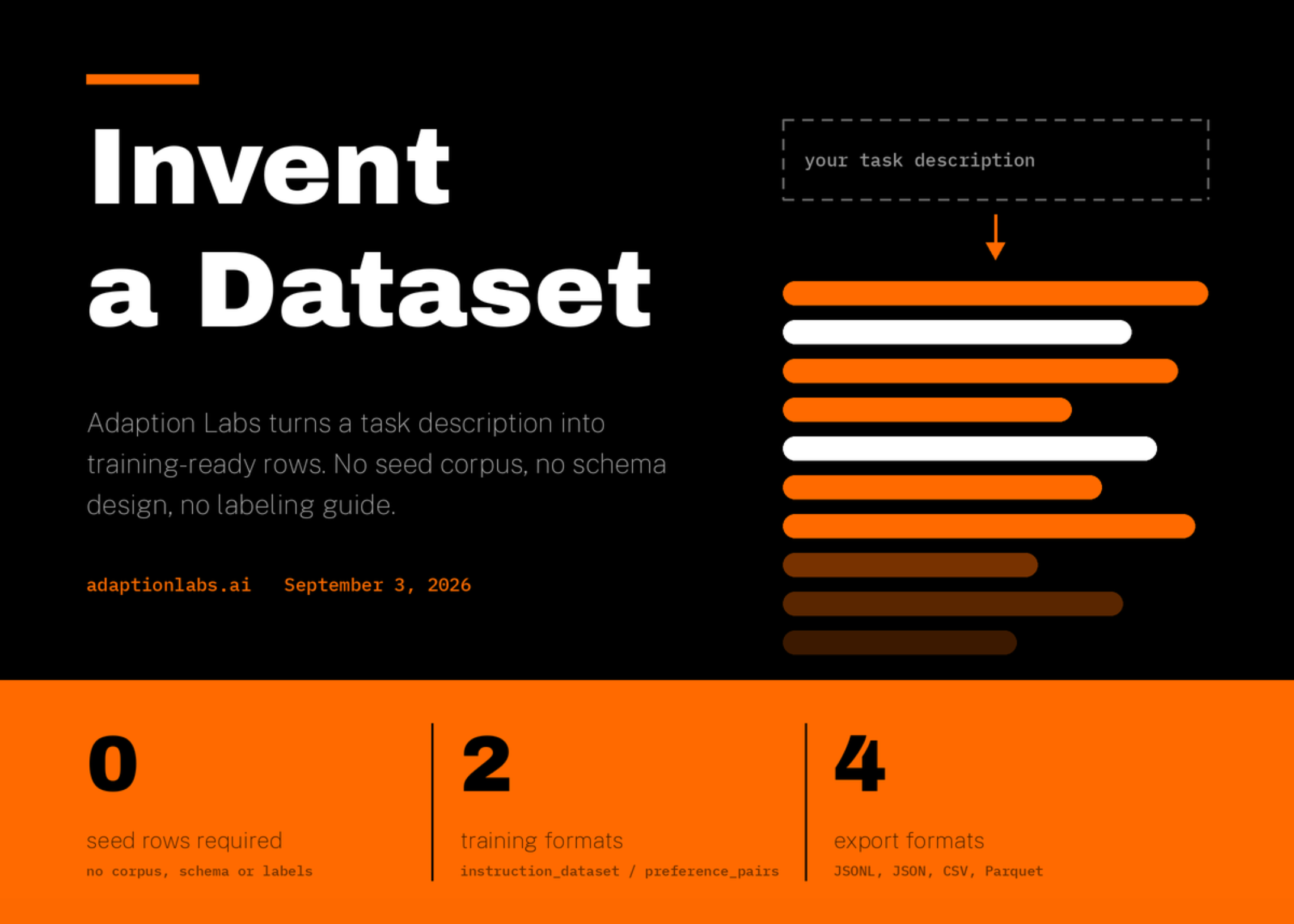
Adaption Labs has introduced a feature called **Invent a Dataset** that attempts to close this gap entirely. Rather than starting with existing data, it generates a structured, training-ready dataset directly from a description of the behavior you want a model to learn. There is no seed corpus, no predefined schema, and no labeling guide required. The dataset is created from scratch based on your behavioral specification.
## How It Works
The core API call is straightforward. A single request to `datasets.invent` creates the dataset and kicks off generation, returning immediately with a `running` status. You then poll the dataset status until it returns `succeeded` or `failed`, and download the generated rows.
### Domain Codes as the Primary Control
The main way to steer what the dataset contains is through domain codes. You fetch the current list of available codes using `datasets.invent_domains` rather than hardcoding them into your application. Then you pass values such as `medical` to define the broad area of interest. You can optionally narrow the scope further with qualified subdomain codes, such as `medical.symptoms_diagnosis`.
At least one domain or subdomain is required for each request. Multiple domains can contribute to a single run, and passing a domain without specifying subdomains draws from its full scope. This design gives teams flexibility — from broad, general-purpose datasets to highly focused, domain-specific ones.
### Output Formats
Two output formats are supported. The default, `instruction_dataset`, produces prompt-completion pairs designed for supervised fine-tuning. The alternative, `preference_pairs`, generates chosen and rejected completions for preference-based training methods such as Direct Preference Optimization (DPO). This means the same core tool can serve both standard fine-tuning pipelines and alignment-focused training workflows.
### Key Parameters for Production Use
Three parameters deserve particular attention when using Invent a Dataset in a production setting:
– **estimate=True** — prices the exact request and returns estimated versus available credits without actually creating or charging anything. This allows teams to validate costs before committing resources.
– **prompt** — accepts up to 10,000 characters to steer the content and focus of the generated rows. This is the primary lever for defining the behavior you want the dataset to capture.
– **idempotency_key** — accepts up to 255 characters and makes network retries safe by returning the original dataset if the same request is submitted again, rather than launching a duplicate run.
Row counts are subject to a per-launch limit determined by your plan, and generation itself runs on Adaption’s hosted platform, consuming credits. The output artifacts download as JSONL, JSON, CSV, or Parquet files, making them portable and usable in any training environment.
## Language and Locale Expansion
The tool also supports a `language_expansion` parameter that operates in two distinct modes. The `translate` mode produces a new row variant for each target language, effectively creating multilingual versions of each invented example. The `localize` mode goes further, producing variants for each country and language pair using locale-specific wording rather than direct translation — which is important for capturing natural regional phrasing rather than literal translations.
A `sample_rate` parameter between 0.01 and 1 controls what fraction of the invented rows gets expanded into additional language variants. Credits are billed on the expanded output row count, not the original, so teams can control both the scope and the cost of multilingual datasets. Unsupported language codes return a 400 error along with a sample of valid values to guide correction.
## The Zero-Data Loop: From Intent to Trained Model
Invent a Dataset is designed as the first half of a broader workflow. The generated dataset ID passes directly into `autoscientist.create`, which co-optimizes the data and the training recipe against a specified objective. This means the dataset creation and model training are not separate, disconnected steps — they form a closed loop where the data and the training approach evolve together.
This companion tool, AutoScientist, launched earlier in 2026 and serves as the training-side counterpart to the Adaptive Data pillar. According to Adaption’s reported results, AutoScientist outperforms training configurations created by its own research staff by an average of 35%. In terms of win rates, this represents an increase from 48% to 64% on in-house domain-specialized evaluations. These benchmarks spanned eight verticals and dataset sizes ranging from 5,000 to 100,000 rows, using architectures offered for fine-tuning by Together AI.
The significance of this loop is that a team can go from a plain-language description of desired behavior to a trained model with no manual data preparation, labeling, or curriculum design.
## Key Takeaways
– Invent a Dataset generates training rows from a task description alone, requiring no seed corpus, schema, or labels.
– A single `datasets.invent` call sets domains, row count, output format, and language expansion options, with generation running asynchronously.
– Output can be instruction pairs for supervised fine-tuning or preference pairs for alignment-focused training, downloaded in multiple portable formats.
– Dataset IDs feed directly into AutoScientist, closing an intent-to-trained-model loop without manual intervention.
– Language expansion supports both translation and localization, with fine-grained control over sample rates and billing tied to the final expanded row count.
## Frequently Asked Questions
**Can I use Invent a Dataset without an existing dataset of my own?**
Yes, that is the entire premise of the feature. You do not need a seed corpus, a predefined schema, or a labeling guide. The tool generates a complete, structured dataset from your behavioral description alone.
**What file formats are available for download?**
Generated rows download as JSONL, JSON, CSV, or Parquet files, all of which are portable and compatible with common training frameworks.
**Is there a self-hosted generation option?**
No. Generation runs on Adaption’s hosted platform and consumes credits. There is no documented self-hosted path for running the generation.
**How does the language expansion feature decide what counts toward billing?**
Credits are billed on the expanded output row count — meaning every generated variant from the language expansion is counted, not just the original invented rows.
**What happens if I pass an unsupported domain or language code?**
The API returns a 400 error along with a sample of valid values for both domain codes and language codes, helping you correct the request.
**Can I combine multiple domains in a single request?**
Yes, multiple domains contribute to the same generation run. You can also mix broad domains with specific subdomains within those domains.
**How does the idempotency key prevent duplicate runs?**
When you provide an idempotency key (up to 255 characters), the system uses it to identify repeated requests. If the same key is submitted again, it returns the original dataset instead of creating a new generation run, making retries safe and cost-controlled.
**What is the relationship between Invent a Dataset and AutoScientist?**
Invent a Dataset creates the training data, and AutoScientist takes the resulting dataset ID to co-optimize both the data and the training recipe. Together they form a closed loop from a behavioral description to a trained model.
## Conclusion
The ability to generate a training-ready dataset from nothing more than a description of desired behavior represents a meaningful shift in how teams can approach model development. By removing the dependency on existing data, predefined schemas, and manual labeling, tools like Invent a Dataset lower the barrier to creating high-quality, domain-specific training sets. When paired with an automated training optimization system like AutoScientist, the result is a streamlined pipeline that moves from intent to trained model with minimal human intervention. The reported 35% improvement over manually configured training setups suggests that this approach is not just convenient — it can produce measurably better outcomes. As the ecosystem of synthetic and generative data tools matures, features that bridge the gap between behavioral intent and production-ready training data will likely become central to how machine learning teams operate.
Thank you for reading
