



# Muse for Mac: Meta’s First Desktop AI Agent That Acts on Your Computer
## Introduction
Meta has expanded its AI agent lineup with the launch of Muse for Mac, marking the company’s first desktop-focused version of the Muse assistant. Unlike previous iterations that operated primarily in mobile and web environments, this macOS-native version is designed to interact directly with the files and applications already on your computer.
The agent launched as a free download for macOS users in the United States, and it represents a significant shift in how AI assistants can function on personal computers — moving beyond conversation and into actual task execution across your local environment.
## What Can Muse for Mac Do?
Muse for Mac is built around the idea of handling everyday digital tasks that span multiple applications. Rather than requiring users to manually gather information from different sources, the agent can pull together context from several places simultaneously.
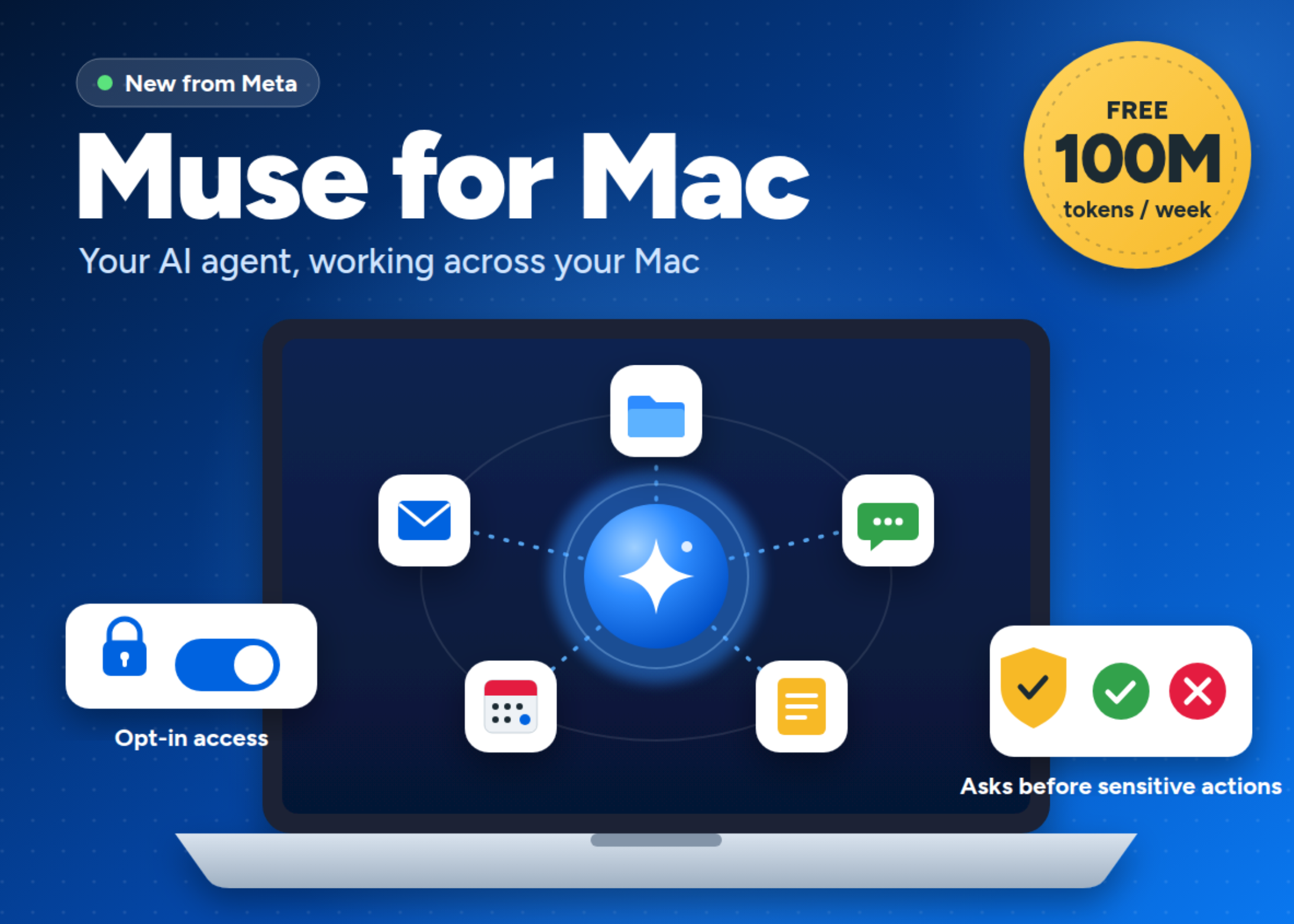
The agent integrates with native macOS applications including Files, Mail, Messages, Calendar, and Notes. This means you can ask it to sort and organize folders, complete partially filled forms using information stored in your documents, or compile a summary of your day by pulling together relevant emails, messages, calendar entries, and notes.
One of the standout features is its ability to operate asynchronously. Muse continues processing tasks even when the desktop application window is closed. Users can initiate a task on their phone, step away, and then check in later from their Mac — or vice versa — with the agent picking up exactly where it left off. This cross-device continuity also works through WhatsApp, allowing users to monitor and nudge ongoing tasks from their phone.
## How Access and Permissions Work
Because Muse operates on your local machine, permission management is central to its design. Access to your computer’s data is entirely opt-in, and users have granular control over what the agent can reach. Every permission starts in the off position, and you can adjust settings at any time through the application’s Settings panel.
Meta has built in safety gates for sensitive actions. While Muse can freely organize files or draft summaries, it is designed to pause before taking any destructive or outbound action. Deleting files, sending messages on your behalf, or making other irreversible changes all require explicit user approval before the agent proceeds. This layered approach to permissions gives users both flexibility and control.
Full Disk Access is available but entirely optional, and users decide whether to enable it. The same goes for individual app-level permissions — you choose exactly which areas of your computer the agent can interact with.
## The Technology Behind Muse
At the model level, Muse is powered by Muse Spark, which Meta describes as its most capable model to date, specifically optimized for real-world agentic work. The same underlying model also drives Muse Code, a separate coding agent available for both macOS and Windows.
On the infrastructure side, Muse runs inside what Meta calls the Muse Secure VM — a dedicated cloud environment that is isolated from other users’ agents. A separate Sentinel agent operates on the same cloud machine at the system level, and nothing Muse does is allowed to reach the internet unless the Sentinel agent explicitly approves it. This architecture is designed to create a contained environment where your data stays separate from other users’ data.
It is worth noting that while the Secure VM protects your data from other users, it does not prevent Meta from accessing your data when needed to operate the service. Meta has announced plans to introduce Muse Confidential VM later in 2026, which will encrypt the entire virtual machine with a key that only the user holds.
## Availability and Pricing
Muse for Mac is currently available as a free download exclusively for macOS users in the United States. The agent comes with a generous allocation of up to 100 million tokens per week at no cost. It is a hosted consumer service, meaning there is no option to self-host or run the model locally on your own hardware.
Meta has also made the agent’s codebase publicly available for review and maintains an active bug bounty program for Muse, encouraging security researchers to identify and report potential vulnerabilities.
## Key Takeaways
– Muse for Mac is Meta’s first agent that can take direct action on your local computer.
– It integrates natively with Files, Mail, Messages, Calendar, and Notes on macOS.
– Every permission is opt-in, and settings can be changed at any time.
– Destructive actions like deleting files or sending messages always require user approval.
– The agent runs asynchronously and maintains continuity across phones, laptops, and WhatsApp.
– It is powered by Muse Spark and runs on an isolated cloud infrastructure with a Sentinel approval layer.
– The service is free for up to 100 million tokens per week, available only in the US at launch.
—
## Frequently Asked Questions (FAQ)
**Q: Is Muse for Mac available outside the United States?**
A: At launch, Muse for Mac is only available in the US. There has been no official announcement regarding expansion to other regions yet.
**Q: Can I run Muse on Windows or Linux?**
A: Currently, the macOS desktop agent is available only for macOS. Meta has not announced versions for Windows or Linux desktop at this time, though the Muse Code agent does support Windows.
**Q: Can I self-host Muse or run it on my own hardware?**
A: No. Muse for Mac is a hosted consumer agent and cannot be self-hosted. It runs on Meta’s cloud infrastructure.
**Q: How much does Muse for Mac cost?**
A: It is completely free, with an allowance of up to 100 million tokens per week.
**Q: Does Muse need Full Disk Access to work?**
A: No. Full Disk Access is entirely optional. You can use Muse with specific app-level permissions without granting it full disk access.
**Q: Can Muse delete my files without asking?**
A: No. Meta has built in approval gates for any destructive actions, including deleting files or sending messages. The agent cannot perform these actions without your explicit consent.
**Q: What happens if I close the Muse app on my Mac?**
A: Muse continues to work in the background. You can close the desktop window and the agent will keep processing your tasks. You can check in from another device at any time.
**Q: Is my data safe from other Meta users?**
A: Yes. Muse runs on a dedicated Secure VM that is isolated from other users’ agents. However, Meta can still access your data when necessary to provide the service.
**Q: When is Muse Confidential VM launching?**
A: Meta plans to introduce Muse Confidential VM later in 2026, which will encrypt the entire virtual machine with a key only the user holds.
**Q: Can I use Muse on WhatsApp?**
A: Yes. Muse has cross-device continuity, and you can monitor and manage tasks through WhatsApp on your phone.
—
## Conclusion
Muse for Mac represents a meaningful step forward in the evolution of AI agents on desktop computers. By moving beyond chat-based interactions and into actual task execution across your local files and applications, it addresses one of the most practical gaps in current AI assistant technology — the ability to act on your data without requiring you to constantly copy, paste, and redirect context.
The permission model strikes a thoughtful balance between capability and control, with opt-in access and mandatory approval gates for sensitive actions. The asynchronous, cross-device workflow further strengthens the tool’s utility for people who move between phone and computer throughout the day.
While there are valid questions around cloud-hosted data access and the lack of a self-hosting option, Meta’s planned Confidential VM encryption and the existing Secure VM isolation suggest the company is taking these concerns seriously. For macOS users in the US looking for a free, capable desktop AI agent that can genuinely do things on their computer, Muse for Mac is a compelling option worth trying.
Thank you for reading
