



**Finding the Right Interface to Interact with Coding Agents**
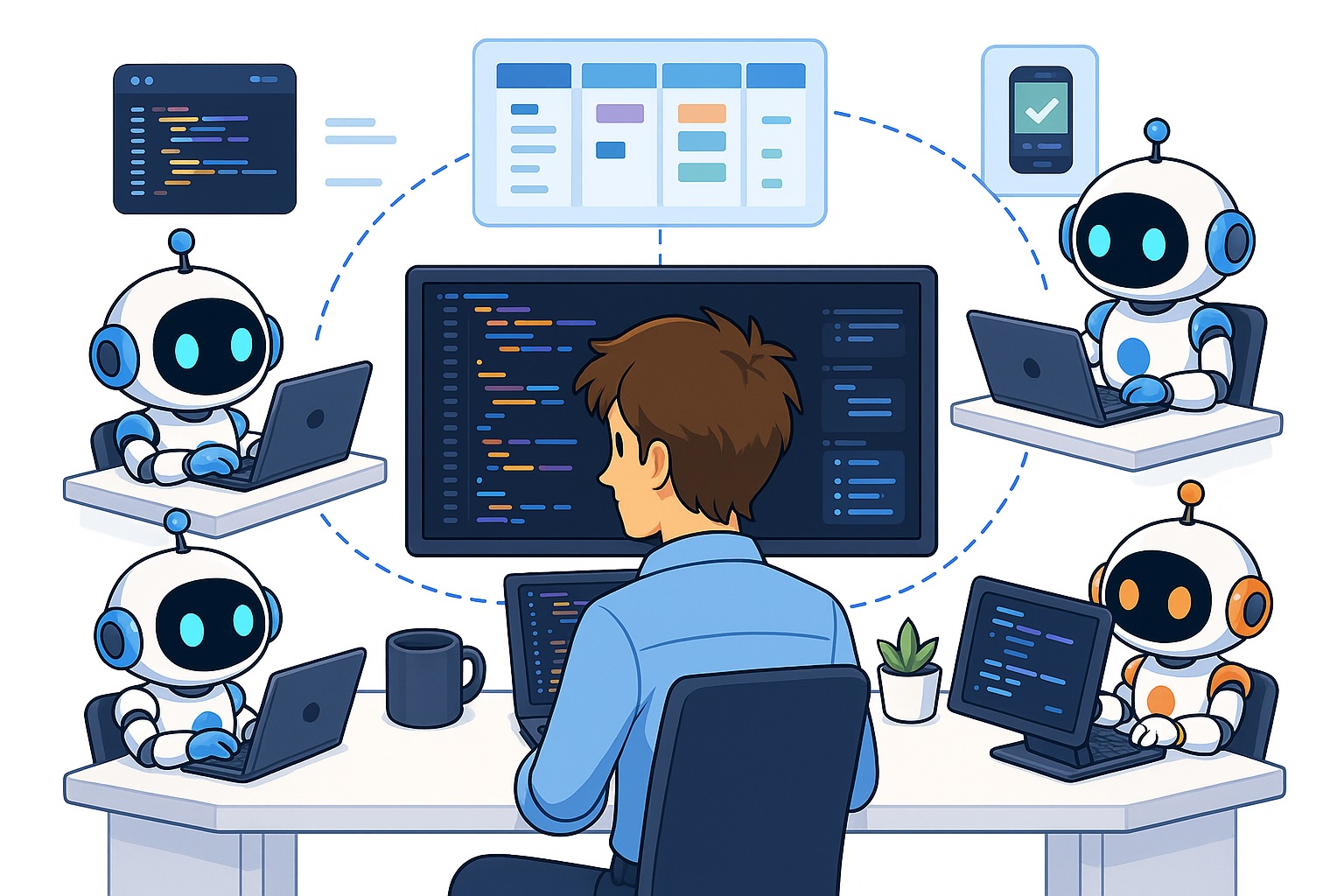
In the evolving landscape of AI-assisted development, the tools we use to interact with coding agents can significantly impact our productivity. The interface you choose determines how easily you can manage multiple agents, switch between tasks, and access advanced features. After extensive testing across various platforms, it’s clear that not all tools are created equal—and the best choice is deeply personal.
Why the Right Interface Matters
Spending time to find an optimal agent interface is crucial because it directly affects your long-term efficiency. A well-designed tool provides a clear overview of active agents, simplifies session management, and integrates powerful features that streamline your workflow. In contrast, a clunky or limited interface can cause delays, force manual catch-ups, and fragment your focus. The difference between the least and most effective tools I’ve used is substantial, often translating into hours of saved time and reduced friction in the development process.
Key criteria I look for include feature parity with leading tools (such as Claude Code and Codex), support for mobile remote control, and strong tab/session organization (e.g., automatic naming, split panes, and workspace management).
Top Coding Agent Interfaces
Here’s a quick overview of the most popular interfaces I’ve tested:
– Warp – A clean, terminal-based option with AI features like command autocomplete and built-in model execution. Its tab splitting and session naming are strong, though it can occasionally lag and feels relatively plain.
– Conductor – A highly organized, beginner-friendly interface with a kanban-style board (backlog, in progress, review, done). It excels at task tracking but lacks tab splitting and full feature parity, which led me to stop using it.
– Emdash – My current favorite. It combines Conductor’s organizational strengths with full CLI parity, allowing you to run terminal commands and split panes natively. Its only drawback is a less structured tab overview compared to Conductor.
– iTerm2 – A standard terminal that works but offers limited agent-specific organization or features.
– Claude Code Application – Beginner-friendly and great for mobile use via remote control, though its desktop tab management feels less refined.
– Codex Application – Nearly identical to Claude Code in pros and cons.
– Omnara – Promised seamless phone-computer sync but felt clunky and outdated in practice.
– Cursor – Powerful but expensive due to usage-based costs, and unnecessary for those who don’t need deep code editing.
How to Choose for Yourself
The best way to find your ideal interface is to test a few promising options actively. Focus on what matters most to you: simplicity, feature completeness, mobile access, or tab/session organization. Try each tool for at least twenty minutes and assess whether it reduces friction in your workflow.
Conclusion
The right coding agent interface can transform how productive and comfortable you feel while working with AI agents. While I’ve shared my experiences with several platforms, your preferences may differ—and that’s exactly why experimentation is essential. Take the time to explore a few tools, compare them against your workflow needs, and commit to the one that aligns best with your habits and goals.
*This article is based on the original post: “Optimal way to interact with coding agents” by Insight Media Group, published in their contributor content. The original can be found at the source page.*
