



# Turn Unstructured Documents Into Trustworthy Data With Docling
There’s a moment every data professional knows well: a colleague shares a hundred-page PDF, and they need three specific numbers from it. Opening the file, locating the table, copying the cells, pasting into a spreadsheet — only to watch rows collapse into single unreadable blocks. So the work gets done manually, row by row, for a table with forty rows, because writing a custom parser for a single document feels like overkill.
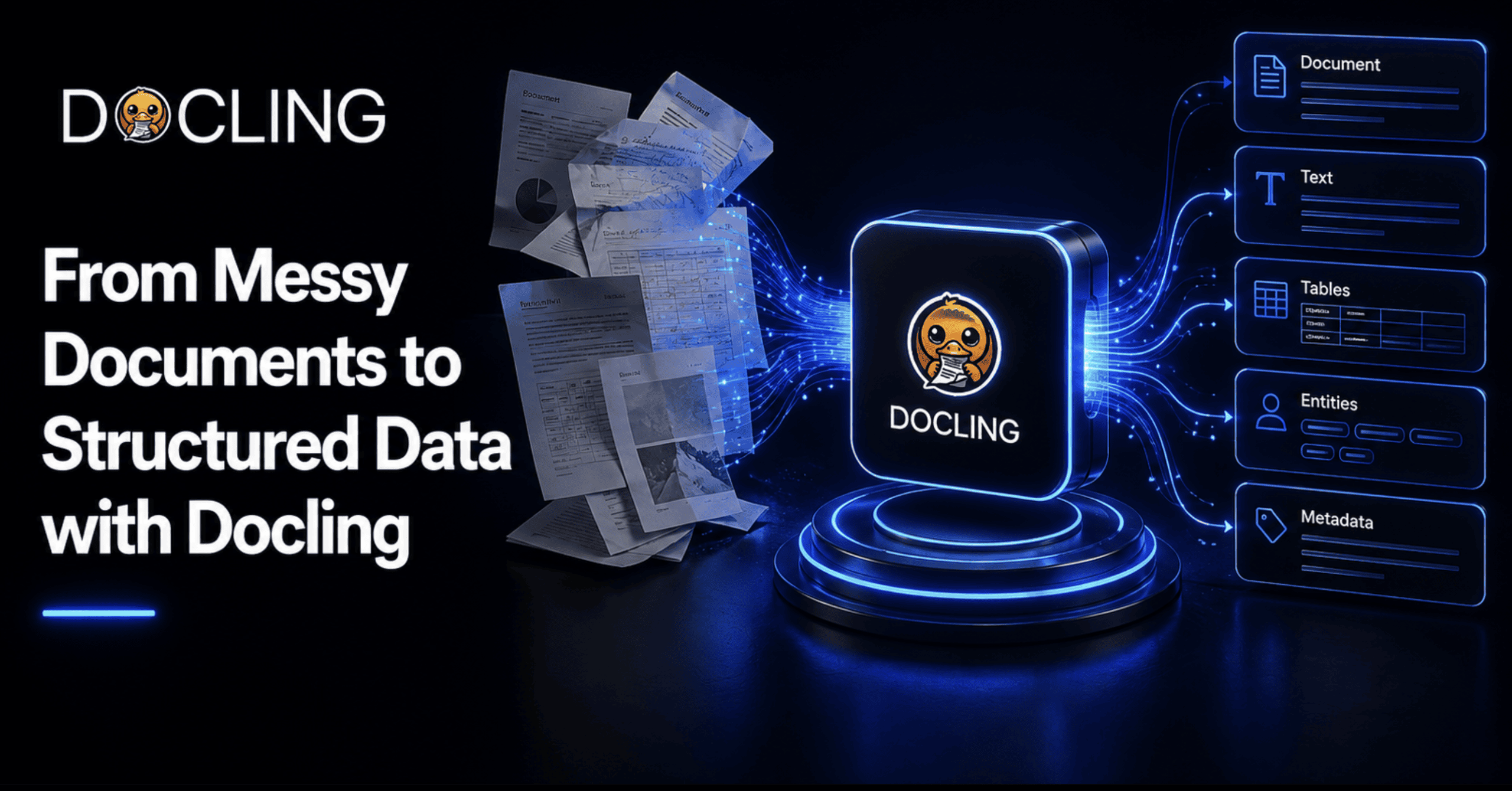
That kind of quiet, recurring frustration is exactly what Docling was designed to eliminate. Not by tidying up documents themselves — they were never going to organize themselves — but by providing a dependable way to convert any document, whether it’s a scanned invoice, a multi-column research paper, or a PowerPoint presentation, into something a program can actually trust and act upon.
This guide takes you from a complete beginner’s starting point through to real, schema-based data extraction, with practical code examples at every stage.
—
## What Is Docling?
Docling is an open-source document-processing toolkit that originated within the AI for Knowledge research group at IBM Research Zurich. It has since matured into one of the most actively maintained projects in its space, now hosted under the LF AI & Data Foundation and distributed under an MIT license. As of the latest tracking, its public repository has accumulated over 64,000 stars and nearly 4,600 forks, and the project supports its claims with a formal technical report rather than relying solely on promotional materials.
At its core, Docling accepts documents in whatever inconsistent format they arrive in — scanned pages, multi-column layouts, mixed-media files — and converts them into a single, unified, structured representation that both humans and AI systems can work with reliably. Rather than leaving downstream consumers to guess what a wall of extracted text actually meant, Docling preserves the meaning, structure, and relationships between different parts of a document.
—
## Why Document Processing Is a Genuinely Difficult Problem
It’s worth being precise about what actually breaks, because describing the issue as “PDFs are annoying” dramatically undersells the technical challenge. A standard PDF file contains no inherent concept of a table, a paragraph, or a heading. It is simply text placed at specific X-Y coordinates on a page. A naive text extractor reads those coordinates from left to right, top to bottom, which means a two-column academic paper becomes a garbled stream where half a sentence from the left column gets fused onto an unrelated line from the right column.
Tables suffer even more. Without genuine structure detection, the boundaries between cells disappear. What should be a clean grid of data becomes an indecipherable wall of numbers with no way to determine which row or column any individual value belonged to.
Scanned documents introduce a completely additional layer of difficulty. There is no text to extract at all until an optical character recognition engine has analyzed the pixels and made educated guesses about the characters. Headers and footers repeat on every page and contaminate the actual content unless something actively filters them out. Formulas, code blocks, and figure captions each require specialized handling — otherwise they either get silently dropped or dumped into the main body text as noise.
None of these are rare edge cases. This is what a real-world document looks like on any ordinary day, and it’s precisely this category of problems that Docling is engineered to handle directly, rather than leaving the burden on the person stuck extracting data by hand.
—
## A Complete Overview of Docling’s Capabilities
Before diving into code, it helps to understand the full scope of what the toolkit offers. Docling’s reach extends well beyond simple text extraction — it spans document import, structured export, and granular content extraction in a way that covers most of what a real document pipeline demands.
| Capability Area | What It Covers |
|—|—|
| **Import** | PDF, DOCX, PPTX, Markdown, HTML, AsciiDoc, WebVTT, XLSX, CSV, images (PNG, JPEG, TIFF, BMP, WEBP), plus audio (MP3, WAV) |
| **Export** | JSON, Doctags, Markdown, HTML, and plain text |
| **Extract** | Page images and numbers, headers and footers, paragraphs, list items, code blocks, mathematical formulas, reading order, pre-built content chunks, table structure and individual cells, image classification and captions, and bounding boxes for every detected component |
That final row of capabilities is what sets Docling apart from a basic text extractor. It doesn’t just pull characters off a page — it identifies what kind of content each piece actually represents, whether that’s a caption, a list item, or a table cell, and it preserves how those pieces relate to one another structurally. This distinction forms the foundation for everything that follows in this guide.
### What You Need Before Getting Started
– **Python 3.10 or later** — Python 3.9 support was dropped starting with version 2.70.0.
– **Pip** — for package installation.
– **Basic familiarity** with running a Python script from the terminal. Nothing beyond that is required to follow along.
One important detail to know from the start: Docling runs its core models locally by default. You don’t need an API key or an internet connection to process a document once it’s installed. This is a meaningful advantage if you’re working with sensitive materials — contracts, medical records, internal financial reports — that should never leave your machine.
—
## Getting Started: Installation and Your First Document Conversion
Installation requires a single command. Open a terminal and run:
“`bash
pip install docling
“`
That’s the complete setup. From here, there are two ways to convert a document, and understanding both is worthwhile.
The quickest way to see Docling in action is directly from the command line, without writing any script at all:
“`bash
docling convert https://example.com/document.pdf
“`
This processes the document at the given URL and writes a structured output file to your current directory.
For anything you plan to build on, the Python API is the better starting point:
“`python
from docling.document_converter import DocumentConverter
source = “https://example.com/document.pdf”
converter = DocumentConverter()
result = converter.convert(source)
doc = result.document
print(doc.export_to_markdown())
“`
What happens beneath those few lines is considerable. `DocumentConverter()` automatically detects the input format and selects the appropriate backend and processing pipeline — a PDF gets layout analysis and table structure detection, an image gets routed through OCR, and so on — without any manual configuration on your part. The `.convert(source).document` chain is the fundamental pattern you’ll use throughout: convert once, then work with the resulting document object in whatever way you need. That object is a structured representation, and getting comfortable with what’s inside it is the most important conceptual step in using Docling effectively.
—
## Understanding the Internal Structure: The DoclingDocument
Everything else in the toolkit — exporting, chunking, extracting specific fields — works because of one foundational concept. Docling converts every input format into the same unified structure, known as a `DoclingDocument`. Once you understand this, the rest of the toolkit stops feeling like a loose collection of features and starts feeling like one consistent, coherent system.
A `DoclingDocument` organizes all of its contents into two broad categories. The first is **content items** — the actual substance of the document — distributed across four fields:
– **texts** — anything with a text representation, such as paragraphs, headings, and list items.
– **tables** — structured tabular data with rows, columns, and cells.
– **pictures** — images found in the document.
– **key_value_items** — pairs of keys and values extracted from the document.
The second category is **content structure**, which captures the shape and organization of the document:
– **body** — the root of a tree that holds the main content in reading order.
– **furniture** — a separate tree for non-content elements like headers and footers.
– **groups** — containers that hold related items together, such as list items or chapter sections, without being content themselves.
The `body` tree is what solves the reading-order problem that plagues naive text extraction. Instead of guessing relationships based on raw page coordinates, Docling stores every content item as a node in this tree, nested under whatever section it logically belongs to. A title node has real child nodes beneath it for every paragraph, table, and image that follows it in the document, arranged in the exact order a person would read them.
—
## Exporting to the Format Your Pipeline Needs
Once you have a `DoclingDocument`, getting it into whatever format your downstream system requires is a single method call. It’s worth knowing your options rather than defaulting to Markdown out of habit.
“`python
from docling.document_converter import DocumentConverter
converter = DocumentConverter()
doc = converter.convert(“quarterly_report.pdf”).document
# Markdown — ideal when the output feeds into a language model prompt or RAG pipeline
markdown_output = doc.export_to_markdown()
# JSON — the structured, lossless option best suited for programmatic field access
json_output = doc.export_to_dict()
# HTML — useful when a human needs to browse the result directly in a browser
html_output = doc.export_to_html()
“`
The right choice depends entirely on what consumes the output next. Markdown is the natural pick when feeding into most language models, since it’s compact and these models are heavily trained on it. JSON is the right call when another piece of code needs to reliably locate specific elements — “the third table on page 4,” for example — without re-parsing anything. HTML earns its place when the result needs to render visually for a person, preserving the document’s visual structure in a way that plain text or Markdown exports would flatten.
—
## Processing Scanned and Difficult Documents
This is where the most common pain points actually get resolved. Scanned pages need OCR before any text extraction can happen, and Docling handles this as a built-in pipeline option rather than requiring you to bolt on a separate tool:
“`python
from docling.document_converter import DocumentConverter, PdfFormatOption
from docling.datamodel.pipeline_options import PdfPipelineOptions
from docling.datamodel.base_models import InputFormat
pipeline_options = PdfPipelineOptions()
pipeline_options.do_ocr = True
pipeline_options.do_table_structure = True
converter = DocumentConverter(
format_options={
InputFormat.PDF: PdfFormatOption(pipeline_options=pipeline_options)
}
)
doc = converter.convert(“scanned_invoice.pdf”).document
print(doc.export_to_markdown())
“`
The `do_ocr` flag triggers text recognition on pages that lack an embedded text layer — exactly the situation with scanned documents, faxes, or photographed receipts. The `do_table_structure` flag deserves special attention because it does more than most users initially expect. Docling doesn’t just locate where a table sits on the page; it reconstructs actual rows, columns, and multi-level headers. It can also correctly interpret cell content that goes beyond a single value — such as a list embedded inside one cell — rather than flattening everything into a single block of undifferentiated text the way a naive extractor would.
—
## Chunking Documents for Retrieval-Augmented Generation
This is the first genuinely advanced step and the one most relevant if you’re feeding documents into a retrieval-augmented generation pipeline. Splitting a document into chunks sounds straightforward until a naive character-count splitter cuts a sentence in half or separates a table’s header row from the data rows beneath it — both of which silently destroy retrieval quality.
Docling’s HybridChunker is purpose-built to avoid these pitfalls. It begins from the document’s actual structure — the same body tree covered earlier — rather than blindly counting characters, and then applies tokenizer-aware refinements on top: splitting a chunk further only when it genuinely exceeds your target token limit, and merging adjacent undersized chunks back together when they share the same heading, so you don’t end up with a flood of tiny, context-poor fragments.
“`python
from docling.document_converter import DocumentConverter
from docling.chunking import HybridChunker
converter = DocumentConverter()
doc = converter.convert(“employee_handbook.pdf”).document
chunker = HybridChunker()
chunks = list(chunker.chunk(dl_doc=doc))
for chunk in chunks[:3]:
print(chunker.contextualize(chunk))
print(“—“)
“`
The `chunk()` method returns an iterator of chunk objects, each one a genuine piece of the document’s structure rather than an arbitrary character slice. The `contextualize()` call is more significant than it appears at first glance — a raw chunk of text loses the section heading it lived under, but `contextualize()` folds that surrounding context back in, so a chunk about “termination policy” still carries the fact that it came from a section called “Employee Conduct.” That is exactly the kind of contextual signal an embedding model needs to retrieve the right passage later.
The `merge_peers` setting, which is on by default, prevents the chunker from producing dozens of tiny, nearly useless fragments out of a document full of short paragraphs grouped under the same heading.
—
## Schema-Based Structured Extraction: The End Goal
Everything covered so far has been about producing a clean, structured representation of a document. This final step is where that structure actually becomes the specific data you need — and it’s the part most tutorials skip, which is a missed opportunity, because it’s the feature that most directly delivers on the promise of turning unstructured documents into reliable data.
Docling’s `DocumentExtractor` lets you define a schema — either as a simple dictionary or as a full Pydantic model — and receive validated, typed data back instead of a wall of text you’d still need to parse yourself.
“`python
from docling.datamodel.base_models import InputFormat
from docling.document_extractor import DocumentExtractor
from pydantic import BaseModel, Field
from typing import Optional
extractor = DocumentExtractor(allowed_formats=[InputFormat.IMAGE, InputFormat.PDF])
class Invoice(BaseModel):
bill_no: str = Field(examples=[“A123”, “5414”])
total: float = Field(default=10, examples=[20])
tax_id: Optional[str] = Field(default=None, examples=[“1234567890″])
result = extractor.extract(
source=”invoice_scan.jpg”,
template=Invoice,
)
print(result.pages[0].extracted_data)
“`
Running this against a real invoice image produces something like `{‘bill_no’: ‘3139’, ‘total’: 3949.75, ‘tax_id’: None}` — genuinely typed values, not a raw string you’d still need to disassemble with regular expressions. The `Field(examples=[…])` pattern is worth understanding clearly: it doesn’t force a value, it gives the extraction model a hint about the expected shape and format, which meaningfully improves accuracy on fields where ambiguity could lead to errors — a bill number that might be misread as a date, for instance.
Docling doesn’t restrict you to flat, single-level fields. Nested Pydantic models work directly:
“`python
class Contact(BaseModel):
name: Optional[str] = Field(default=None, examples=[“Smith”])
address: str = Field(default=”123 Main St”, examples=[“456 Elm St”])
city: str = Field(default=”Anytown”, examples=[“Othertown”])
class ExtendedInvoice(BaseModel):
bill_no: str = Field(examples=[“A123”, “5414”])
total: float = Field(default=10, examples=[20])
sender: Contact = Field(default=Contact())
receiver: Contact = Field(default=Contact())
result = extractor.extract(source=”invoice_scan.jpg”, template=ExtendedInvoice)
invoice = ExtendedInvoice.model_validate(result.pages[0].extracted_data)
print(f”Invoice #{invoice.bill_no} was sent by {invoice.sender.name} to {invoice.receiver.name}.”)
“`
That final block captures the entire value proposition in miniature. `sender` and `receiver` are their own complete Pydantic models nested inside `ExtendedInvoice`, and `model_validate()` transforms the extracted dictionary into a real typed Python object — with attribute access and built-in validation — not a loose collection of keys you’re hoping are spelled consistently. That’s the distance between a scanned image and a line of code like `invoice.sender.name` that you can trust enough to put directly into a database write or an API call.
—
## Integration Into Real-World Pipelines
The single-script examples above are excellent for learning the tool, but understanding how it fits into a production environment is equally important. Docling ships native integrations with several widely used frameworks, including LangChain, LlamaIndex, and Haystack. If you’re already building a RAG pipeline in one of these frameworks, Docling slots in as the document-loading step without requiring you to build any custom glue code. For agent-based workflows, there is a Model Context Protocol (MCP) server that lets an AI agent invoke Docling’s conversion and extraction capabilities as a direct tool.
If self-hosting the models isn’t desirable, there are two alternative paths. Docling Serve packages the entire engine behind a REST API that you can deploy yourself — a practical option for teams that want a shared internal conversion service without embedding the library directly into every application. Additionally, as a managed offering, IBM now provides Docling as a software-as-a-service product through its watsonx platform, for teams that prefer not to host any of the infrastructure themselves, built on the same open-source engine described in this guide.
—
## What’s on the Horizon
It’s worth being upfront about the current boundaries of the project. Docling is under active development, and the feature set continues to expand regularly. According to the project’s own roadmap, metadata extraction — automatically pulling out a document’s title, authors, references, and language — and advanced chemistry understanding, including parsing molecular structures, are both listed as upcoming features rather than available today.
One practical consideration for teams planning at scale: Docling’s layout and table-structure models run locally, which is a genuine advantage for data privacy but means that processing time and memory consumption scale with document complexity and volume. For anyone converting documents at significant scale, or making use of the heavier vision-language model pipelines such as GraniteDocling, GPU acceleration provides a meaningful performance improvement and is worth factoring into infrastructure planning from the start rather than treating it as an afterthought.
—
## Frequently Asked Questions
**What file formats does Docling support as input?**
Docling accepts a wide range of formats including PDF, DOCX, PPTX, Markdown, HTML, AsciiDoc, WebVTT, XLSX, CSV, and common image formats (PNG, JPEG, TIFF, BMP, WEBP), as well as audio files in MP3 and WAV formats.
**Does Docling require an internet connection or API key?**
No. Docling runs its core models locally by default, meaning you don’t need an API key or an internet connection to process documents once the toolkit is installed. This is particularly valuable when handling sensitive or confidential materials.
**What Python version is required?**
Python 3.10 or later is required. Python 3.9 support was removed starting with version 2.70.0.
**Can Docling handle scanned documents without a text layer?**
Yes. Docling includes built-in OCR support that can be enabled through pipeline options, allowing it to recognize text from pages that contain only images rather than embedded text.
**How does Docling handle tables in complex layouts?**
Docling goes beyond simply locating where a table appears on a page. It reconstructs actual rows, columns, and multi-level headers, and it can correctly interpret complex cell content such as embedded lists, preserving the table’s true structure rather than flattening it into a single block of text.
**Is Docling suitable for production use at scale?**
Yes. Docling integrates natively with production frameworks like LangChain, LlamaIndex, and Haystack, and it offers a REST API via Docling Serve for team-wide deployment. For very large volumes, GPU acceleration is recommended to manage processing time and memory usage effectively.
**What is the HybridChunker and why does it matter?**
The HybridChunker splits documents into chunks based on their actual structural elements rather than arbitrary character counts. It uses tokenizer-aware sizing and can merge adjacent chunks that share the same heading, producing chunks that are meaningful and context-rich — which is critical for retrieval quality in RAG systems.
**Can I define custom data schemas for extraction?**
Yes. Docling’s DocumentExtractor supports Pydantic models as extraction templates, allowing you to define exactly which fields you want, their types, default values, and example formats. Nested models are fully supported, so you can extract complex, hierarchical data structures directly from documents.
**What are Docling’s managed service options?**
Beyond self-hosting the open-source toolkit, IBM offers Docling as a managed SaaS product through the watsonx platform. There is also Docling Serve for self-hosted REST API access.
—
## Conclusion
The real transformation that Docling enables isn’t measured in the jump from one file format to another. It’s the distance between a document that only a human can reliably interpret and one that a program can trust enough to act on directly — pulling a bill number, extracting a sender’s address, handing a clean, contextualized chunk to an embedding model without second-guessing where it came from. That gap is precisely the space where most teams still operate manually, one copy-paste action at a time, simply because they have never had a dependable automated alternative. Docling closes that gap, and it does so with a level of structural awareness and type safety that makes the extracted data genuinely useful rather than merely accessible.
Thank you for reading
