



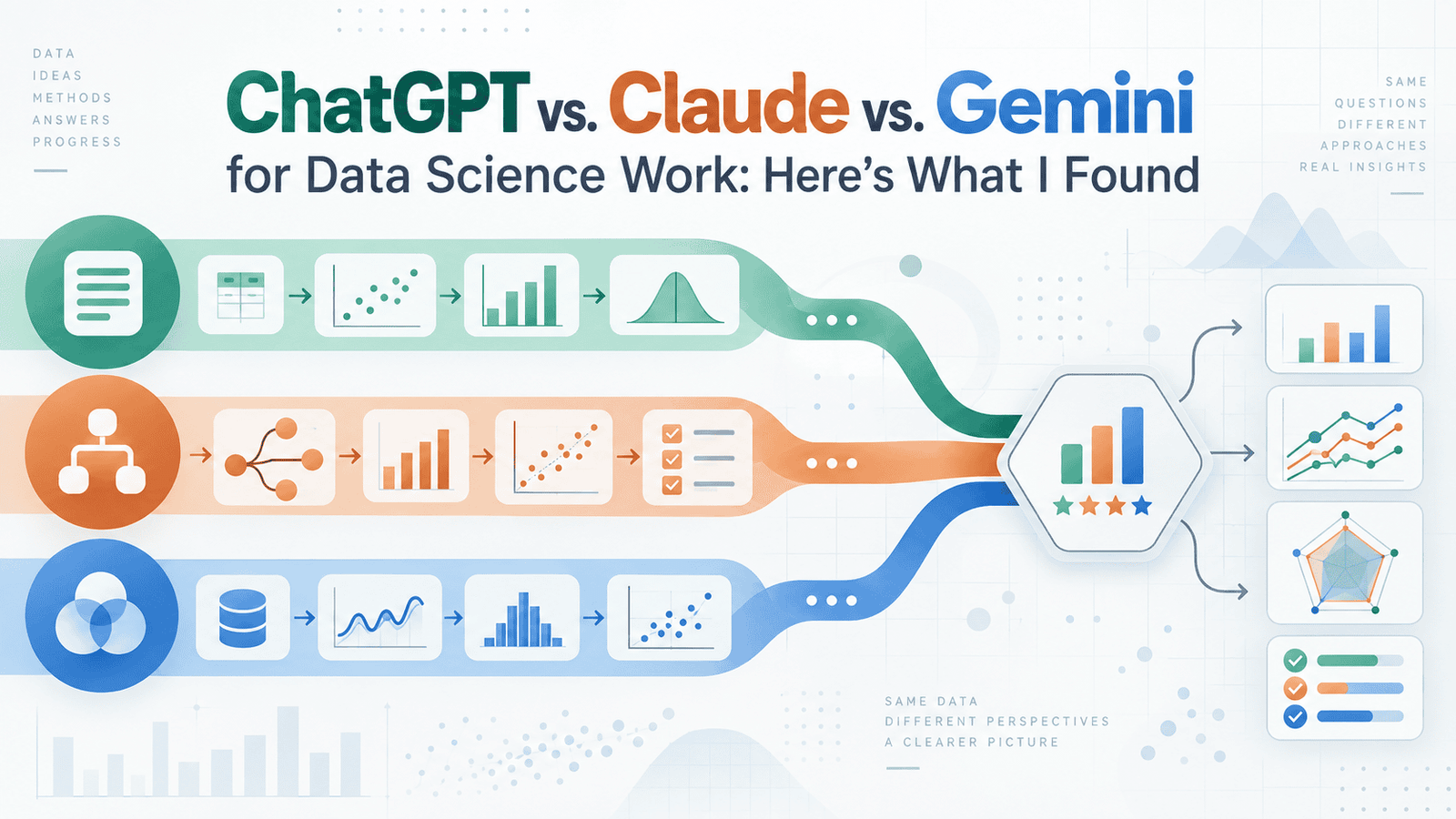
# Comparing AI Assistants for Data Science: A Practical Guide
If you work with data, there’s a good chance you’ve already turned to an AI assistant for help. Whether you needed a quick refresher on a statistical concept, wanted to generate a script for cleaning messy data, or were looking for a starting point for an analysis — these tools have become part of everyday workflows.
Three platforms stand out in this space: ChatGPT, Claude, and Gemini. Each one brings different strengths to the table, and choosing the right one depends on what kind of work you’re doing. Here’s a straightforward breakdown of how they compare across common data science tasks.
—
## How Each Platform Handles Data Science Work
All three can write code in Python and R, explain statistical ideas, and guide you through analytical processes. But the way they deliver results — and how consistently — is quite different.
**ChatGPT** is a broad generalist. Its standout feature is a built-in data analysis workspace. You can upload a CSV or Excel file, and the tool will write and run Python code right inside the conversation. You can go from raw data to charts to summary statistics without ever opening a notebook. You can also change direction mid-task, like telling it to remove outliers and re-run calculations.
**Claude** tends to give more thorough explanations and stays closely aligned with detailed instructions. It also supports code execution and file creation, meaning it can process uploaded datasets and produce visualizations directly in the chat. When you give it a complex prompt with multiple constraints, it generally holds to your instructions more reliably than the others.
**Gemini** has an edge when it comes to working inside Google’s ecosystem. If your files live in Google Sheets or Google Drive, it can pull from them with little setup. It also supports very large context windows, meaning you can paste in long notebooks or extensive documentation and ask questions about them. Its web search capability also makes it useful for tasks that require up-to-date information.
—
## Explaining Statistical Concepts
When it comes to conceptual questions — like when to use a paired t-test versus an independent samples t-test — all three get the right answer. The real difference lies in how they explain it.
Claude delivers the most organized reasoning. It walks through assumptions, conditions, and implications in a logical sequence without making unsupported leaps. Gemini, on the other hand, tends to frame explanations in a way that’s easy to follow for learners, and it often connects related concepts together so you can see how different techniques relate. ChatGPT gives practical, scenario-based responses that tie statistical ideas to real-world research or business situations.
For simple questions, any of the three works well. The differences become clearer when you need multi-step reasoning — like deciding between modeling approaches for a dataset with specific quirks. Claude and Gemini tend to provide more detailed walkthroughs, while ChatGPT sometimes jumps to conclusions without showing every step.
—
## Writing Code for Data Analysis
With all three platforms now able to run code directly, the competition has shifted from “who can write code” to “who writes better code and fits better into your workflow.”
ChatGPT’s data analysis workspace is the most polished for exploratory work. You upload a file, describe what you want, and get results with charts and tables in one smooth flow. The catch is that it works with uploaded files, not live databases, and there are size limits.
Claude produces the cleanest code when tasks get complex — especially for multi-file projects, data pipelines, or reusable analysis scripts. The output is well-organized and easier to adapt into production.
Gemini handles code generation competently, especially when your work involves Google Cloud tools or BigQuery.
**A word of caution for all three:** always double-check generated code before running it on important datasets. AI tools can introduce subtle errors — such as using wrong default settings or applying a method without checking its assumptions.
—
## Handling Large Datasets and Long Documents
If you regularly work with large datasets, long Jupyter notebooks, or extensive technical reports, context window size matters.
Gemini generally offers the largest context windows, allowing you to paste entire notebooks or lengthy reports and query them — though output quality can dip at the extremes. Claude maintains consistent reliability across long documents and full codebases. ChatGPT’s context window is smaller but still practical for most everyday tasks. It compensates with memory across conversations, so it remembers your preferred tools and workflows over time.
—
## Known Weaknesses to Watch Out For
No AI assistant replaces a genuine understanding of statistics, and each one has blind spots.
– **Methodological errors:** All three can produce confident-sounding output that contains mistakes. They might suggest a valid statistical method without checking whether it fits your specific dataset or research question. ChatGPT is more likely to press forward without flagging potential problems, while Claude can sometimes overwhelm you with so many caveats that the main takeaway gets lost.
– **Outdated code:** Gemini occasionally references deprecated functions or uses syntax from older library versions, particularly for less common Python packages.
– **Hallucinated facts:** All three can fabricate statistics, citations, or study results that don’t actually exist. This is especially risky when you’re using the tool for factual claims rather than code.
– **Privacy:** If you work with sensitive or proprietary data, check each platform’s data retention policies before uploading files. Web interfaces, API access, and enterprise plans handle data differently, and default settings may not meet your organization’s compliance standards.
—
## Choosing the Right Tool for the Job
| Your Task | Best Fit |
|—|—|
| Exploratory data analysis on a single file | ChatGPT’s workspace is the smoothest |
| Understanding a concept or choosing the right test | Claude for structured, step-by-step reasoning |
| Research needing current info or Google integration | Gemini for web search and Workspace connections |
| Writing production-level or reusable code | Claude for clean, well-organized output |
| General daily use across varied tasks | ChatGPT for overall versatility |
Many data professionals end up using at least two of the three regularly, picking the right tool based on the task rather than sticking with just one.
—
## Frequently Asked Questions
**Q: Do I need a paid subscription to get good results from these tools?**
A: Paid plans generally give you access to newer models with larger context windows and code execution features. However, free tiers can still handle many common data science tasks reasonably well. The difference becomes more noticeable with complex or large-scale work.
**Q: How often do these models update?**
A: All three platforms update their models on a regular basis. Performance and features can change, so what applies today may shift in the coming months. It’s a good idea to revisit comparisons periodically.
**Q: Can I connect these tools to live databases?**
A: ChatGPT’s built-in data analysis workspace works with uploaded files, not direct database connections. Claude and Gemini also primarily rely on file uploads, though Gemini has tighter integration with Google’s cloud services. For live database connections, you may need to use APIs or custom setups outside the chat interface.
**Q: Are there free alternatives to these three platforms?**
A: Yes, there are other AI assistants and open-source models that can handle data science tasks. However, ChatGPT, Claude, and Gemini remain among the most popular and capable options currently available for this type of work.
**Q: Which tool is the most accurate for statistical analysis?**
A: All three are broadly accurate for straightforward statistical questions. The differences are more about explanation style, code quality, and workflow than outright accuracy. None should be trusted without human verification, especially for high-stakes analyses.
**Q: Should I use just one AI assistant for all my data work?**
A: Not necessarily. The most effective approach is to understand what each tool does best and choose based on the task. Many professionals keep two or three in their toolkit.
—
## Conclusion
There’s no single winner when it comes to AI assistants for data science. ChatGPT shines with its polished data analysis environment that takes you from raw file to results quickly. Claude excels at statistical reasoning and producing clean, well-structured code. Gemini brings powerful context windows and seamless integration with Google’s tools.
The smartest strategy is to understand the strengths and limitations of each platform, then match the tool to the task at hand. And no matter which one you use, always verify the output — especially when the results will feed into real decisions that carry consequences.
The landscape is evolving fast, so staying curious and flexible will serve you better than committing to a single tool permanently.
Thank you for reading
