



## Understanding the Model Context Protocol: Solving AI Tool Integration Challenges
In recent discussions about AI agents and tool calling, we’ve explored how models decide which tools to use and how to execute them. While the basic workflow works well in theory, a critical question arises: **where do the tools come from?**
In the tutorials and examples, tools are typically defined manually within the same Python script as the agent. This approach is perfectly fine for learning purposes, but it quickly becomes problematic in real-world applications. Every tool requires a custom integration, and each new model-tool combination demands its own connector. Consider a setup with three AI models and ten tools—that’s potentially thirty integrations to maintain. When any component changes, things can break easily. This clearly doesn’t scale.
This challenge isn’t niche—it’s a major obstacle in the era of agentic AI. Fortunately, the **Model Context Protocol (MCP)** was created specifically to solve this problem.
—
## What is MCP?
Before MCP, connecting an AI model to external tools like databases, file systems, Slack workspaces, or GitHub repositories meant writing a custom integration **every time**. The model needed to know how to call the tool in its specific format, and the tool needed to respond in a way the model understood. If the model changed, the integration had to be rewritten; new tools meant new integrations from scratch.
This is known as the **M×N problem**: with M models and N tools, you need M×N custom integrations. As the number of models and tools grows, this quickly becomes unmanageable.
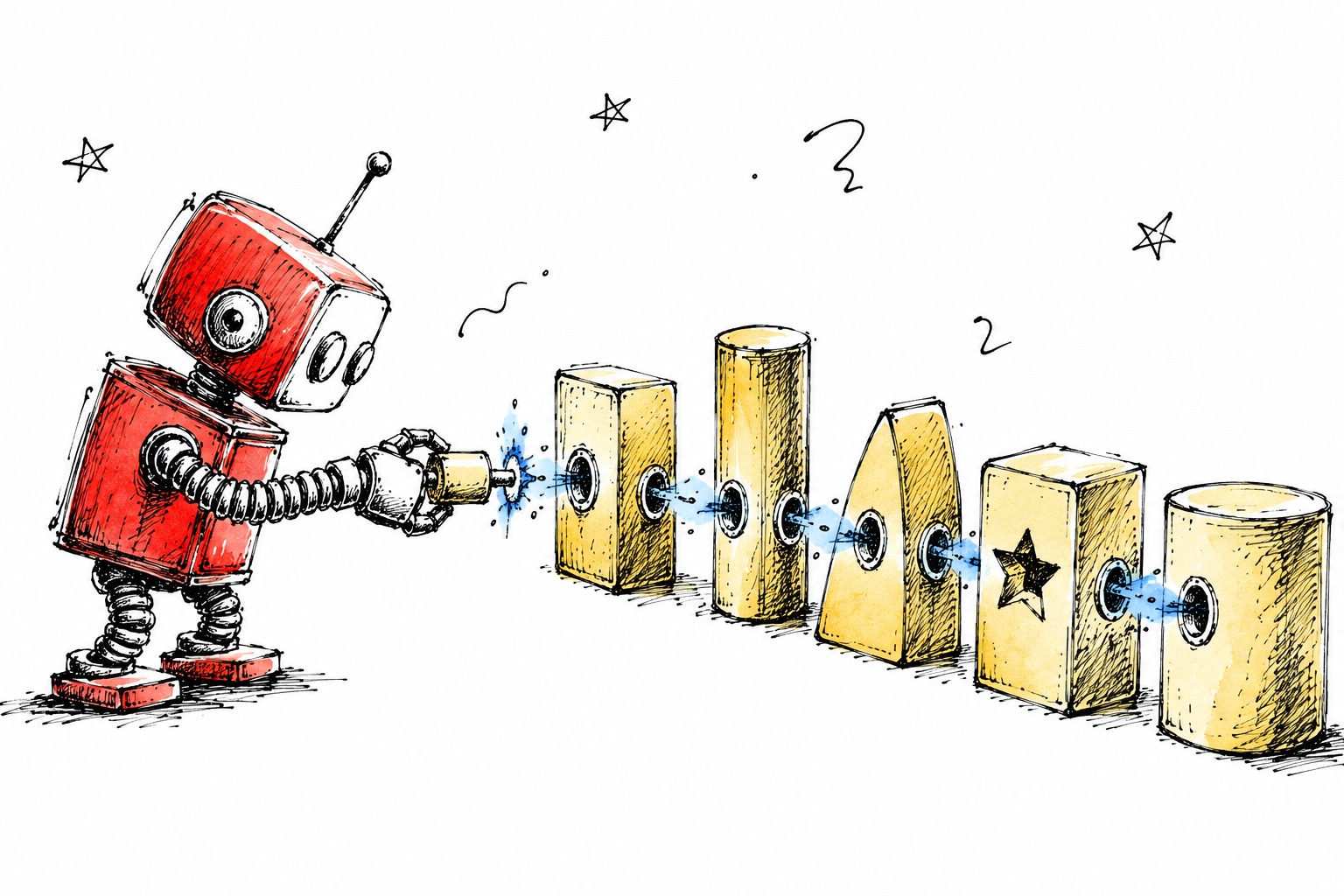
> **Fun Fact:** Think of MCP like the USB port for AI agents. Just as USB standardized hardware connections so any peripheral works with any computer, MCP standardizes how AI agents connect to tools regardless of who built them.
MCP is an open standard developed by Anthropic that enables secure, two-way connections between data sources and AI-powered tools. It replaces custom point-to-point integrations with a single client-server protocol, allowing any MCP-compatible AI host to discover and use any MCP-compatible tools and data resources.
### The Three Main Participants in MCP Architecture:
1. **The Host**: The AI application users interact with (e.g., Claude Desktop, VS Code extensions). It manages the model’s context window, decides when to invoke tools, and routes outputs back into the conversation.
2. **The Client**: Lives inside the host and manages connections to one or more MCP servers. It handles the MCP protocol.
3. **The Server**: Where the actual tools and data reside. It exposes capabilities through a standardized interface. Importantly, the server never communicates directly with the LLM—all interaction is mediated by the client.
### Three Types of Capabilities Exposed by MCP Servers:
– **Tools**: Executable operations that return output to the AI model (e.g., querying databases, sending emails, calling APIs)
– **Resources**: Read-only access to data (e.g., file contents, database records, API responses)
– **Prompts**: Reusable prompt templates for structured interactions
—
## A Simple MCP Server in Python
Here’s what a minimal MCP server looks like using the official MCP SDK:
“`python
from mcp.server.fastmcp import FastMCP
import requests
# create an MCP server
mcp = FastMCP(“weather-server”)
@mcp.tool()
def get_current_weather(city: str, unit: str = “celsius”) -> dict:
“””Get the current weather for a given city using Open-Meteo.”””
# geocode the city
geo = requests.get(
params={“name”: city, “count”: 1}
).json()
lat = geo[“results”][0][“latitude”]
lon = geo[“results”][0][“longitude”]
# fetch weather
weather = requests.get(
params={
“latitude”: lat,
“longitude”: lon,
“current”: “temperature_2m,weather_code”,
“temperature_unit”: unit
}
).json()
return {
“city”: city,
“temperature”: weather[“current”][“temperature_2m”],
“unit”: unit
}
if __name__ == “__main__”:
mcp.run()
“`
Notice how we register our function as an MCP tool using `@mcp.tool()`. This generates the JSON schema from type hints automatically and makes it discoverable by any MCP-compatible host. No custom integration code or model-specific adapters are needed.
On the client side, we can connect an agent to this server:
“`python
from anthropic import Anthropic
from mcp import ClientSession, StdioServerParameters
from mcp.client.stdio import stdio_client
async def run_agent_with_mcp():
server_params = StdioServerParameters(
command=”python”,
args=[“weather_server.py”]
)
async with stdio_client(server_params) as (read, write):
async with ClientSession(read, write) as session:
# discover available tools from the server
tools = await session.list_tools()
print(f”Available tools: {[t.name for t in tools.tools]}”)
# Available tools: [‘get_current_weather’]
# the agent can now call this tool just like any other
result = await session.call_tool(
“get_current_weather”,
arguments={“city”: “Athens”, “unit”: “celsius”}
)
print(result.content)
# {‘city’: ‘Athens’, ‘temperature’: 29.0, ‘unit’: ‘celsius’}
“`
At runtime, the host discovers available tools dynamically without knowing them in advance. This represents a shift from hard-coded integrations to dynamic, discoverable capabilities.
—
## What This Means in Practice
Before MCP, the question “**can this agent use this tool?**” required a custom engineering answer every time. After MCP, it becomes a simple question: “**what tools should agents have access to?**”
The engineering challenge is largely solved, evidenced by MCP’s impressive adoption:
– Launched in November 2024 with ~100,000 monthly SDK downloads
– March 2025: OpenAI officially adopted MCP
– April 2025: Google confirmed MCP support for Gemini
– March 2026: Combined Python and TypeScript SDKs reached 97 million monthly downloads
In December 2025, Anthropic donated MCP to the Agentic AI Foundation (AAIF) under the Linux Foundation, cementing its long-term viability as open infrastructure alongside Kubernetes and PyTorch.
An **MCP ecosystem** is emerging, with pre-built servers for GitHub, Slack, PostgreSQL, Docker, Kubernetes, and hundreds of other tools available through the MCP Registry. Connecting agents to these tools is now a configuration step rather than an engineering project.
### Important Limitations to Understand
MCP does **not** replace REST APIs. It’s a protocol specifically for AI tool access, not a general-purpose API standard. Your REST and GraphQL APIs still serve human clients and traditional services—the only addition is that MCP wraps those APIs to make them accessible to LLMs.
—
## Security Considerations
With great power comes great responsibility. Key security risks include:
– **Prompt injection via tool output**: Malicious data sources could return content designed to manipulate the model
– **Tool poisoning**: Rogue MCP servers could register tools with names mimicking trusted ones
– **Over-permissioned access**: Servers exposing both read and write tools when only read access is needed
The official MCP specification requires hosts to obtain explicit user consent before invoking any tool. Implementors should build robust authorization flows. For production deployments, treat MCP tool access with the same rigor as any external API: least-privilege permissions, input validation, and careful handling of tool outputs.
—
## FAQ
**Q: What problem does MCP solve?**
A: MCP solves the M×N integration problem by providing a standard protocol that allows any MCP-compatible AI host to connect to any MCP-compatible tool, regardless of who built them. This eliminates the need for custom point-to-point integrations for every model-tool combination.
**Q: Is MCP open source?**
A: Yes, MCP was released as open source by Anthropic in November 2024 and is now donated to the Linux Foundation’s Agentic AI Foundation.
**Q: How does MCP differ from custom integrations?**
A: Custom integrations require writing specific connector code for each model-tool pair. MCP provides a standardized client-server protocol where tools are automatically discovered and accessible to any compatible host.
**Q: What types of capabilities can MCP servers expose?**
A: MCP servers can expose tools (executable operations), resources (read-only data access), and prompts (reusable template workflows).
**Q: Does MCP work with existing APIs?**
A: Yes, MCP wraps existing REST and GraphQL APIs to make them accessible to LLMs without replacing the original API infrastructure.
**Q: What are the security risks with MCP?**
A: Main risks include prompt injection through tool output, tool poisoning (fake tools), and over-permissioned access. Proper authorization and security practices are essential.
—
## Conclusion
The Model Context Protocol represents a significant milestone in AI infrastructure. By standardizing how AI agents connect to tools, MCP has solved the scalability problem that plagued early agentic AI implementations. What was once a complex engineering challenge requiring custom integrations for every tool-model combination is now a matter of configuration.
This standardization has enabled rapid ecosystem growth, with major players like OpenAI and Google adopting the protocol, and hundreds of pre-built servers available for immediate use. While MCP doesn’t solve every challenge in agentic AI—questions about governance, evaluation, and safety remain—it provides the foundational connectivity that allows developers to focus on what agents should do rather than how to connect them to tools.
As we move forward, MCP will likely become the de facto standard for AI tool integration, much like USB became the standard for hardware connectivity. The innovation frontier has shifted from solving connection problems to exploring the vast possibilities of what agents can accomplish once they can seamlessly interact with the tools they need.
