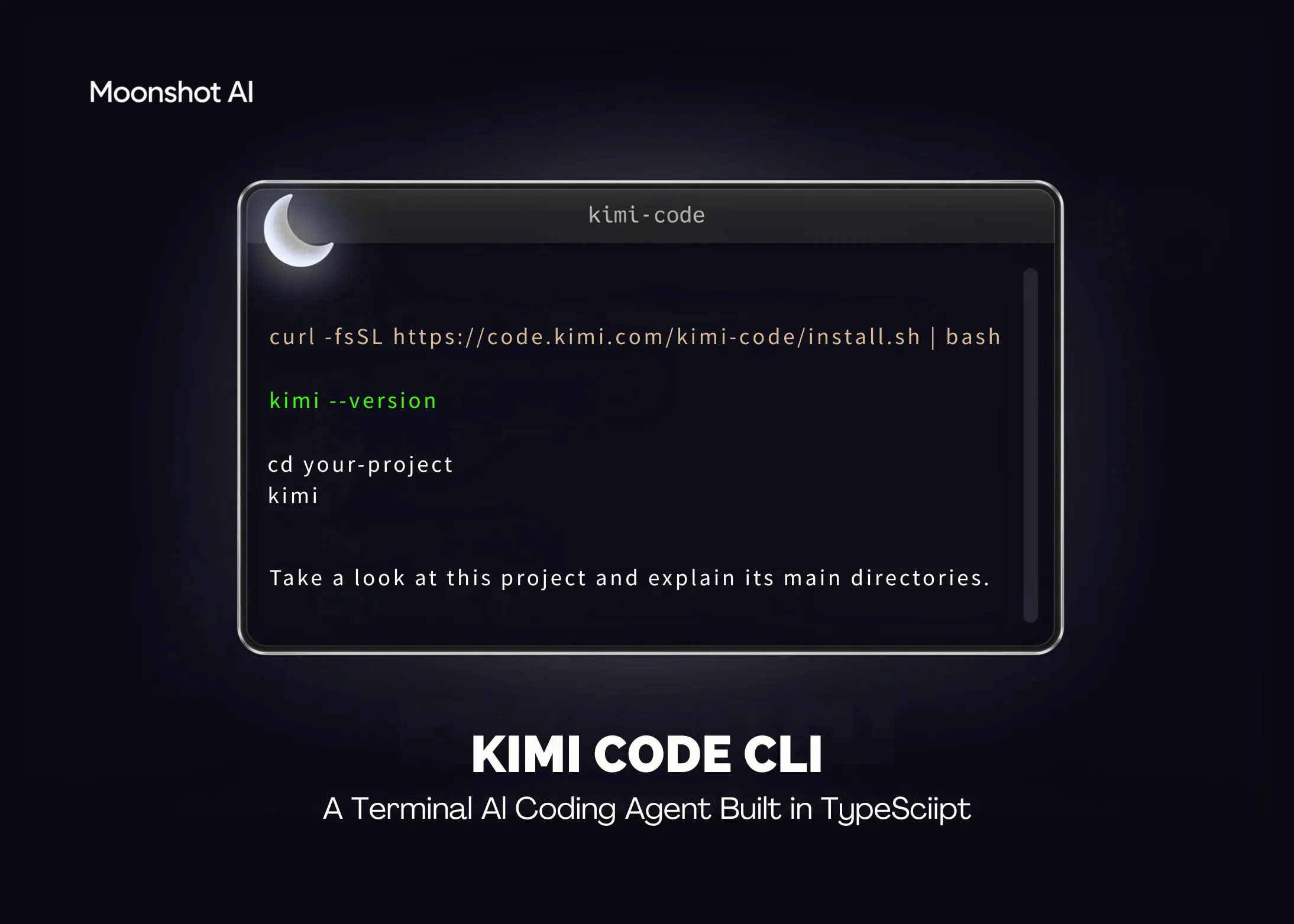
Moonshot AI has launched Kimi Code CLI, an open-source coding assistant that operates directly from the terminal. This tool can read and modify code, execute shell commands, search through files, and retrieve web content. It uses the results of each action to decide what to do next. The project is released under the MIT license and is available on GitHub.
Kimi Code CLI replaces the earlier kimi-cli. Built in TypeScript and available through npm, it works seamlessly with Moonshot AI’s Kimi models right away. It can also be set up to work with other compatible AI providers.
What is Kimi Code CLI
Kimi Code CLI is an AI-powered agent designed for software development and terminal-based tasks. It can build new features, resolve bugs, and carry out code refactors. It can also navigate unfamiliar codebases and explain architectural decisions. It supports batch file processing, build operations, and running sequences of tests.
The tool follows a feedback-driven workflow. It plans actions, edits code, executes tests, and logs what it does. Read-only actions are performed automatically by default. When it comes to editing files or running shell commands, the agent requests approval before proceeding. This confirmation step ensures that potentially risky operations stay under the developer’s control.
The CLI tool itself is free and open-source under the MIT license. To access the underlying AI models, you’ll need either Kimi Code OAuth credentials or a Moonshot AI Open Platform API key.
Key Features
Moonshot highlights several capabilities built for long, uninterrupted agent sessions:
- Single-binary distribution. Install it with just one command — no Node.js setup needed.
- Quick startup. Moonshot reports that the terminal UI loads in milliseconds.
- Dedicated TUI. The interface is designed specifically for extended agent interactions.
- Video input support. You can feed screen recordings or demo videos directly into the conversation.
- AI-native MCP setup. Configure and authenticate Model Context Protocol servers using the
/mcp-configcommand. - Subagents for parallel tasks. Launch built-in
coder,explore, andplansubagents to work on separate tasks in isolated environments. - Lifecycle hooks. Execute custom local commands to control tool access, review agent decisions, or send notifications.
Installation and First Run
There are two ways to install it. The official script works without any pre-installed Node.js.
On macOS or Linux, run the following install command:
curl -fsSL | bash
On Windows, use PowerShell:
irm | iexFor a global npm installation, Node.js 24.15.0 or later is required:
npm install -g @moonshot-ai/kimi-codeCheck the installed version, navigate to your project, and launch the interactive interface:
kimi --version
cd your-project
kimi

When you first open the tool, type /login in the interface. You can authenticate using Kimi Code OAuth or a Moonshot AI Open Platform API key. To run a single command without opening the UI, use kimi -p "your task". To pick up where you left off in a previous session, add the -C flag.
Use Cases
- Understanding a project: Request an architecture summary and a visual map of module dependencies.
- Implementing a feature: Provide the function signature, configuration options, and acceptance criteria upfront.
- Fixing a bug: Share the error symptoms, steps to reproduce, and the expected correct behavior all at once.
- Writing tests and refactoring: Pull out duplicated code patterns, then run tests to verify nothing breaks.
- One-off automation: Parse log files and generate call statistics including p50 and p99 latency metrics.
- Scheduled tasks: Have the agent configure reminders or recurring checks using cron jobs.
How Kimi Code CLI Stacks Up
Kimi Code CLI enters a crowded field of terminal-based coding assistants. The table below pits it against three well-known rivals. Competitor specs are current as of mid-2026 and may shift rapidly.
| Attribute | Kimi Code CLI | Claude Code | OpenAI Codex CLI | Gemini CLI |
|---|---|---|---|---|
| Developer | Moonshot AI | Anthropic | OpenAI | |
| Backing model | Kimi models | Claude models | GPT-5.3-Codex | Gemini 2.5 Pro |
| Language / runtime | TypeScript | Node.js | Rust | TypeScript |
| Install | Script or npm (Node.js ≥ 24.15.0) | Native installer or npm | npm / native | npm single binary |
| MCP support | Yes (/mcp-config) | Yes | Yes | Yes |
| Subagents | Yes (coder, explore, plan) | Yes | Yes | No (sequential) |
| Plan mode | Yes (Shift-Tab) | Yes | Yes | Yes |
| IDE integration | ACP (Zed, JetBrains) | VS Code, JetBrains | VS Code, IDEs | VS Code (Code Assist) |
| License | MIT | Proprietary | Open source | Apache 2.0 |
Every one of these four tools speaks the Model Context Protocol. Where they diverge is in their underlying model, implementation language, licensing, and task orchestration. Kimi Code CLI and Codex CLI both include native subagent capabilities, while Gemini CLI handles tasks one at a time with no subagent layer.
Key Takeaways
- Kimi Code CLI is an MIT-licensed terminal coding agent built by Moonshot AI.
- It is written in TypeScript and can be installed via a setup script or through npm.
- Three built-in subagents —
coder,explore, andplan— each operate in their own isolated context. - MCP servers are set up through a conversational
/mcp-configflow rather than by editing raw JSON files. - It replaces the older kimi-cli and automatically migrates existing configs and sessions.
Marktechpost’s Visual Explainer
Kimi Code CLI · Guide
01 / 09
Explore the GitHub repository here. Additionally, stay connected by following us on Twitter and be sure to become part of our 150k+ ML SubReddit community along with subscribing to our Newsletter. On Telegram? We’re there too — come join the conversation.
Looking to collaborate on promoting your GitHub repository, Hugging Face page, product launch, or webinar? Get in touch with us

Michal Sutter is a data science professional holding a Master of Science in Data Science from the University of Padova. With strong expertise in statistical analysis, machine learning, and data engineering, Michal specializes in turning intricate datasets into meaningful, actionable insights.