



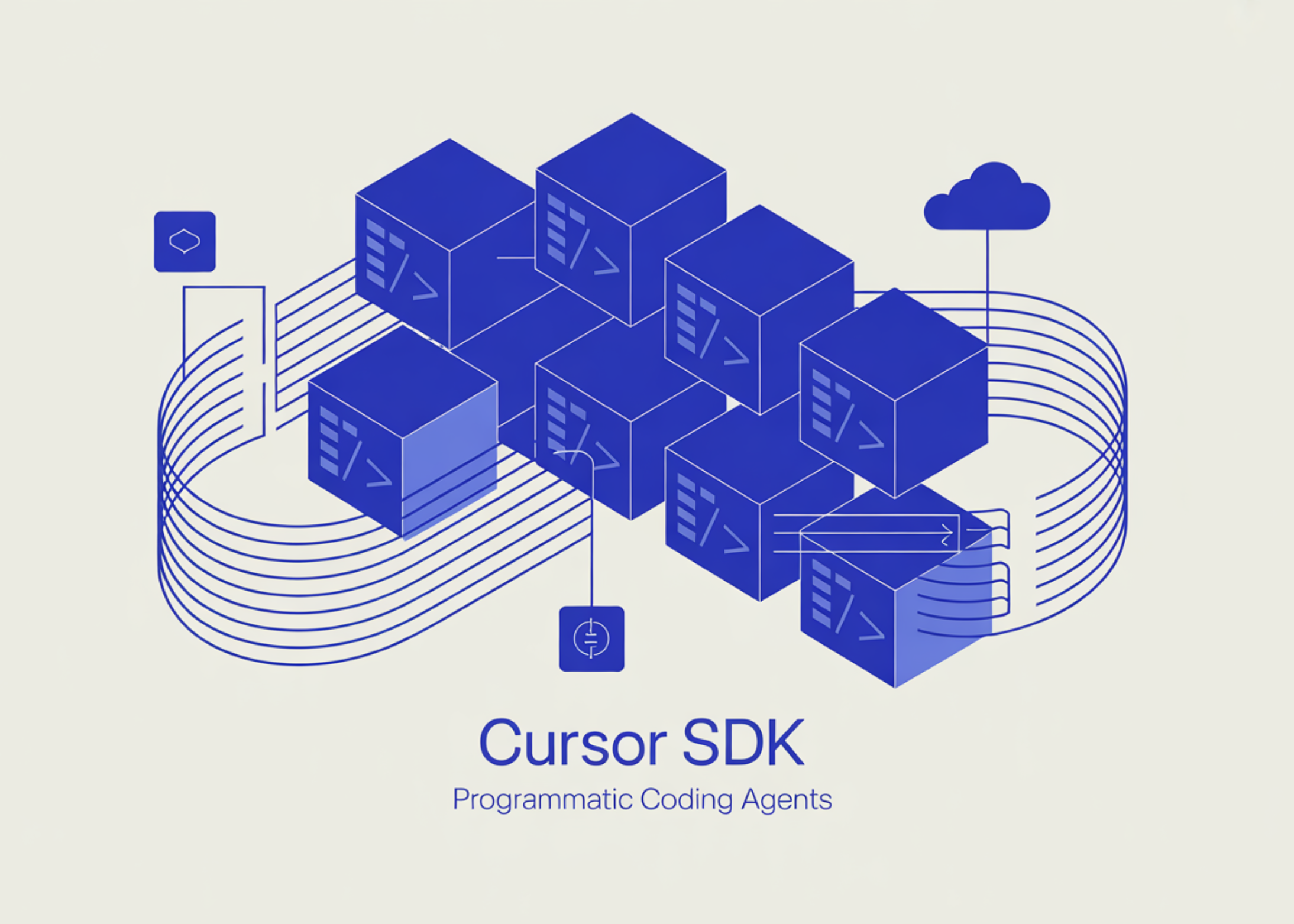
Cursor, the AI-powered code editor, is making the core technology behind its coding agents available to all developers. The team has launched a public beta for the Cursor SDK — a TypeScript library that provides programmatic access to the same runtime, harness, and models powering Cursor’s desktop application, command-line interface, and web platform.
This represents a significant evolution in how AI coding tools are being built: not just as interactive assistants working alongside developers, but as deployable infrastructure that companies can integrate into their existing workflows.
From Interactive Tool to Programmable Infrastructure
Those familiar with Cursor know it as an IDE where you work with an agent in real time — asking it to write functions, debug issues, or explain code. The Cursor SDK changes this model entirely. Rather than requiring a developer at a keyboard, the agent can now be triggered programmatically: from a CI/CD pipeline, a backend service, or built directly into another product.
Put simply: earlier, you needed to be “inside” Cursor to leverage its agents. Now, you can invoke those exact same agents from any part of your stack using just a few lines of TypeScript.
Setting up is as simple as one command:
Once installed, you create an Agent instance, assign it a task, and stream the response — entirely in TypeScript. Here’s the basic example from Cursor’s announcement:
import { Agent } from "@cursor/sdk";

const agent = await Agent.create({
  apiKey: process.env.CURSOR_API_KEY!,
  model: { id: "composer-2" },
  local: { cwd: process.cwd() },
});

const run = await agent.send("Summarize what this repository does");

for await (const event of run.stream()) {
  console.log(event);
}
The Agent.create() method takes an apiKey, a model field (specifying which model to use), and either a local or cloud configuration, depending on where you’d like execution to take place.
Why Building Your Own Agent Stack is Hard
Before exploring what the SDK provides, it helps to understand the challenge it addresses. Creating fast, dependable, and capable coding agents that operate safely on your data demands substantial engineering effort: secure sandboxing, persistent state and session management, environment configuration, and context handling. When a new model is released, development teams frequently have to rework their agent loops just to benefit from it. The Cursor SDK removes this complexity, allowing teams to concentrate on building effective agents rather than managing the underlying infrastructure.
The Agent Harness: What “Same Runtime” Actually Means
SDK agents run on the same harness that supports Cursor’s own products. “Harness” here describes the complete supporting infrastructure that makes an agent effective beyond the raw LLM call. For Cursor, this includes:
Smart context management — Codebase indexing, semantic search, and fast grep so agents gather the correct code context before generating responses. This matters because LLMs are only as effective as the context they receive; weak retrieval results in fabricated or irrelevant outputs.
MCP servers — Agents started through the SDK can hook into external tools and data sources over stdio or HTTP, either through a .cursor/mcp.json configuration file or passed directly within the API call. MCP (Model Context Protocol) is an open standard for connecting tools into agent runtimes.
Skills — Agents automatically discover reusable behavior templates from a .cursor/skills/ directory within the repository.
Hooks — A .cursor/hooks.json file lets you monitor, manage, and extend the agent loop across cloud, self-hosted, and local runtimes — ideal for logging, safety checks, or custom orchestration.
Subagents — The primary agent can assign subtasks to named subagents, each with their own prompts and models, using the Agent tool, enabling multi-agent workflows without specialized orchestration code.
Cloud Deployment: Persistent, Sandboxed, and Resumable
One of the most practical capabilities of the SDK is cloud execution. When set up to run in Cursor’s cloud, every agent receives its own dedicated VM with strong sandboxing, a clone of the target repository, and a fully configured development environment. Importantly, the agent continues running even if the initiating machine disconnects — the developer can rejoin and resume the conversation anytime.
Cloud agents work with Cursor’s existing Agents Window and web application, so a task initiated programmatically via the SDK can be reviewed or taken over manually within the Cursor interface. Once the agent completes its work, it can open a PR, push a branch, or attach demos and screenshots — making them ideal for asynchronous, automated workflows:
const agent = await Agent.create({
  apiKey: process.env.CURSOR_API_KEY!,
  model: { id: "gpt-5.5" },
  cloud: {
    repos: [{ url: " startingRef: "main" }],
    autoCreatePR: true,
  },
});

const run = await agent.send("Fix the auth token expiry bug");
console.log(`Started ${run.id}`);

// ...check back in later, from anywhere:
const result = await (
  await Agent.getRun(run.id, { runtime: "cloud", agentId: run.agentId })
).wait();
console.log(result.git?.branches[0]?.prUrl);
For development teams with security concerns, the SDK also supports self-hosted workers, keeping all code and tool execution within the organization’s own network.
Model Flexibility and Composer 2
The SDK exposes every model supported by Cursor. Switching models requires changing a single field in the model parameter, enabling teams to route tasks to the best model based on cost and capability trade-offs. Cursor’s own Composer 2 — described as a specialized coding model delivering frontier-level performance at a fraction of the cost of general-purpose models — is recommended as the default choice for most coding agent tasks.
Getting Started
To accelerate adoption,
Cursor has unveiled an open cookbook repository on GitHub featuring four starter projects: a lightweight quickstart (a Node.js sample that spins up a local agent, sends a single prompt, and streams the response back), a browser-based prototyping utility for scaffolding fresh projects within an isolated cloud workspace, a kanban board driven by agents that automatically generates pull requests whenever engineers move a card, and a streamlined coding agent CLI for launching Cursor agents directly from the terminal.
Cursor has also rolled out a Cursor SDK plugin in the Cursor Marketplace so developers can begin building straight from the editor.
Key Takeaways
- Cursor SDK is now in public beta — Cursor has launched a TypeScript SDK (
npm install @cursor/sdk) that provides developers with direct programmatic access to the same runtime, harness, and models powering the Cursor desktop application, CLI, and web experience. - Removes the toughest hurdles of building coding agents — Teams can skip the effort of engineering secure sandboxing, persistent state and session handling, environment provisioning, and context management from the ground up — and avoid rewriting agent logic every time a new model is released.
- Runs locally or on Cursor’s cloud — Agents can operate on a developer’s local machine for rapid iteration, on Cursor’s cloud backed by a dedicated VM with robust sandbox configurations, or on self-managed workers for organizations with stringent network security policies.
- Full harness available out of the box — SDK-built agents inherit Cursor’s entire infrastructure: smart context handling (codebase indexing, semantic search, instant grep), MCP server integration, Skills, Hooks, and Subagents — the identical stack used across Cursor’s own products.
Explore the Cookbook and Technical details. Also, feel free to follow us on Twitter and don’t forget to join our 130k+ ML SubReddit and subscribe to our Newsletter. Hold on — are you on Telegram? Now you can join us on Telegram as well.
Looking to partner with us to promote your GitHub Repo, Hugging Face Page, Product Launch, or Webinar? Connect with us

Michal Sutter is a data science professional with a Master of Science in Data Science from the University of Padova. With a solid foundation in statistical analysis, machine learning, and data engineering, Michal excels at transforming complex datasets into actionable insights.
