



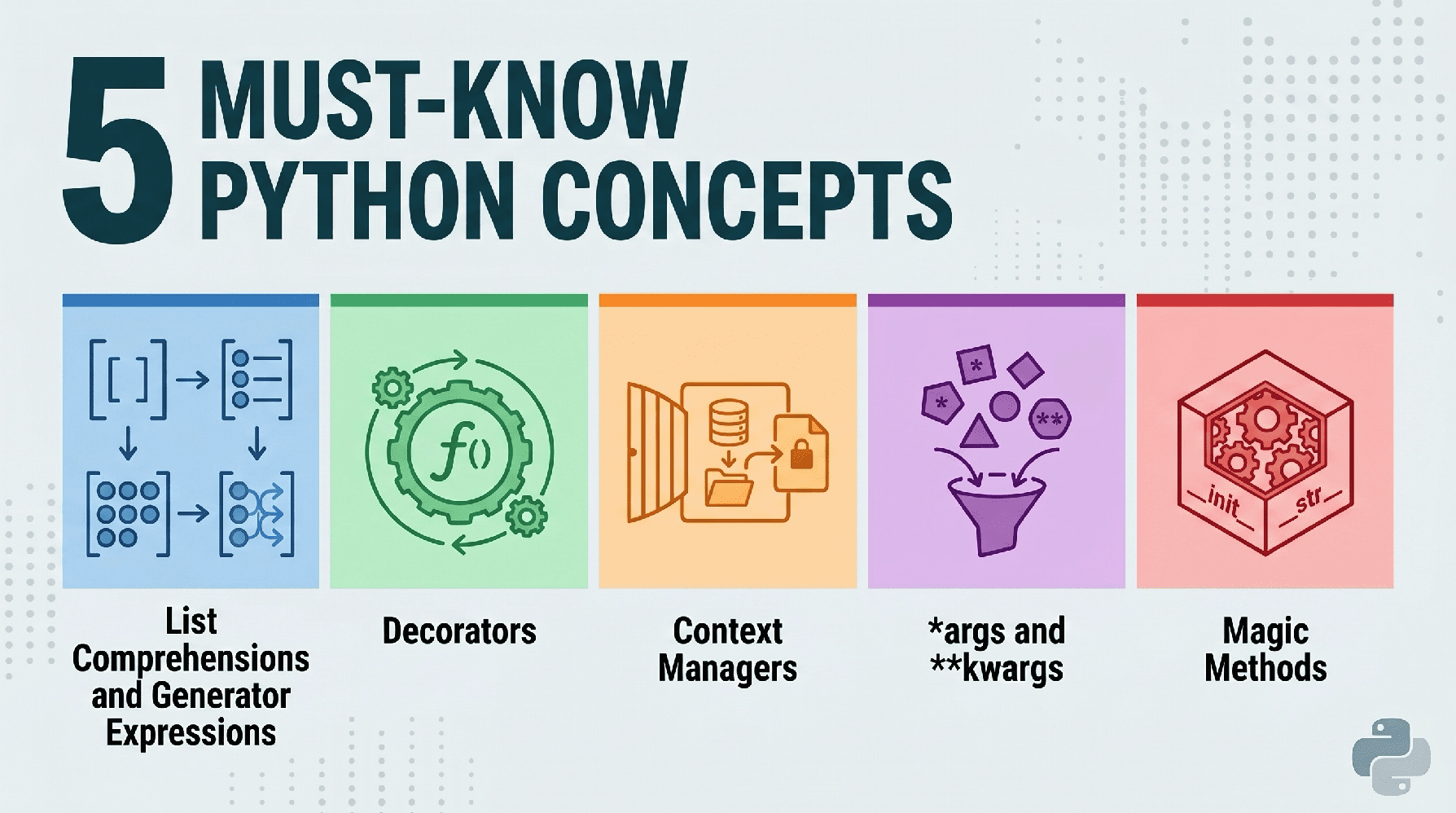
# Introduction
What draws you to Python? Many people choose it simply out of habit, but there’s much more to it than that. Python is a versatile, powerful programming language with an intuitive syntax that emphasizes clean, Pythonic ways of handling logic and data. It has become the preferred language for data science, machine learning, and AI exactly because of these strengths. While picking up Python is straightforward, truly mastering its core principles and evolving from a beginner to a skilled professional capable of building efficient, maintainable systems takes years of dedicated practice.
With that goal in mind, let’s dive into five essential concepts that belong in every Python developer’s skill set.
# 1. List Comprehensions and Generator Expressions
Python is well-known for its clean, readable syntax. List comprehensions let you replace bulky loops with a single, elegant line of code. The real mark of an experienced developer, though, is understanding when to swap in a generator expression to conserve memory.
// The Verbose Approach (For Loop)
Let’s begin with the wordy, non-Pythonic approach:
numbers = range(1000000)
squared_list = []

for n in numbers:
    if n % 2 == 0:
        squared_list.append(n ** 2)
// The Pythonic Approach (List Comprehension)
Now here’s how you’d tackle the same problem the Pythonic way:
# Compact and quicker to execute
squared_list = [n ** 2 for n in numbers if n % 2 == 0]

# The "Essential" Twist: Generator Expressions
# Use this when you only need to loop through once and don't want the full list stored in memory:
squared_gen = (n ** 2 for n in numbers if n % 2 == 0)
Output:
List size:      4,167,352 bytes
Generator size: 200 bytes
The significance of this goes beyond simply following Python conventions: List comprehensions outperform .append() in speed. Generator expressions (written with parentheses) are “lazy” — they generate values one at a time on demand, making it possible to work with enormous datasets without draining your system’s memory.
Here’s how you consume values from a generator one at a time using a generator expression:
numbers = range(1000000)

squared_gen = (n ** 2 for n in numbers if n % 2 == 0)

# Values are calculated only when requested, not all upfront
print(next(squared_gen))
print(next(squared_gen))
print(next(squared_gen))
Output:
# 2. Decorators
Decorators provide a way to alter how a function or class behaves without making permanent changes to its source code. You can think of them as protective layers wrapped around other functions.
// The Repetitive Approach
If you needed to track how long several different functions took to execute, you might find yourself manually inserting timing code into each one.
import time

def process_data():
    start = time.time()
    # ... function logic ...
    end = time.time()
    print(f"process_data took {end - start:.4f}s")

def train_model():
    start = time.time()
    # ... function logic ...
    end = time.time()
    print(f"train_model took {end - start:.4f}s")

def generate_report():
    start = time.time()
    # ... function logic ...
    end = time.time()
    print(f"generate_report took {end - start:.4f}s")
The repetition makes the issue clear: the same four lines of code duplicated across every function. Here’s how a decorator can solve this elegantly.
// The Pythonic Approach
Here’s a cleaner, more Pythonic solution to the same problem.
import time
from functools import wraps

def timer_decorator(func):
    @wraps(func)
    def wrapper(*args, **kwargs):
        start = time.time()
        result = func(*args, **kwargs)
        end = time.time()
        print(f"{func.__name__} took {end - start:.4f}s")
        return result
    return wrapper

@timer_decorator
def heavy_computation():
    return sum(range(10**7))

heavy_computation()
Output:
heavy_computation took 0.0941s
Notice how the timer_decorator() “wraps” the heavy_computation() function, so that when the latter is called, it’s absorbed into and benefits from the former.
Decorators uphold the “don’t repeat yourself” (DRY) principle. They’re indispensable for logging, authentication, and caching in production-grade applications.
# 3. Context Managers (with Statements)
Handling resources such as files, database connections, or network sockets is a frequent source of bugs. Forgetting to close a file can lead to memory leaks or prevent other processes from accessing it.
// The Manual Approach
In this example, we open a file, work with it, and then explicitly close it when we’re done.
f = open("data.txt", "w")
try:
    f.write("Hello World")
finally:
    # Simple to overlook!
    f.close()
// The Pythonic Approach
A with statement handles all of that for us.
# File is closed automatically here, even if an exception is raised
with open("data.txt", "w") as f:
    f.write("Hello World")
Beyond being more concise, the logic is clearer and easier to follow — and you get the easily-overlooked close() call at no extra cost, since “setup” and “teardown” are handled reliably. For data-related work, this pattern is especially handy when connecting to SQL databases or managing large input/output (I/O)-heavy operations.
# 4. Understanding *args and **kwargs
At times, you won’t know in advance how many arguments will be passed to a function. Python handles this gracefully using “packing” operators. Even as a beginner
# 5. Dunder Methods (Magic Methods)
“Dunder” is short for double underscore (like __init__). These are officially known as special methods, though most developers call them magic methods. They let your custom objects act just like Python’s built-in types.
// The Pythonic Approach
Here’s how magic methods can automatically add behavior to your classes.
class Dataset:
    def __init__(self, data):
        self.data = data

    def __len__(self):
        return len(self.data)

    def __str__(self):
        return f"Dataset with {len(self.data)} items"

# Create a dataset instance
my_data = Dataset([1, 2, 3])

# Triggers __len__
print(len(my_data))

# Triggers __str__
print(my_data)
Output:
3
Dataset with 3 items
By implementing the built-in __len__ and __str__ dunders, our custom class gains useful functionality without extra effort.
Dunder methods form the foundation of Python’s object protocol. When you implement methods like __getitem__ or __call__, your classes can behave like lists, dictionaries, or even functions, resulting in much more intuitive APIs.
# Wrapping Up
Getting comfortable with these five concepts is what separates someone who writes scripts from someone who builds real software. Using list comprehensions for performance, decorators for cleaner logic, context managers for resource safety, *args/**kwargs for adaptability, and dunder methods for object capabilities, you’re laying the groundwork for deeper Python mastery.
Matthew Mayo (@mattmayo13) holds a master’s degree in computer science and a graduate diploma in data mining. As managing editor of KDnuggets & Statology, and contributing editor at Machine Learning Mastery, Matthew aims to make complex data science concepts accessible. His professional interests include natural language processing, language models, machine learning algorithms, and exploring emerging AI. He is driven by a mission to democratize knowledge in the data science community. Matthew has been coding since he was 6 years old.
