



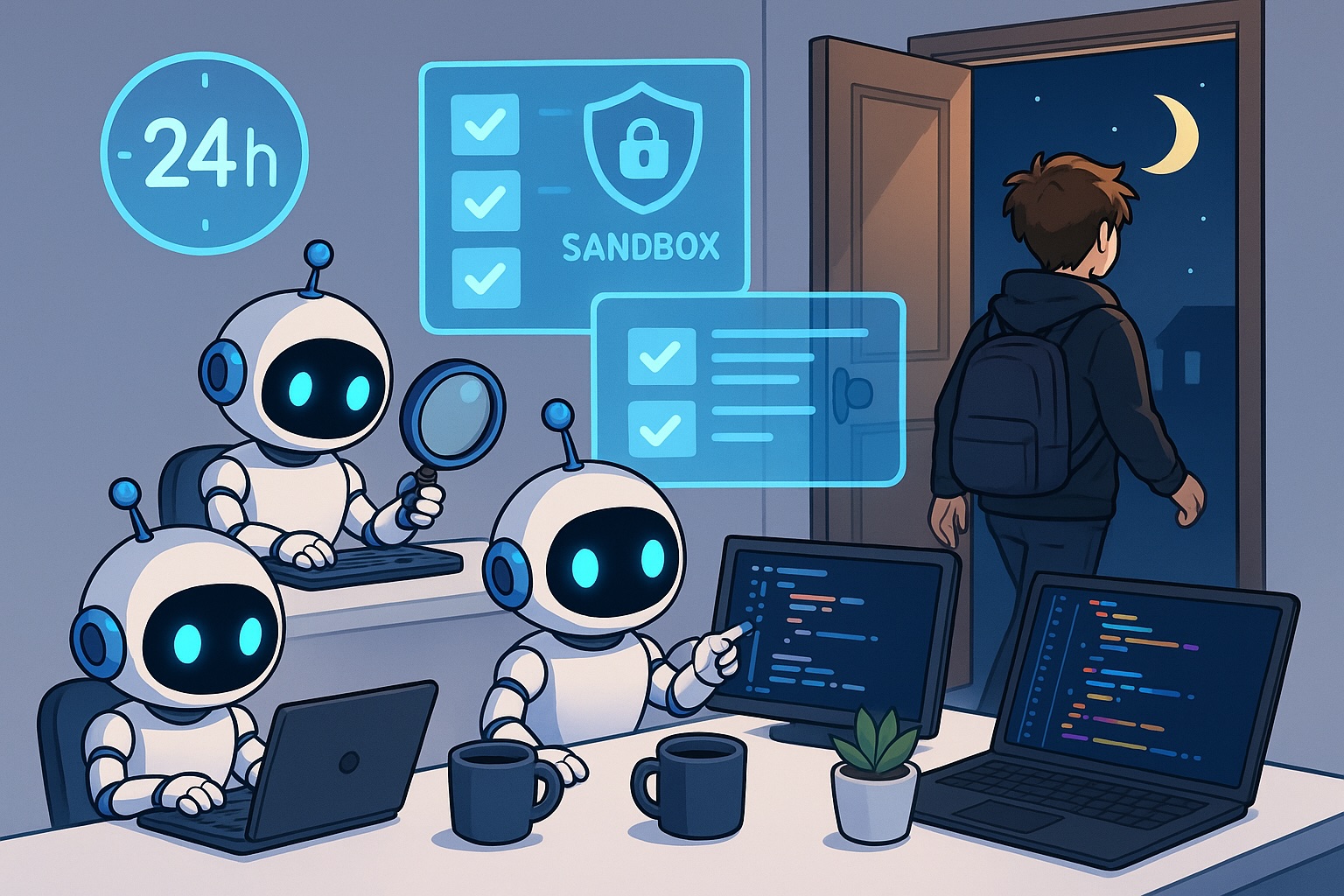
**How to Run Coding Agents for Long-Running Sessions: Strategies and Best Practices**
As artificial intelligence continues to evolve, coding agents have become powerful tools that can significantly accelerate software development. Recent advances, particularly with models like Claude Fable and GPT-5.6, have made these agents increasingly capable of handling complex tasks over extended periods. However, to fully realize their potential, developers need to focus on enabling long-running sessions that minimize human interruption. This article explores the importance of long-running agents, practical strategies to achieve them, and how to create an environment where agents can work autonomously and efficiently.
### Why Run Long-Running Agents
One of the key insights from the rise of advanced coding agents is that the bottleneck in software development has shifted from implementation to human review. After the release of models like Claude Opus 4.5, it has become clear that the time humans spend verifying and reviewing code surpasses the time required to actually write it. This is where long-running agents come into play.
By enabling agents to run for longer periods, they can complete more tasks autonomously, reducing the need for constant human oversight. The goal is to minimize human review time by allowing agents to thoroughly implement and self-check code before presenting the final result. In short, the longer the agent runs without interruption, the more efficient the development process becomes.
### How to Run Agents for Over 24 Hours
To achieve long-running sessions, developers need to adopt specific strategies that allow agents to work continuously and autonomously. Here are some essential techniques:
#### 1. Permissions
First and foremost, agents need to have all the permissions necessary to complete their tasks. If an agent constantly needs to ask for human approval or permissions, its workflow will be interrupted, reducing efficiency. Tools like Codex and Claude Code offer settings such as “auto-mode” or “skip all permissions” that allow agents to operate without constant human input. Additionally, running agents in a sandbox environment ensures that they can perform tasks safely without risking the integrity of your system or data.
It’s also important to back up important files and use secure storage solutions, such as GitHub, to protect your work. While there have been rare instances where agents may inadvertently delete files, taking precautions such as running agents in a sandboxed environment and enabling backups can mitigate these risks.
#### 2. Verify Work
For agents to work autonomously, they must be able to verify their own work. This involves providing detailed instructions and specifying how the agent should determine whether a task is complete. For example, if the task involves implementing a design, the agent should be instructed to compare screenshots of the design with the implementation and flag any discrepancies. This self-verification process reduces the need for human intervention and ensures that the work meets the required standards.
This approach can be applied to various programming tasks, where agents are given the tools and instructions needed to evaluate their own progress and make adjustments as necessary.
#### 3. Agentic Code Review
Another way to reduce human involvement is through agentic code review. Instead of relying on human reviewers, agents can review their own code before it is merged. Tools like Codex are particularly effective at this and can be used in two ways: through GitHub integration, where the agent automatically reviews pull requests, or via the command line, where agents compare branches to identify issues. This significantly reduces the time spent on code review and allows for faster deployment of high-quality code.
#### 4. Running Agents Remotely
Finally, to ensure agents can run for extended periods, they need to be running remotely. Remote agents are not interrupted by local events, such as closing a laptop or turning off a computer. While running agents locally offers more transparency and simplicity, remote setups provide the advantage of uninterrupted operation. This is especially useful for long-term tasks that require continuous execution. Developers can choose between running agents on personal computers, dedicated machines, or even cloud environments, depending on their specific needs and security considerations.
### Conclusion
Incorporating long-running sessions into your development workflow can dramatically improve the efficiency of coding agents. By giving agents the necessary permissions, enabling them to verify their own work, utilizing agentic code review, and considering remote execution, developers can minimize human intervention and maximize productivity. As coding agents continue to evolve, the ability to run them autonomously for extended periods will become increasingly important. Adopting these strategies now will position developers to take full advantage of the growing capabilities of AI in software development.
—
### **FAQ**
**1. What does “long-running sessions” mean for coding agents?**
Long-running sessions refer to the ability of coding agents to operate continuously for extended periods without frequent human interruption. This allows agents to complete more complex tasks autonomously and reduces the bottleneck caused by human review.
**2. Why is human review considered a bottleneck in coding?**
Human review is often the slowest part of the development process, even after coding agents have implemented the code. Agents can now write and verify code faster, meaning the time humans spend checking their work is the main factor slowing down progress.
**3. How can I ensure my coding agent has the right permissions?**
Most modern coding agent platforms, such as Codex and Claude Code, offer permission settings like “auto-mode” or “skip permissions.” Running agents in a sandbox environment is also recommended to protect your system.
**4. What is agentic code review, and why is it useful?**
Agentic code review involves using AI agents to review their own code before it is merged into the main branch. Advanced models like Codex can perform thorough code reviews, catching bugs and ensuring quality without human intervention. This dramatically reduces the time required for code review.
**5. Should I run my coding agents locally or remotely?**
It depends on your needs. Running agents locally offers more transparency and simplicity, while remote execution ensures that agents can work continuously without being interrupted by local events. Many developers opt for a hybrid approach, using both local and remote setups depending on the task.
**6. Can coding agents verify their own work?**
Yes, modern coding agents can be instructed on how to verify their own work. By providing clear criteria—such as comparing screenshots, running tests, or checking implementation details—agents can assess whether their work meets the required standards.
—
### **Conclusion**
Enabling long-running sessions for coding agents is essential for maximizing efficiency and minimizing human intervention. By focusing on permissions, self-verification, agentic code review, and remote execution, developers can create an environment where agents work autonomously and effectively. As AI-powered coding tools continue to improve, adopting these practices will become increasingly important for staying competitive and productive in software development.
